
-
Hi,
Saad Faisal here,
My website theparkingarea.com related pages showing (Rightway Parking – R2Park) like this. I want only meta title rightway parking.I only select title only in rank math post and page setting but it showing like this (Rightway Parking – R2Park) on serp.

-
Hello,
I’m sorry to hear about the issue you are facing with your meta title display on the SERP. To ensure that only the meta title "Rightway Parking" appears without any additional text like "- R2Park," you can follow these steps:
-
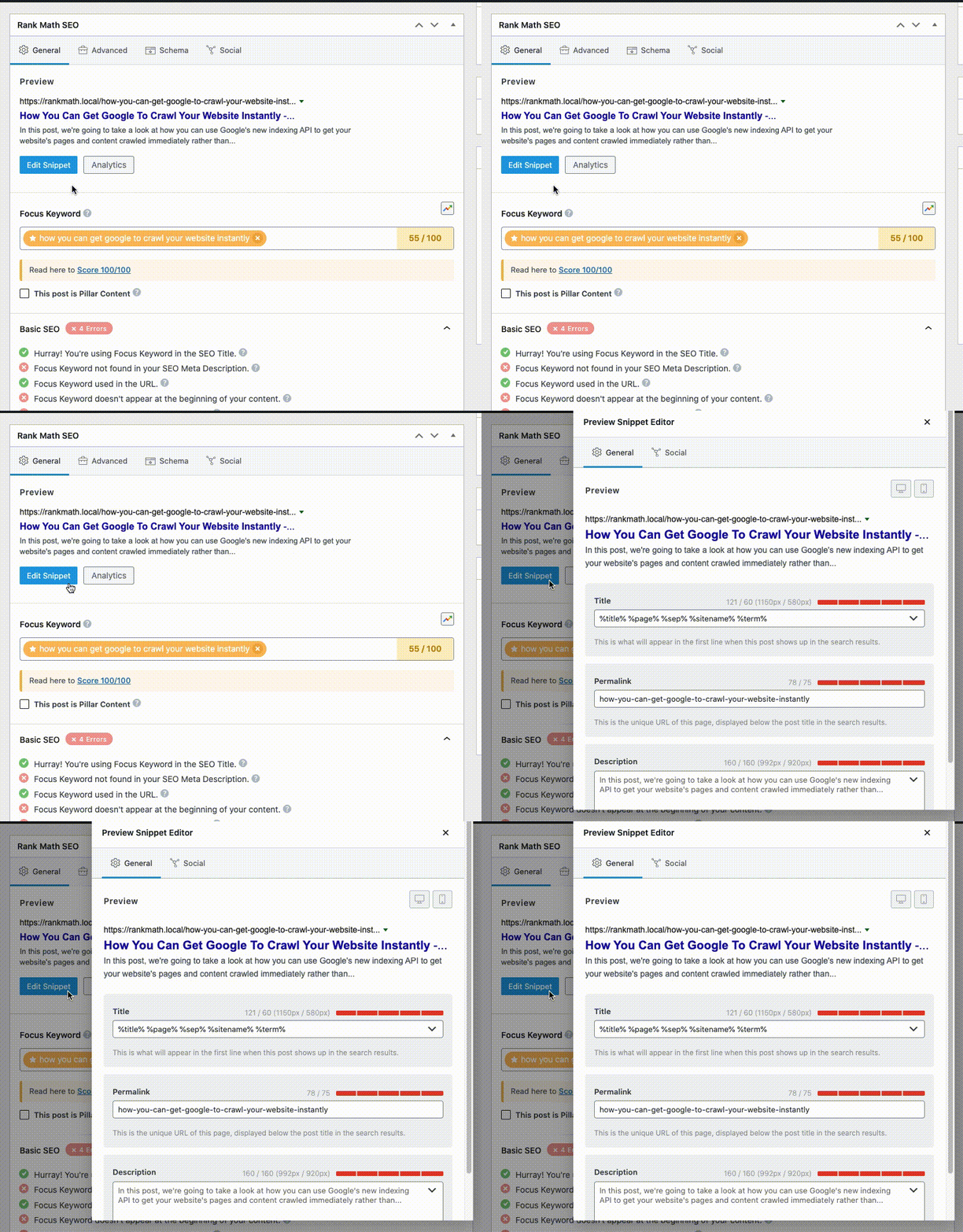
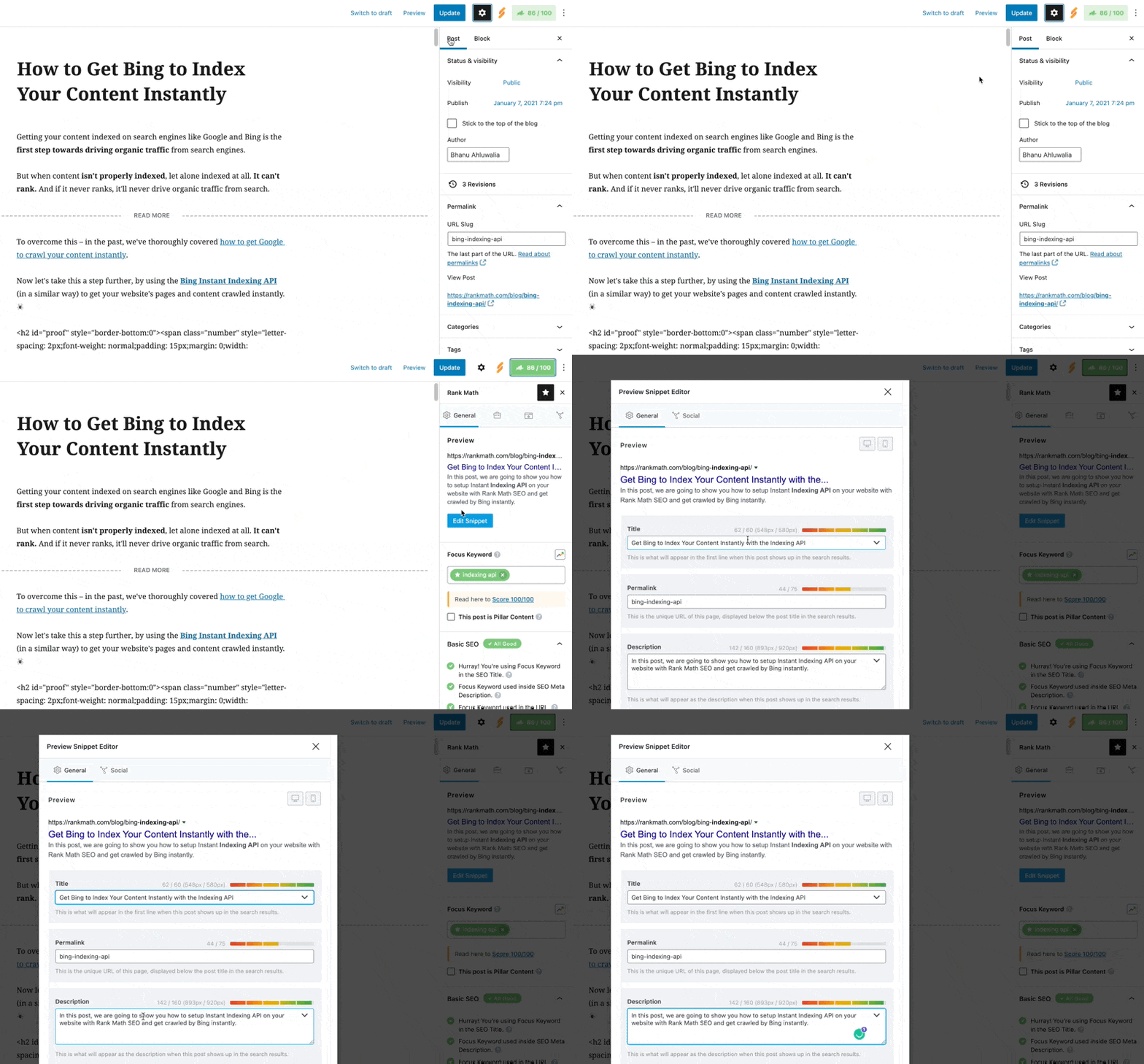
Check What You Have Set Using Rank Math:
- Make sure you have correctly set the SEO Meta Title & Description using the Rank Math WordPress SEO plugin. You can refer to this guide for instructions on how to do this: Editing Meta Title and Description using Classic Editor for Classic Editor or Editing Meta Title and Description in Gutenberg for Gutenberg.
-
Ensure Your Schema Settings Are Valid:
- Verify that the settings in Rank Math’s Schema tab for the post or page you’re referring to show the correct values for Headline (%seo_title%) and Description (%seo_description%). This ensures that your SEO title and description set up via Rank Math are used for structured data. You can refer to this image for guidance:
.
- Verify that the settings in Rank Math’s Schema tab for the post or page you’re referring to show the correct values for Headline (%seo_title%) and Description (%seo_description%). This ensures that your SEO title and description set up via Rank Math are used for structured data. You can refer to this image for guidance:
-
Check the Title/Description Set in the Page’s Source Code:
- Verify that your title/description is correctly set up in the page’s source code. You can do this by right-clicking on your page and selecting "View page source." Alternatively, you can use an online tool like HeyMeta to check the title and meta description set in the source code.
Following these steps should help ensure that only the meta title "Rightway Parking" appears on the SERP without any additional text. If you need further assistance or have any other questions, feel free to reach out to our support team directly at Rank Math Support.
Thank you for reaching out, and we’re here to help!
Sources:
Why Google Displays URL Instead of Site Name in SERP? » Rank Math
Google Shows A Different Meta Title/Description For My Site » Rank MathHello,
Thank you for contacting Rank Math and bringing your concern to our attention. I’m sorry for any inconvenience this issue may have caused you.
I’ve checked your site on Google, and our Meta tag anaylzer, and shows the correct meta you have set.
It is a pretty common thing with Google these days. It happens with 70% of the results and we even have a KB dedicated to this problem and a few solutions we recommend:
https://rankmath.com/kb/different-meta-title-and-description/
Please check the KB and you will understand the reasons Google does this.
However, if you have already made up your mind, while we will be sorry to see you go, we fully respect your decision.
We offer a 30-day refund policy and we will assist you with your refund request.
Let us know if you need assistance with anything else.
Thank you.
I set it but it shows r2park as a brand name i don’t want it. I only want meta title like (pass2parkit) (spot hero) only don’t want pass2parkit-R2park no like that..
Main page is correct and proper but other pages have problemsPlz reply
Hello,
As we mentioned before, it’s pretty normal these days for Google to change the titles and add the brand name to add context to the users.
Unfortunately, that is not something you can prevent from happening.
The only thing you can do is make sure that the technical aspects are correct and we can see that you already added the meta title correctly, so beyond that, there’s nothing more you can do about it.
Thank you.
how can i change setting? bcz in general setting of post and page i only select title.
Hello,
Please share more details about the issue you’re facing on your website so that we can check this further for you.
You can share this information with a screenshot using https://imgur.com/upload or share a video using https://www.loom.com/ with us so that we can investigate the issue further.
Having the screen recording or screenshot will help us to understand the issue and provide the right solution.
We look forward to helping you.
Thank you.
Rank Math Support please help me. I add the meta description of my Sonic food website. Whenever I place the meta in edit snippet of rankmath it doesn’t show in google results. PLease review my website and tell me how to solve this problem
Hello,
We would like to help you further.
Please open a support ticket here https://support.rankmath.com/new-ticket/ so we could check this in details.
We look forward to helping you.
Thank you.
Hello,
Since we did not hear back from you for 15 days, we are assuming that you found the solution. We are closing this support ticket.
If you still need assistance or any other help, please feel free to open a new support ticket, and we will be more than happy to assist.
Thank you.
-



The ticket ‘Title Problem’ is closed to new replies.