Hello,
We apologize for the issue you are facing with your website not ranking and not appearing in Google Discover. Thank you for raising this concern.
Here are some steps you can take to troubleshoot and potentially resolve the issues:
1. Check Your Sitemap
Make sure that your sitemap is correctly submitted to Google Search Console. You can find your sitemap at https://yourdomainname/sitemap_index.xml. If you haven’t submitted it yet, do so in the Search Console.
2. Inspect Your URLs
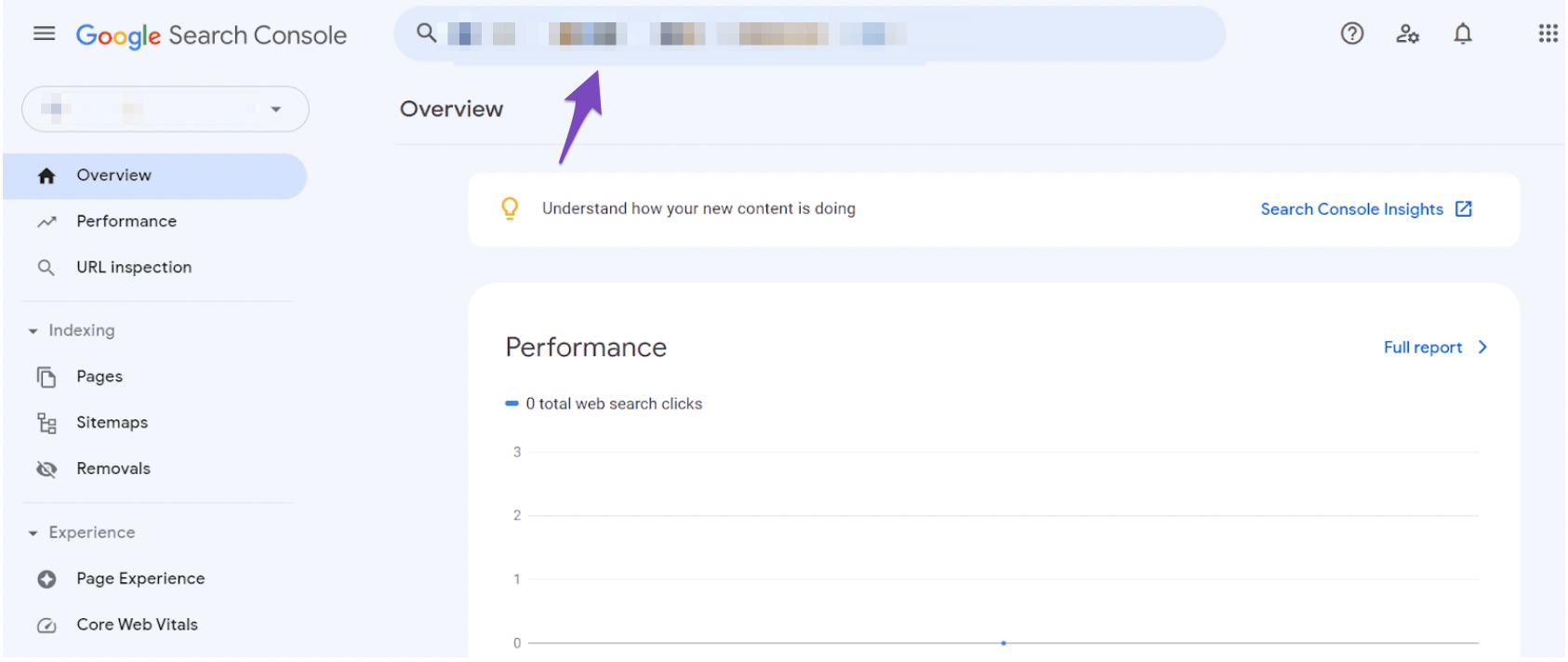
Use the URL Inspection Tool in Google Search Console to check how Google is discovering your URLs. This can help you understand if there are any issues with indexing. If you see that no referring sitemaps are detected, ensure that your sitemap is properly configured and accessible.
3. Review Robots.txt File
Check your robots.txt file to ensure that you are not accidentally blocking Google from crawling your site. You can use the robots.txt testing tool to verify this.
4. Security Issues
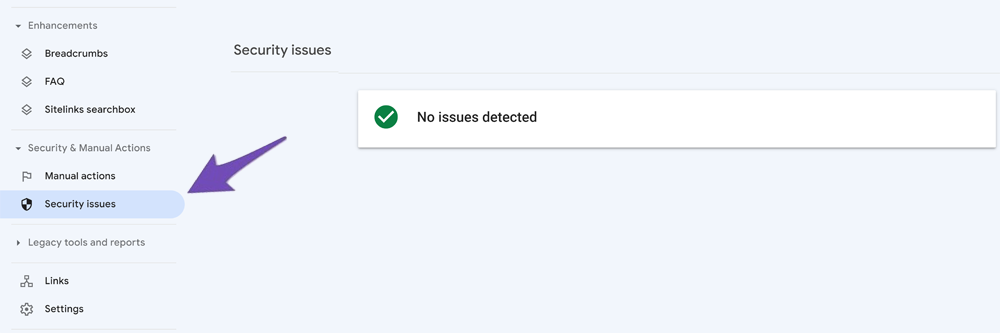
Check for any security issues in Google Search Console. If your site has been flagged for malware or phishing, it could affect your visibility in search results. Look for any security issues and resolve them if necessary.
5. Submit a Reconsideration Request
If you find that your site has been penalized or if there are security issues, once resolved, consider submitting a reconsideration request to Google.
6. Use Instant Indexing Plugin
Consider using the Instant Indexing plugin for Google to help submit your URLs directly to Google for faster indexing.
7. Monitor Your Traffic Sources
Since you’re currently receiving traffic from social media, continue to engage with your audience there while you work on resolving these issues.
If these steps do not resolve the issue, please reply to this ticket, and a human agent from the Rank Math Support team will assist you further.
We hope this helps you get back on track!
Sources:
Why Google Search Console Shows Zero Discovered URLs Through Sitemap? » Rank Math
Why Did My Website Disappear From Google Search? » Rank Math



