Hello,
I’m sorry to hear that you are facing issues connecting Google Search Console and Analytics to your website on WordPress. To troubleshoot this problem, you can follow these steps:
-
Test Connections:
- Go to Rank Math SEO → General Settings → Analytics.
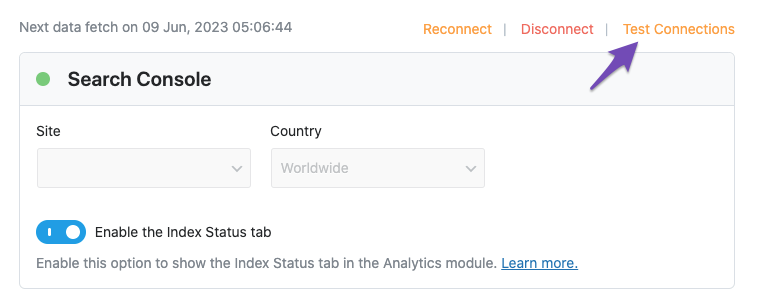
- Click on the Test Connections option to validate the connection with your Google account. Make sure to reconnect if there is a glitch in the connection.
- Here is an image showing how to test connections:
-
Check CRON Issues:
- Ensure that
DISABLE_WP_CRON is set to false in the wp-config.php file.
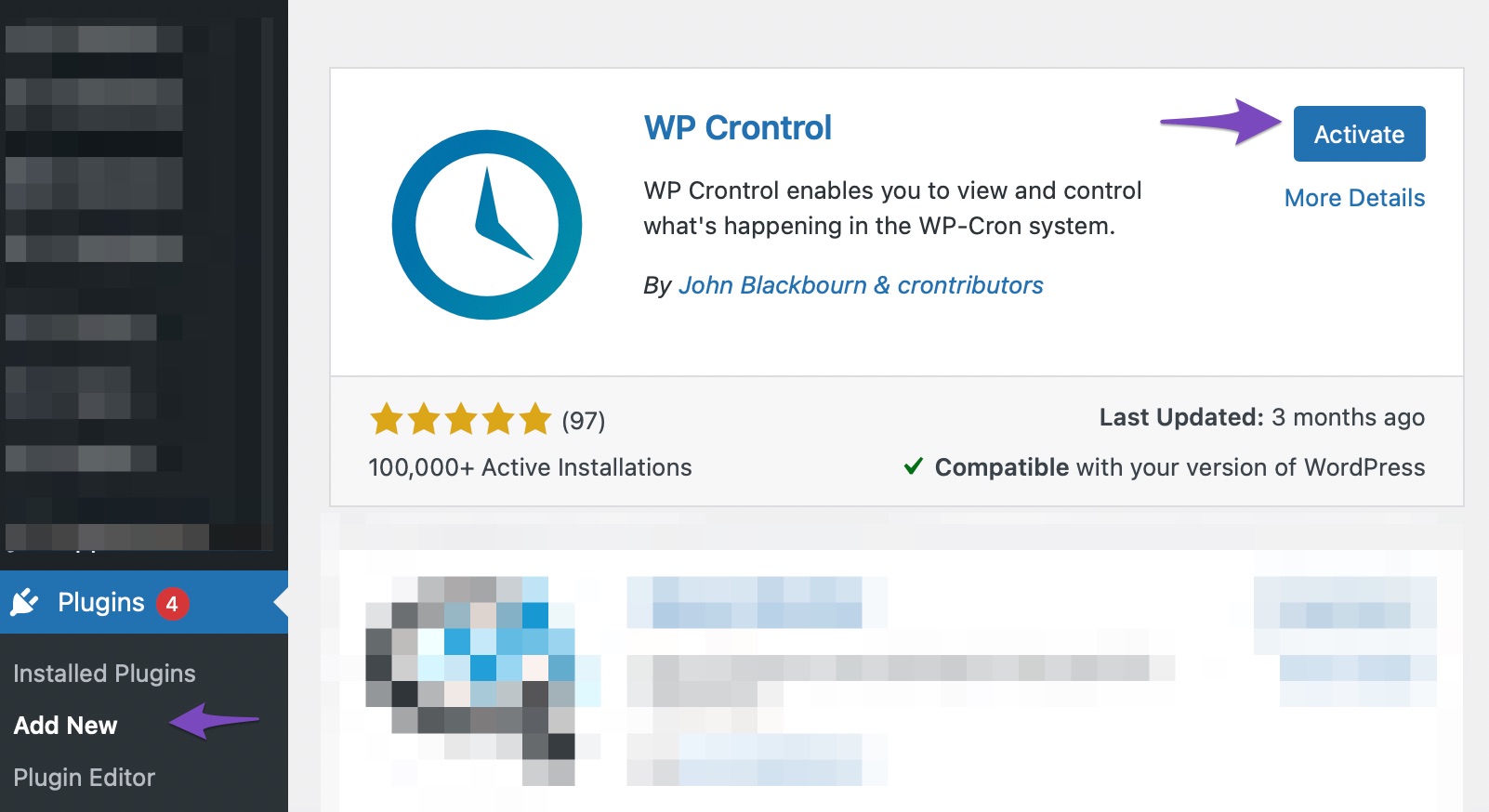
- Install and activate the WP Crontrol plugin to identify any CRON issues.
- Here is an image showing how to install and activate the WP Crontrol plugin:
If the issue persists after following these steps, please open a support ticket here and share the error log with us for further assistance.
If you need more help or have any other questions, feel free to ask. We’re here to assist you.
Thank you.
Sources:
Resolving Rank Math Analytics Related Issues » Rank Math
Why Did My Website Disappear From Google Search? » Rank Math
Analyzing Your Site’s SEO with Rank Math’s SEO Analysis Tool
How to Connect Your Google Account With Rank Math SEO » Rank Math
yes i’m facing the same issue, can’t conected to the search consoe through rankmath
Hello,
If you do not see the properties, please verify using the URL prefix and ensure that you have verified the correct version of your website on the Google Search Console (HTTP or HTTPS, www or non-www).
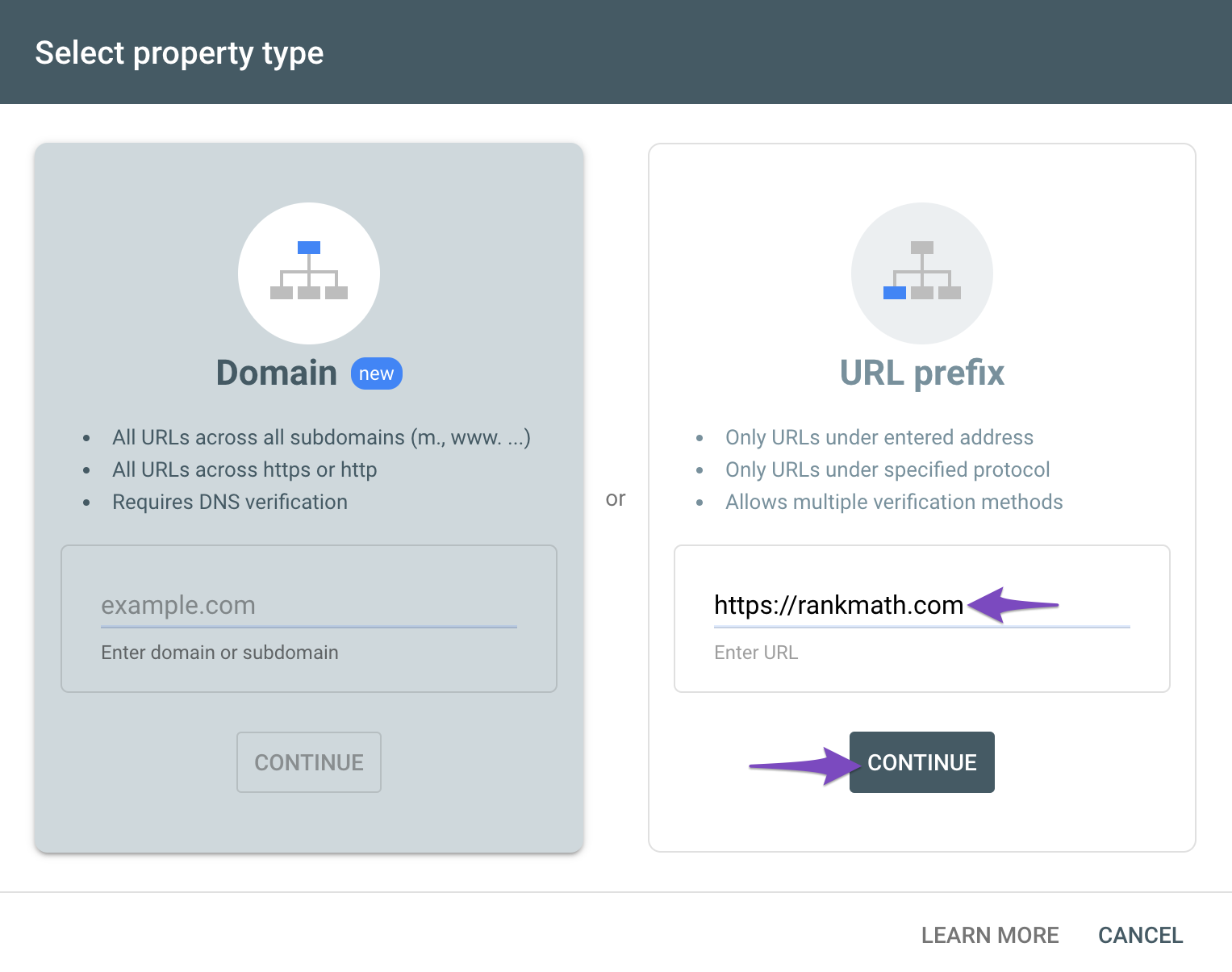
You can follow our guide here to create the URL Prefix property:
https://rankmath.com/kb/google-site-verification/#num-1-1-open-google-search-console
The URL-prefix property also helps keep your sitemap in sync with Google Search Console as we submit it automatically for you. In addition, the domain property won’t work correctly on some sections of the Analytics module such as the IndexStatus.
Regarding the Analytics drop-down, could you please confirm if you have already created a GA4 property for your website?
If not yet, please visit this page (https://analytics.google.com/analytics/web/) and sign up for a Google Analytics account and property, then reconnect your Google Account so the new Analytics account will reflect in that section.
Let us know how this goes.
I will follow the instructions to connect the site with google search consol.
Hello,
Sure! Let us know how it goes.
Meanwhile, please don’t hesitate to let us know if you have any other questions.
Looking forward to helping you.
Thank you.
Hello,
Since we did not hear back from you for 15 days, we are assuming that you found the solution. We are closing this support ticket.
If you still need assistance or any other help, please feel free to open a new support ticket, and we will be more than happy to assist.
Thank you.





