Add a Blog into our website.

#847086
  • Resolved Paulo
    Rank Math free
    Content AI Creator

    Hello,

    I purchased the basic Rank Math SEO AI services and installed the WordPress plugin into my website http://www.rapidshuttle247.com. The main purpose of buying your services was for assistance with SEO, Site Content (AI), and Blog Content (AI). Before I move into SEO, Keywords, and Site Content, I would like to add a interactive Blog into my site, where our travel advisors can interact with customers, and also post news and updates. Can you assist me with this?

Viewing 1 replies (of 1 total)

  • Hello,

    We apologize for the issue you are facing. To add a blog to your website using Rank Math, you can follow these general steps:

    1. Create a New Post: In your WordPress dashboard, navigate to Posts > Add New. This is where you can create your blog posts.

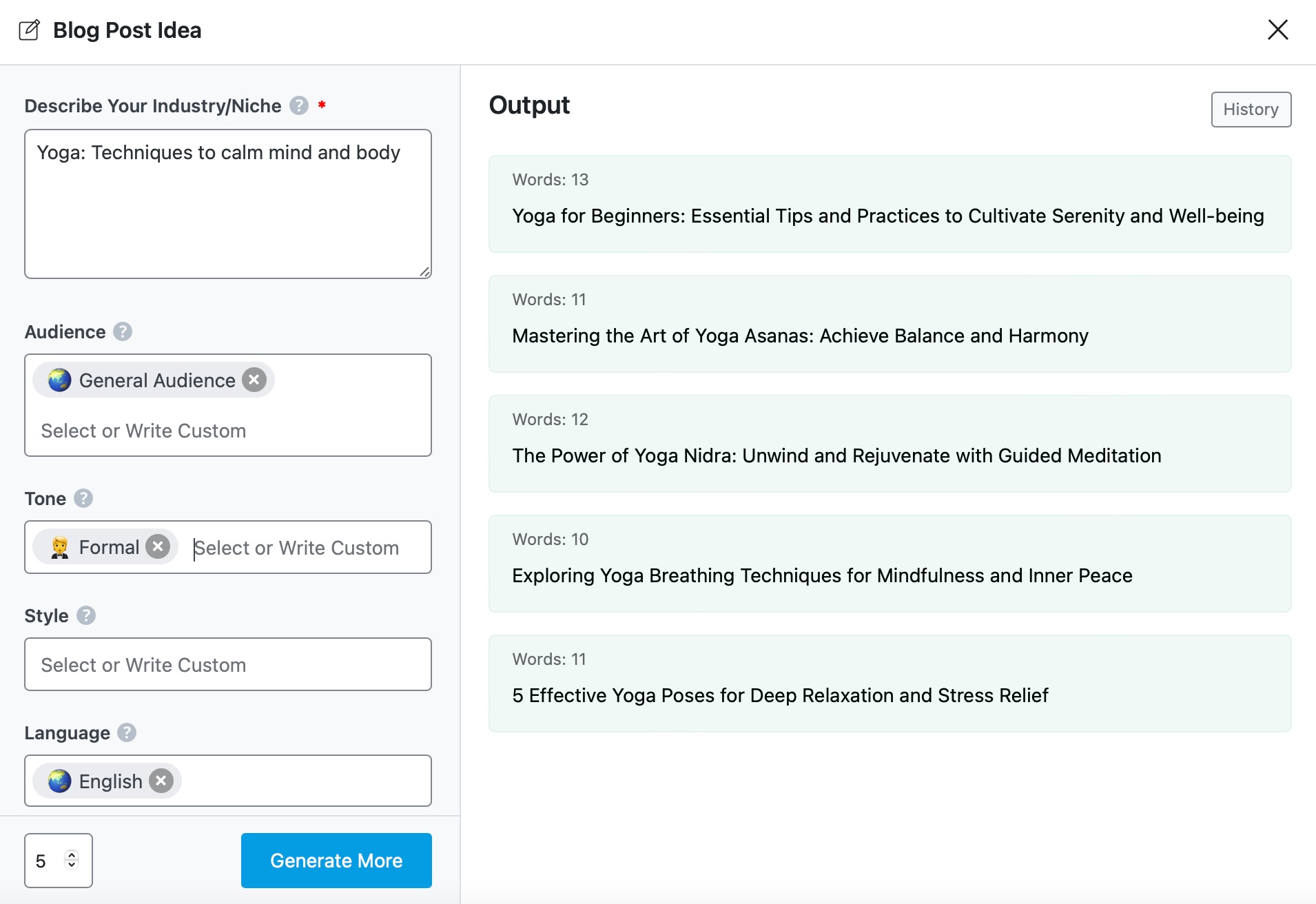
    2. Use Content AI Tools: Since you have Rank Math SEO AI services, you can utilize the Content AI tools to help generate ideas, outlines, and even introductions for your blog posts. For example, you can use the Blog Post Idea AI tool to get suggestions for topics to write about. You can find more information on how to use this tool here.

      Blog Post Idea example

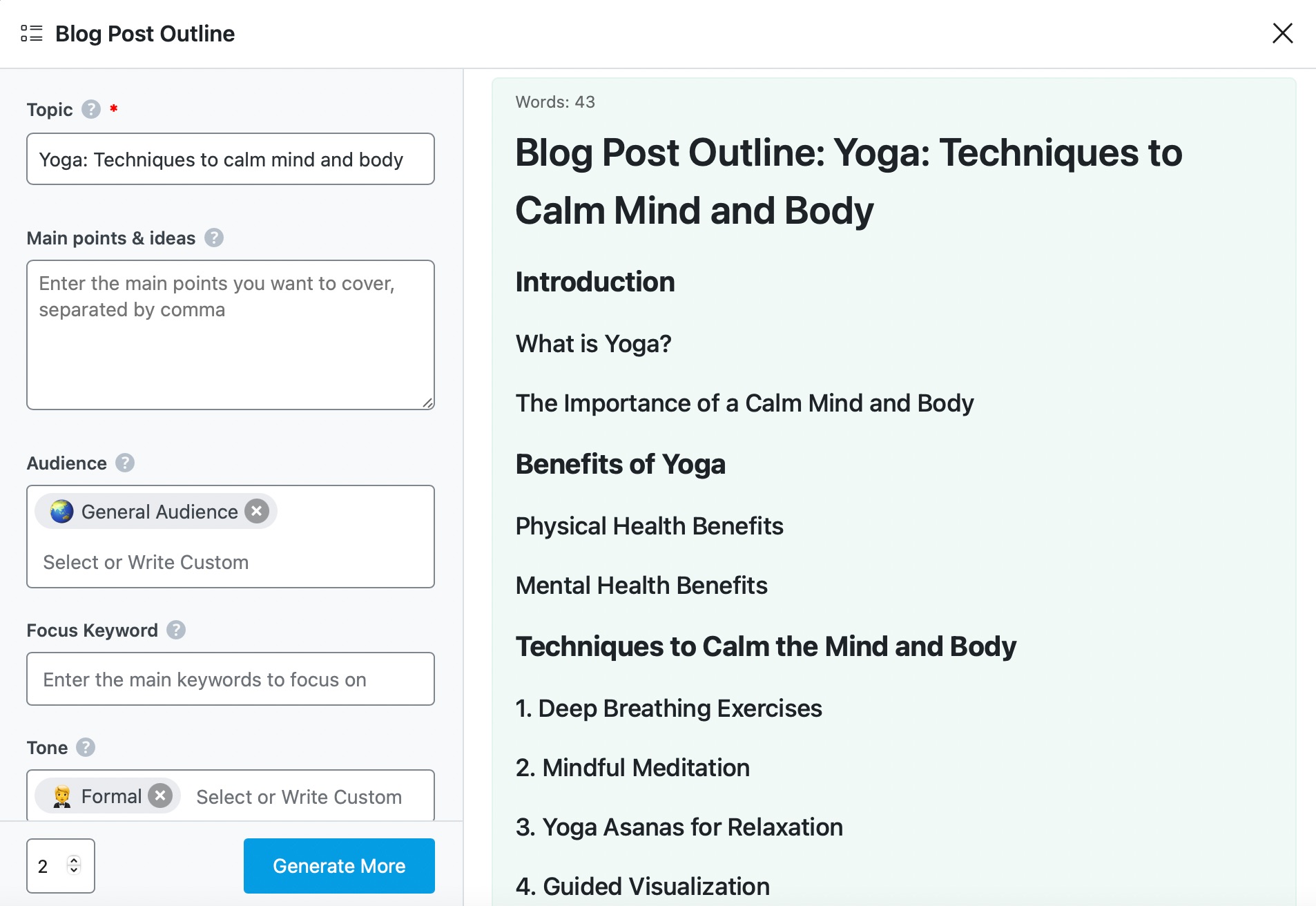
    3. Write Your Content: After generating ideas or outlines, you can start writing your content directly in the WordPress editor. You can also use the Blog Post Outline AI tool to create a structured outline for your posts. More details on this tool can be found here.

      Blog Post Outline example

    4. Publish Your Blog: Once you are satisfied with your post, you can publish it by clicking the Publish button.

    5. Engage with Customers: To make your blog interactive, consider enabling comments on your posts so that customers can engage with your travel advisors directly.

    If you have any specific questions or need further assistance with any of these steps, please reply to this ticket, and a human agent from the Rank Math Support team will overtake the ticket and assist you further.

    Thank you for raising this concern! We hope this helps you get started with your blog.

    Sources:
    How to Use the Content AI Tools in Rank Math SEO » Rank Math
    How to Increase Your SEO Score Using AI » Rank Math
    How to Use Content AI to Write Article That Ranks on Google » Rank Math
    How to Write Effective Blog Post Outline » Rank Math
    How to Use Rank Math’s Content AI for SEO » Rank Math

    This is an automated reply from Rank Math Support Bot. If you need further assistance, please reply to this topic and a human support agent will reply to you shortly.

    Hello,

    Since we did not hear back from you for 15 days, we are assuming that you found the solution. We are closing this support ticket.

    If you still need assistance or any other help, please feel free to open a new support ticket, and we will be more than happy to assist.

    Thank you.

Viewing 1 replies (of 1 total)

The ticket ‘Add a Blog into our website.’ is closed to new replies.