Hello,
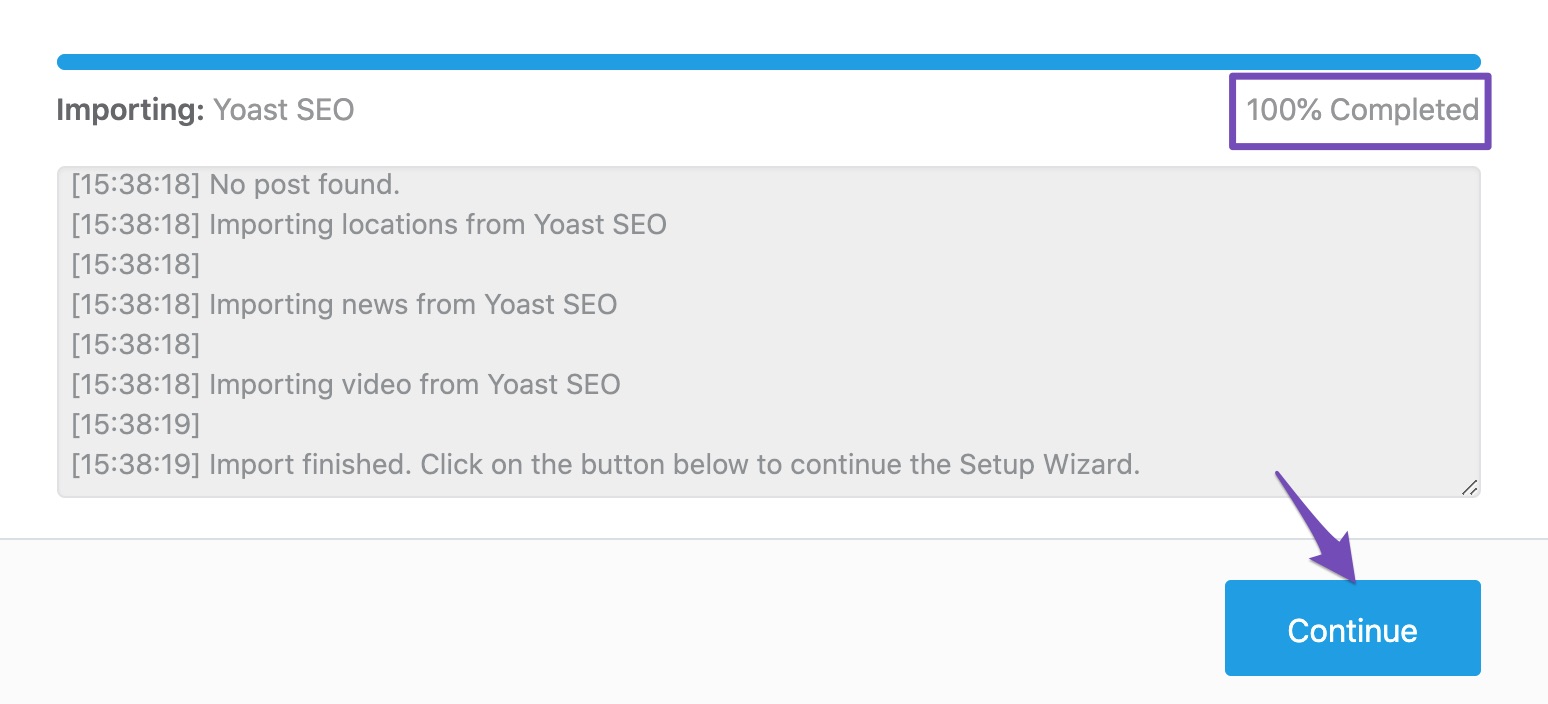
We apologize for the issue you are facing. If you deactivated Yoast SEO and are unsure whether you imported the data to Rank Math, you can safely attempt to import the data again. Rank Math has a built-in feature that allows you to import settings from other SEO plugins without causing any issues to your site.
When you go through the import process, it will not overwrite existing settings unless you specifically choose to do so. Therefore, you can proceed with the import, and if everything looks good afterward, you can then delete the inactive Yoast plugin.
To import the data, navigate to WordPress Dashboard → Rank Math SEO → Status & Tools → Import & Export → Other Plugins and follow the prompts to start the import process.
If you have any concerns during the process, feel free to reach out again, and a human agent from our support team will assist you further. Thank you for raising this concern!
Sources:
Migrating from Yoast SEO to Rank Math SEO » Rank Math
How to Setup Rank Math SEO Plugin Properly
Hello,
Thank you so much for getting in touch.
If you already have new settings done in your Rank Math, then importing data from Yoast now will indeed make some changes from the new configuration you set on Rank Math although it will not significantly affect your site’s ranking assuming the data from Yoast is also optimized for your site already.
Don’t hesitate to get in touch with us if you have any other questions.
Hello,
Since we did not hear back from you for 15 days, we are assuming that you found the solution. We are closing this support ticket.
If you still need assistance or any other help, please feel free to open a new support ticket, and we will be more than happy to assist.
Thank you.



