Hello,
We apologize for the issue you are facing. To update the Title Tag of your webpage, you can follow these steps:
-
Go to the WordPress Dashboard: Navigate to your WordPress admin area.
-
Edit the Page/Post: Find the page or post you want to edit and click on it to open the editor.
-
Scroll to the Rank Math Meta Box: In the editor, scroll down to find the Rank Math meta box.
-
Update the Title: In the General tab of the Rank Math meta box, you will see a field for the SEO title. Update this field with your desired title.
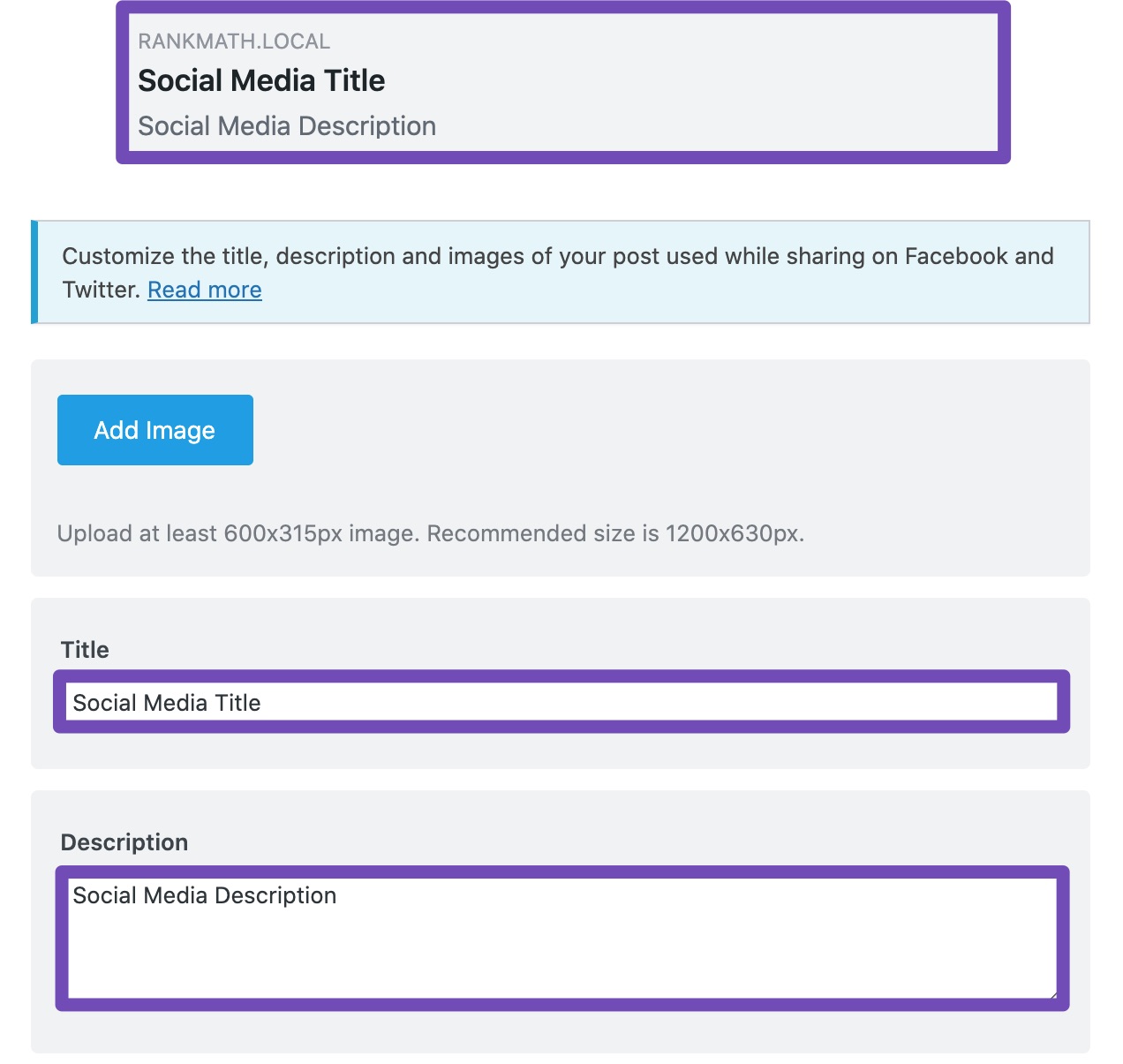
-
Save Changes: After updating the title, make sure to click on the "Update" button to save your changes.
Once you’ve done this, the Title Tag in the browser tab should reflect your changes. If you have any further questions or need assistance, feel free to reply to this ticket, and a human agent from the Rank Math Support team will assist you further.
Thank you for raising this concern!
Sources:
General Tab in Meta Box of Rank Math SEO Plugin
Hello,
Thank you for contacting us. We apologize for any inconvenience this issue may have caused.
If your homepage is not static you can modify its title by navigating to WP Dashboard > Rank Math SEO > Titles & Meta > Homepage:
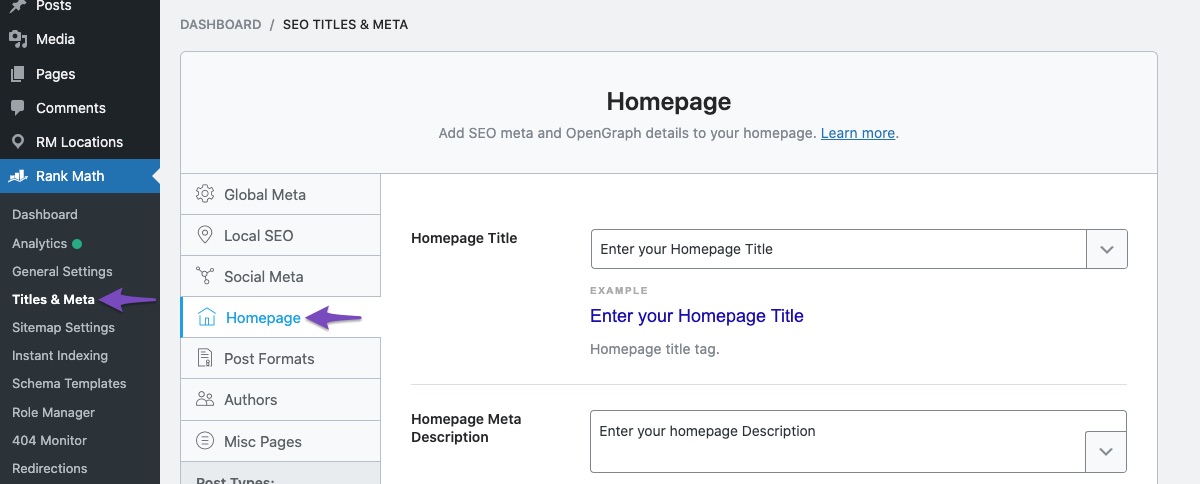
If your homepage is static you can directly modify your homepage metadata while editing the page itself.
We hope this helps. Please let us know if you have further questions or concerns.
Thank you.
This is very helpful, thank you!
Hello,
We are glad to hear that this issue has been resolved. Thank you for letting us know. This ticket will be closed now, but you can always open a new one if you have any other questions or concerns. We are here to help you with anything related to Rank Math.
We appreciate your patience and cooperation throughout this process.
Thank you for choosing Rank Math.




