Hello,
We apologize for the confusion you’re experiencing with the setup of Rank Math for your personal site. Google Analytics can indeed be set up for personal websites, even if they do not generate revenue. It provides valuable insights into your website’s performance and visitor behavior, which can be beneficial regardless of the site’s purpose.
To finish the setup for your personal site, please follow these steps:
-
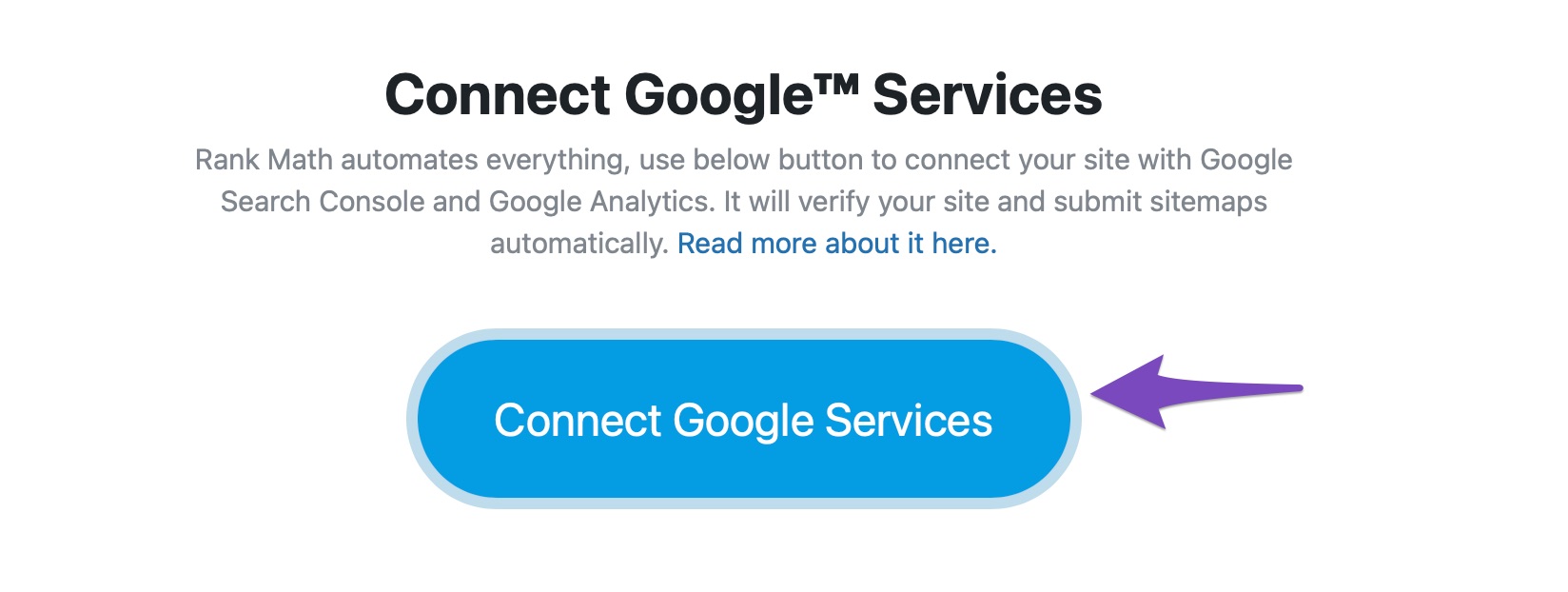
Connect Rank Math to Google Services: In the Rank Math setup wizard, you should see an option to connect to Google Services. Click on the Connect Google Services button.
-
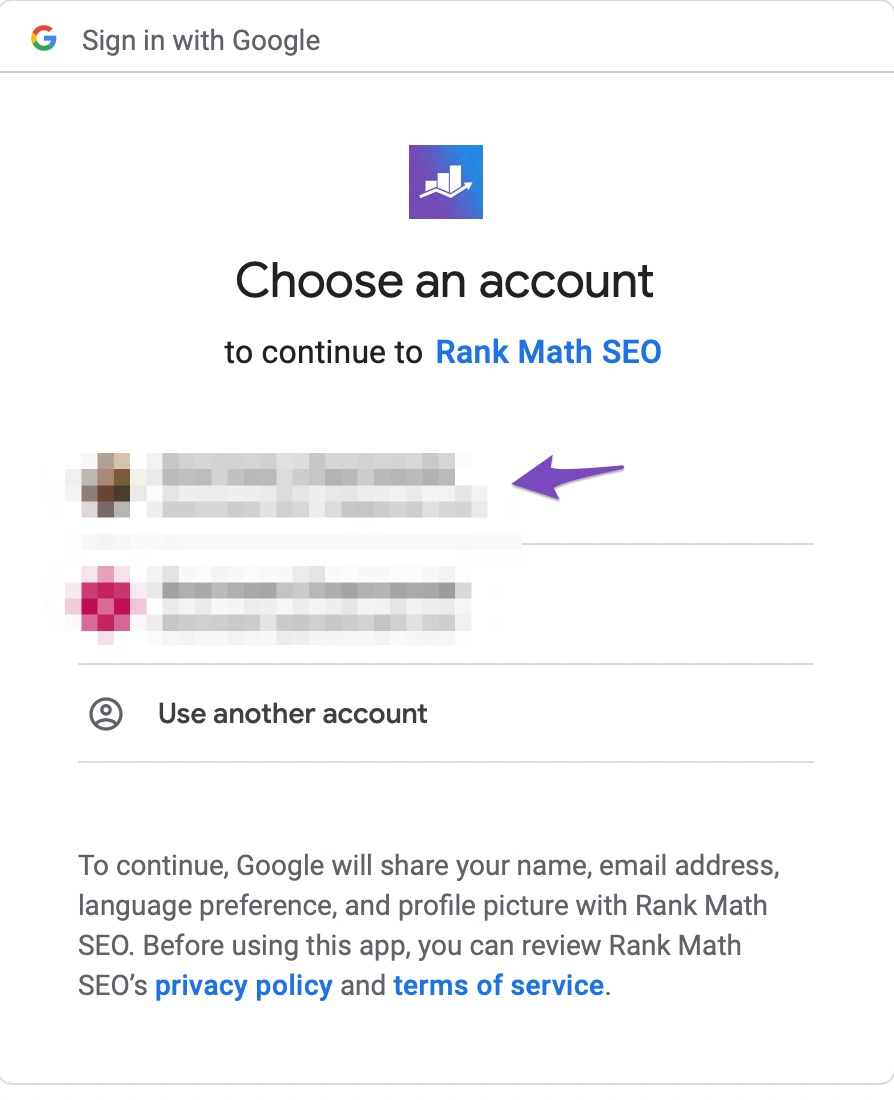
Select Your Google Account: Choose the Google account that you want to use for Google Analytics or add a new one.
-
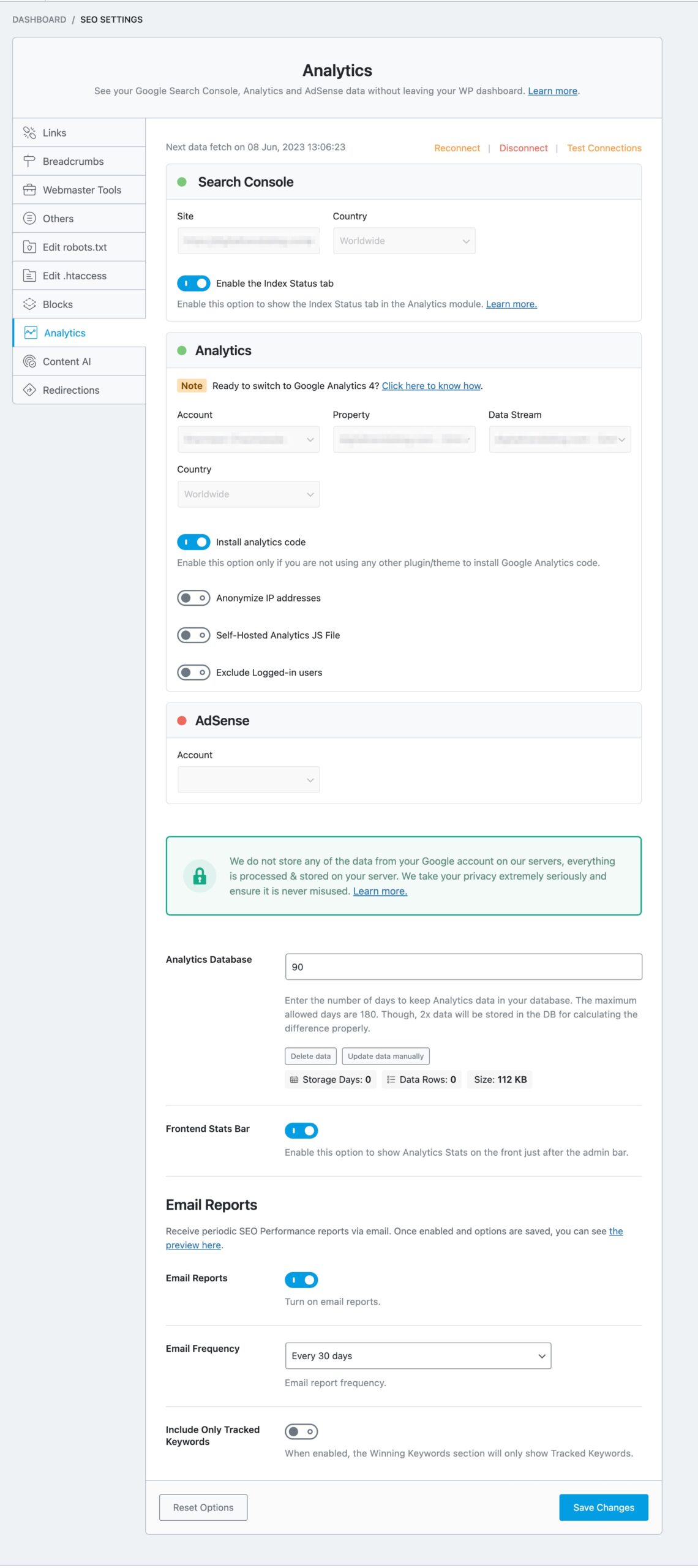
Choose Your Analytics Account & Property: After connecting, you will be redirected to the Rank Math Analytics settings page. Here, you can select your Account, Property, and View from the dropdown menus. If you don’t have a Google Analytics property yet, you can create one by visiting Google Analytics and then return to Rank Math to select it.
-
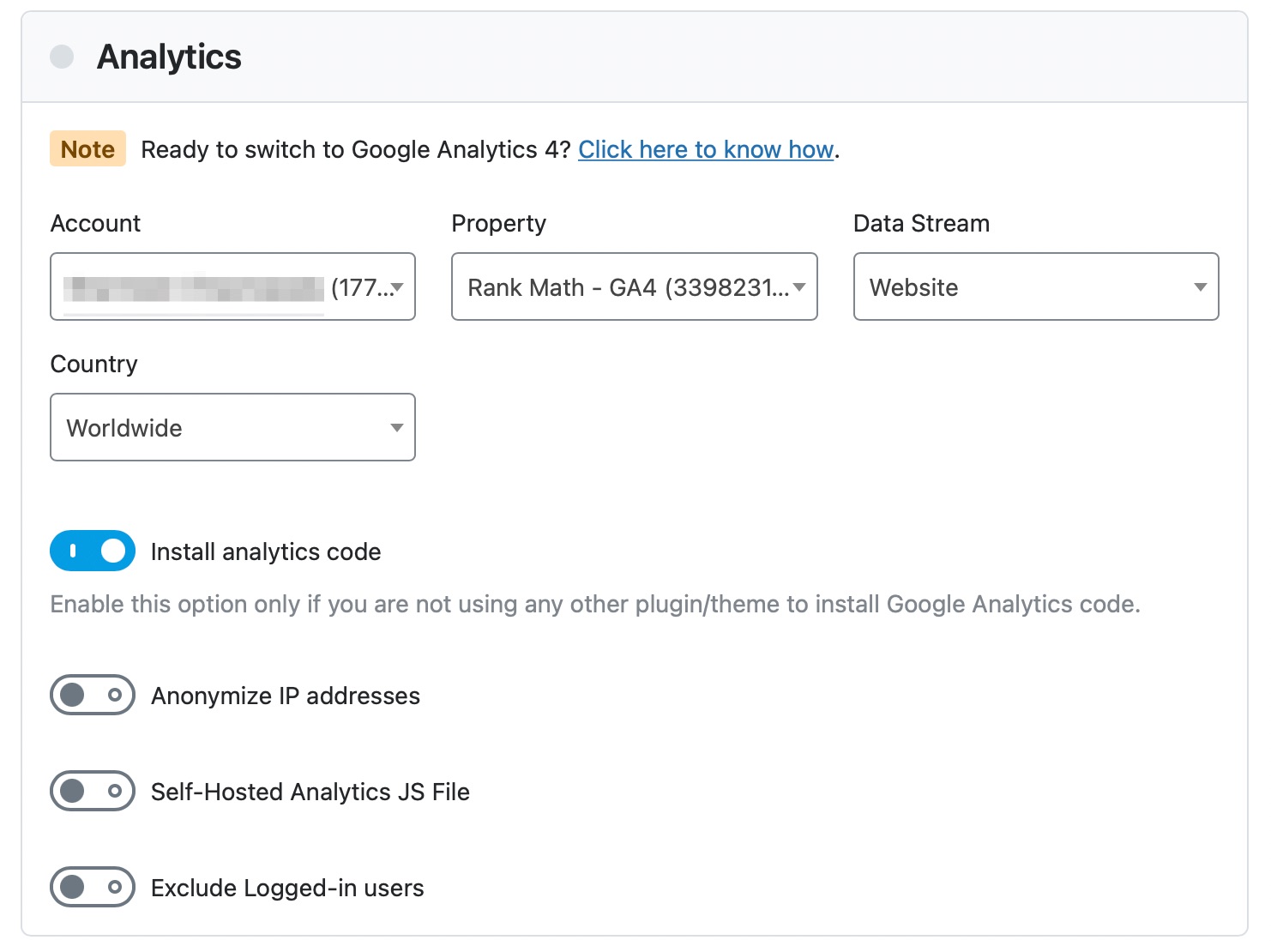
Enable Additional Options: If you want Rank Math to install the Google Analytics code for you, enable the toggle option in the setup wizard. You can also choose to anonymize IP addresses and exclude logged-in users from analytics data if desired.
-
Save Changes: Make sure to save your changes after configuring everything.
If you encounter any issues or if certain options are grayed out, consider switching to a Chromium-based browser like Google Chrome.
Thank you for raising this concern! If you have any further questions or need additional assistance, please feel free to reply to this ticket, and a human agent from our support team will assist you further.
Sources:
How to Setup Rank Math SEO Plugin Properly
How to Install Google Analytics With Rank Math SEO » Rank Math
This is an automated reply from Rank Math Support Bot. If you need further assistance, please reply to this topic and a human support agent will reply to you shortly.
Hello,
Since we did not hear back from you for 15 days, we are assuming that you found the solution. We are closing this support ticket.
If you still need assistance or any other help, please feel free to open a new support ticket, and we will be more than happy to assist.
Thank you.


