Hello,
We apologize for the issue you are facing. To transfer Rank Math data from one account to another, you can use the Import & Export feature within Rank Math. Here’s a general outline of the steps you would need to follow once you have access to the websites:
- Access Rank Math: Log in to the WordPress dashboard of the websites you want to transfer data from.
- Navigate to Import & Export: Go to Rank Math SEO → Status & Tools and click on the Import & Export tab.
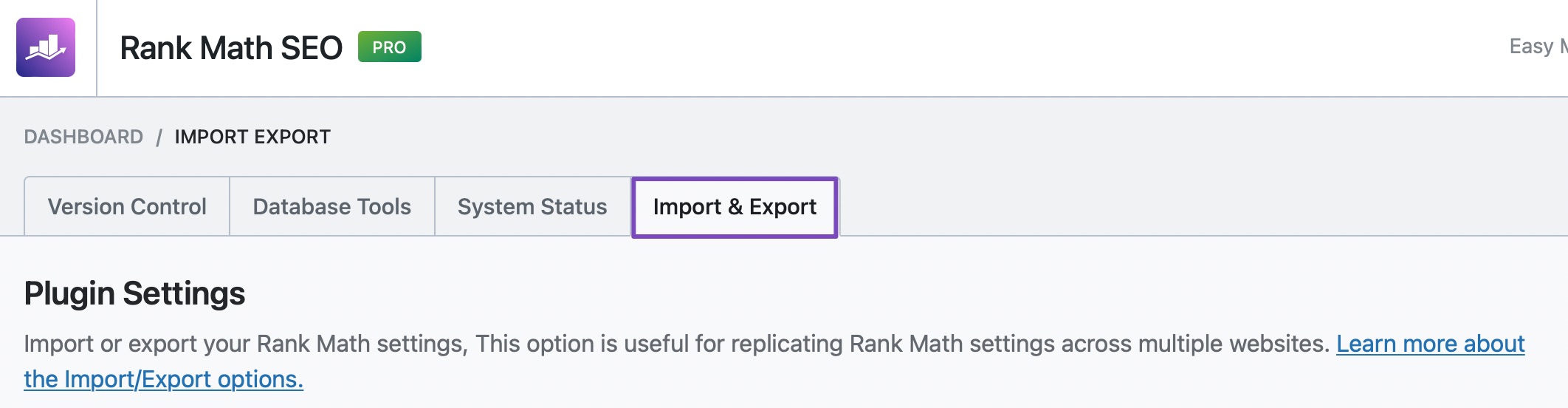
- Export Data: You can export the settings and data from the current Rank Math account. This will create a file that you can save.
- Import Data: Once you have access to your own Rank Math account, you can import this file by going to the same Import & Export section and selecting the import option.
This process will allow you to transfer all relevant SEO settings and data from the previous account to your new one. If you have any specific questions or need further assistance during this process, please reply to this ticket, and a human agent from the Rank Math Support team will be happy to help.
Thank you for raising this concern!
Sources:
Migrating from Yoast SEO to Rank Math SEO » Rank Math
Hello,
Thank you for contacting the support.
You can simply reconnect the websites to your Rank Math Account by following the steps below:
Step 1: Update to the latest version of Rank Math PRO manually: https://rankmath.com/kb/update-rank-math-manually/
Step 2: Disconnect your account from WordPress Dashboard > Rank Math > Dashboard > Help
Step 3: Reconnect from the same page using the new account.
It will not affect your site’s SEO setup and all the settings and data will stay the same on your site.
Hope that helps. Let us know if you need any other assistance.
Hello,
Since we did not hear back from you for 15 days, we are assuming that you found the solution. We are closing this support ticket.
If you still need assistance or any other help, please feel free to open a new support ticket, and we will be more than happy to assist.
Thank you.



