Hello,
We apologize for the issue you are facing with third-party SEO crawlers not detecting your H1 headings. It’s great to hear that you’re enjoying using Rank Math as you start your career as a copywriter!
To ensure that your H1s are visible to these crawlers, please check the following:
-
Presence of H1 Tags: Make sure that your pages have H1 tags properly set. Rank Math checks for the presence of an H1 heading on your page, and if it’s missing, it could lead to issues with visibility. You can verify this by viewing the source code of your page or using the Rank Math SEO Analysis tool.

-
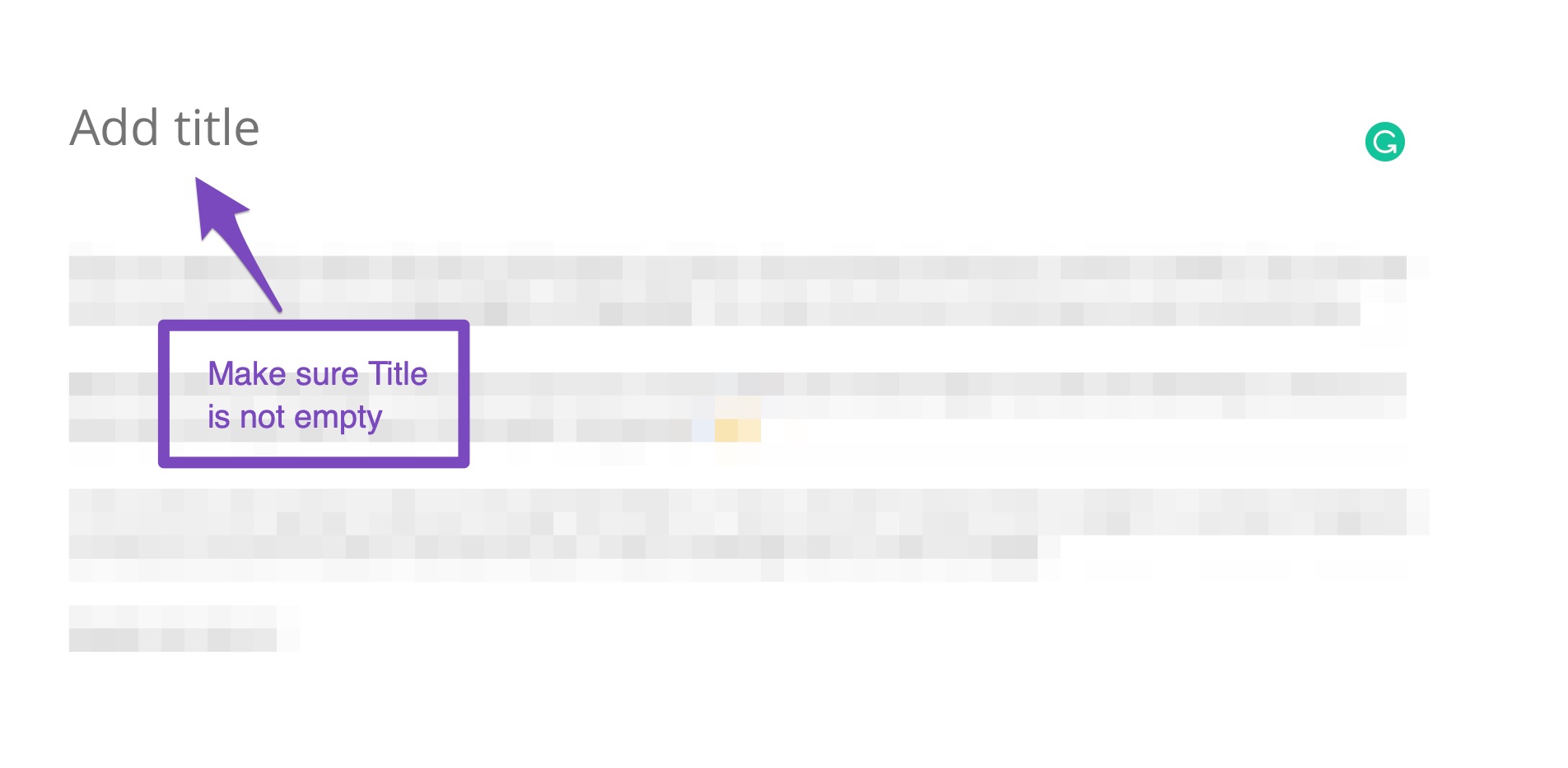
Page Title: Ensure that the title of your page is not empty, as the page title is typically used as the H1. If the title is missing, it will affect the H1 visibility.
-
Check for JavaScript Rendering: Some crawlers may have difficulty rendering JavaScript. If your H1s are being generated dynamically via JavaScript, consider ensuring they are present in the HTML source code directly.
-
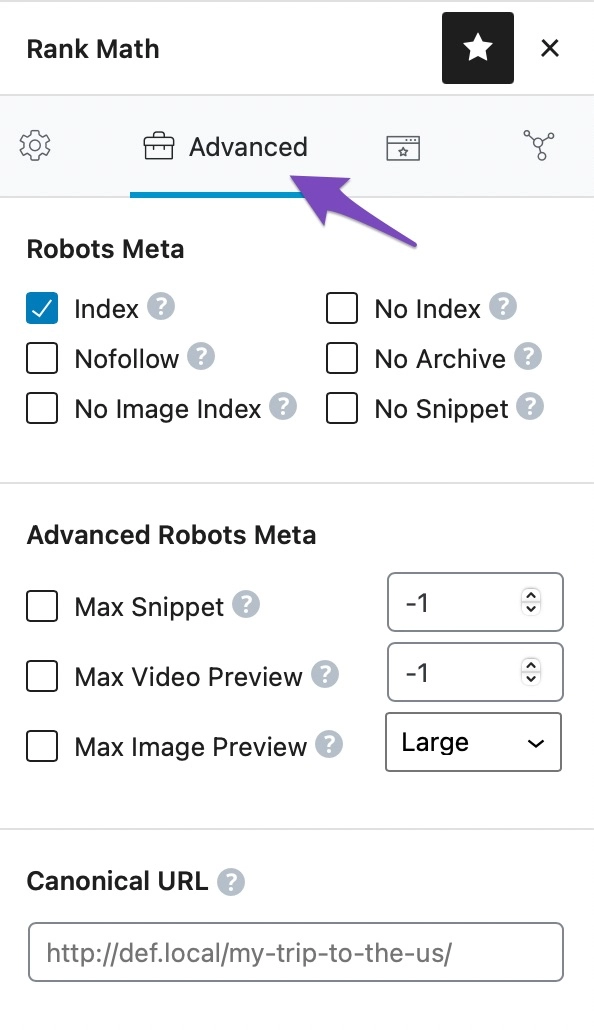
Use of Canonical Tags: If you have multiple pages with similar content, ensure you are using canonical tags correctly to avoid confusion for crawlers.
-
Crawl Settings: Check if there are any settings in your third-party crawler that might be affecting its ability to see H1s. Some tools have options to ignore certain elements or types of content.
If you’ve checked all these aspects and the issue persists, we recommend replying to this ticket so a human agent from the Rank Math Support team can assist you further.
Thank you for raising this concern, and we hope to help you resolve it soon!
Hello,
Thank you for your query and we are so sorry about the trouble this must have caused.
Please note that Rank Math doesn’t control the visibility of your H1 tag as this should be handled by your theme or the page/content builder you’re using.
Can you please share some of the affected URLs here so we can take a closer look at them?
Looking forward to helping you.
Hi Jeremy,
Thanks for coming back to me.
Here’s the link to the site: https://alexandermcgrathmarketing.com/
RankMath suggests I have a good SEO score but when I use other sites to crawl it’s suggesting I’m missing H1s. Sometimes they’ll pick up the H2 as the H1 instead. This gives me a low SEO rating and I’m worried this problem is transferable to SERPs and I won’t get ranked / potential customers will research me and think I’ve got a bad SEO score which might lose my business.
I raised a WordPress support ticket but they suggested I speak to you so any help you could offer would be invaluable.
Thanks,
Alex
Hello,
Your homepage’s H1 is already shown “Authentic copywriting that connects”.
You may also use our External SEO Analyzer, and your H1 and H2s are already present:
https://rankmath.com/tools/seo-analyzer/
Looking forward to helping you.
Hi there,
Just wondering if there was any update on this case?
Thanks,
Alex
Hello,
We checked some of your pages and we can confirm the H1 tag is missing there. As my colleague already mentioned, the heading tags are not controlled by our plugin. Rank Math can’t add or remove any heading tags from your pages.
Usually, the heading tags are controlled by the theme you’re using on your website. In this case, we suggest you get in touch with your theme support as they are in a better position to assist you with this one.
Hope that helps and please don’t hesitate to let us know if you have any other questions.
Thank you.
Thanks for coming back to me.
So just to let you know, if I don’t use the title section on the page, but set up a specific heading and change that to H1, it solves the problem.
Appreciate your time helping me work through it.
Alex
Hello,
We are glad that everything has been sorted out.
Do you still need our assistance with anything else or we can go ahead to close the ticket?
We really look forward to helping you.
Hello,
Since we did not hear back from you for 15 days, we are assuming that you found the solution. We are closing this support ticket.
If you still need assistance or any other help, please feel free to open a new support ticket, and we will be more than happy to assist.
Thank you.





