
-
Hello,
I want to report that the correct og: image is not showing on social. I’ll use this post as an example: https://bulkcomments.net/wordpress-commenting-systems/
– I uploaded the image inside the post editor, directly inside the RankMath social settings section/tab where it’s indicated to show for Facebook & Twitter. (no featured image was uploaded)
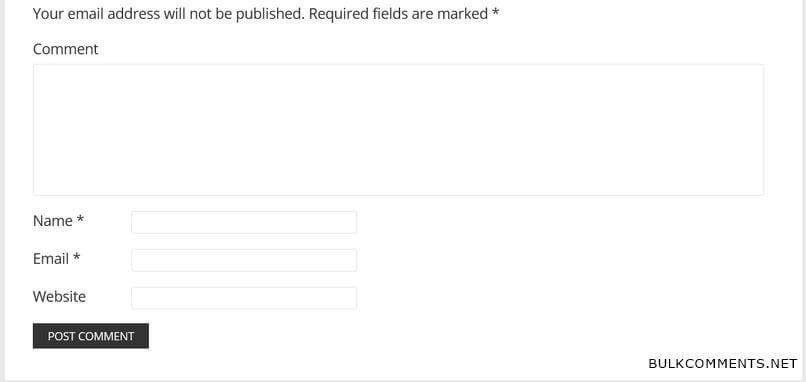
– But on Facebook and Twitter, what it’s doing is picking up that first image of a comment form that shows after the quiz on the post.
– I then inspected the source code of the post and noticed that it’s showing two sets of og: image tags (one with the right image and one with the wrong image), so I guess there must be some type of conflict.
I read your troubleshooting guide about installing that health check plugin. But after reading the complaints with it, them not responding to concerns, and noticing that the plugin wasn’t even compatible with the latest version of WordPress, I decided to forgo fully going through with it and uninstalled it.
So there it is, hopefully we can get to the bottom of why the correct og: image is not showing.



The ticket ‘The correct og: image is not showing on social’ is closed to new replies.