Hello,
We apologize for the issue you are facing with the tagline not updating in the source code. It is possible that your webmaster has implemented another method for setting the tagline, which could override the settings in Rank Math.
To ensure that your tagline is correctly set, please check the following:
- Go to Settings → General in your WordPress dashboard and confirm that your tagline is entered correctly there.
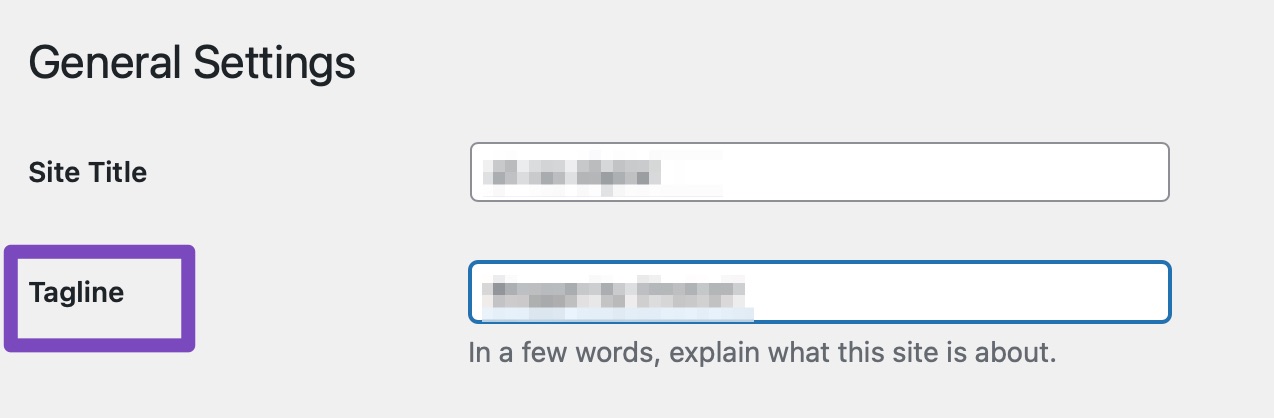
- If you are using a theme or a plugin that manages the tagline differently, it may be necessary to adjust those settings as well.
- After making any changes, clear your site cache if you have caching enabled, and check the source code again to see if the changes reflect.
If you need further assistance or if the issue persists, please reply to this ticket, and a human agent from the Rank Math Support team will take over and provide more specific guidance based on your website’s configuration.
Thank you for raising this concern, and we hope to resolve it for you soon!
Sources:
Analyzing Your Site’s SEO with Rank Math’s SEO Analysis Tool
I need assistance from the human support agent
Hello,
Can you please confirm if you’re referring to the WP Dashboard > Settings > General > Tagline? If so, it is controlled by your theme, not by Rank Math.
In case, we are missing here something, please share a screenshot with us by using a tool like https://imgur.com/upload so that we can check this further for you.
Looking forward to helping you.
Thank you.
Thank you. It has been sorted out.
Now, my next question is, does rank math provide any tools or tutorials to remove unneeded backlinks or URLs?
Thank you.
Deepak.
Hello,
We are glad to hear the tagline issue was sorted out. Regarding your new question, Rank Math doesn’t directly provide tools for removing backlinks or URLs, as backlink management is typically handled by Google Search Console.
To disavow unwanted backlinks, the Google Disavow tool can help ensure Google doesn’t consider them in your site’s ranking.
We hope this helps.
Thanks.
Hello,
Since we did not hear back from you for 15 days, we are assuming that you found the solution. We are closing this support ticket.
If you still need assistance or any other help, please feel free to open a new support ticket, and we will be more than happy to assist.
Thank you.




