Hello, we apologize for the issue you are facing with the Rank Math tab not opening and the SEO score not displaying.
To troubleshoot this, please ensure that you have enabled the Show SEO Score to Visitors option from WordPress Dashboard → Rank Math SEO → General → Others. Once this option is enabled, you should be able to see the SEO score in the advanced tab of Rank Math SEO.
Here’s a visual guide to help you:
-
Enable Show SEO Score to Visitors:
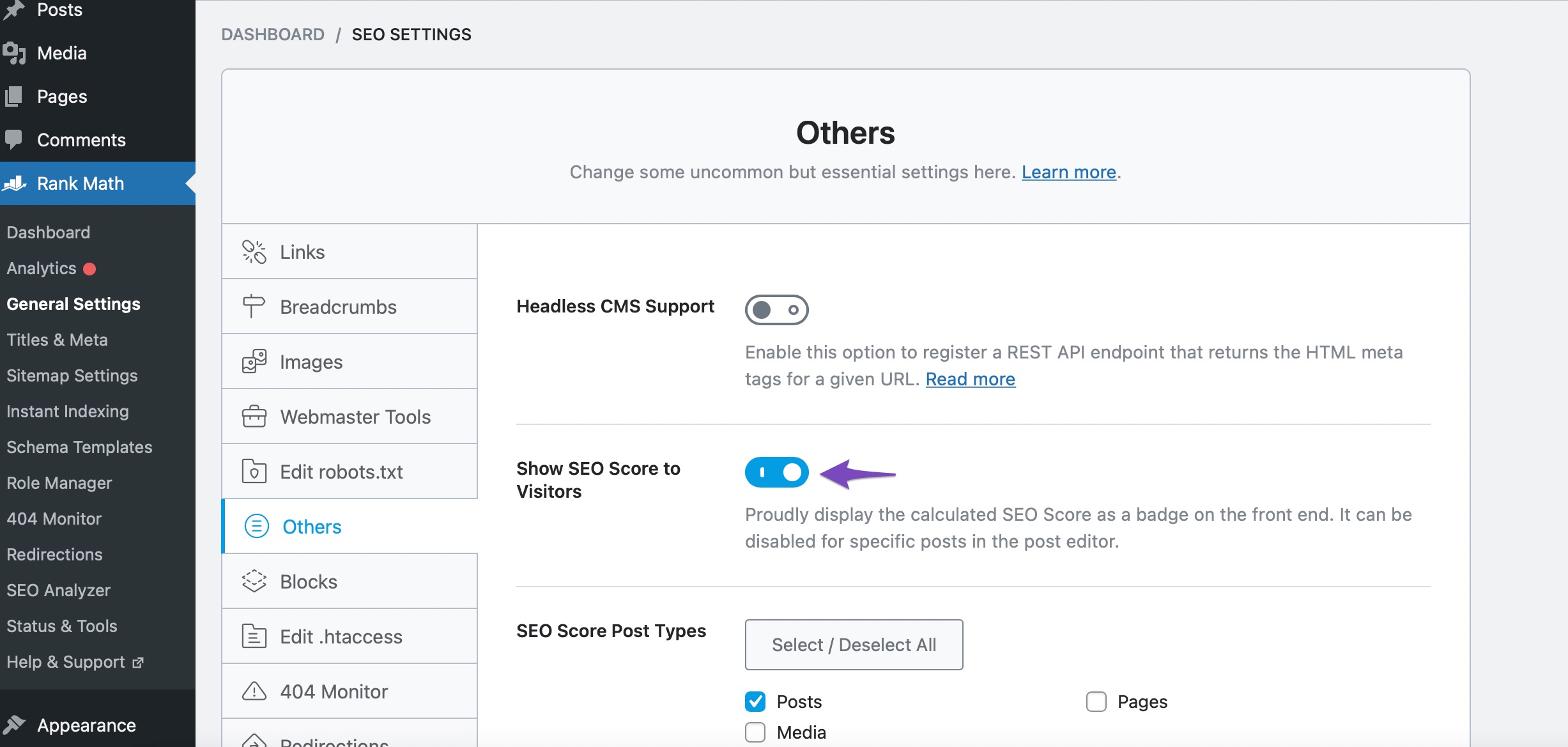
-
Check the Advanced Tab:
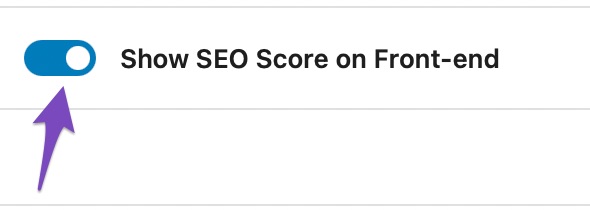
If you have already done this and the issue persists, please reply to this ticket, and a human agent from the Rank Math Support team will assist you further. Thank you for raising this concern!
Sources:
Advanced Tab in Rank Math SEO’s Meta Box
Hello,
Are you using a page builder on your site? If so, please share the name of the builder.
Meanwhile, assuming you are using the latest version of all the plugins and the themes (please update if not yet), this can be caused by conflicting plugin/theme on your site.
To determine that, please follow this troubleshooting guide:
https://rankmath.com/kb/check-plugin-conflicts/
Here is a video you can follow as well: https://www.youtube.com/watch?v=FcIWRhcUP2c
Only the site admin would know and your users won’t be affected by this troubleshooting.
Let us know how this goes.
Hello,
Since we did not hear back from you for 15 days, we are assuming that you found the solution. We are closing this support ticket.
If you still need assistance or any other help, please feel free to open a new support ticket, and we will be more than happy to assist.
Thank you.



