
-
Hi,
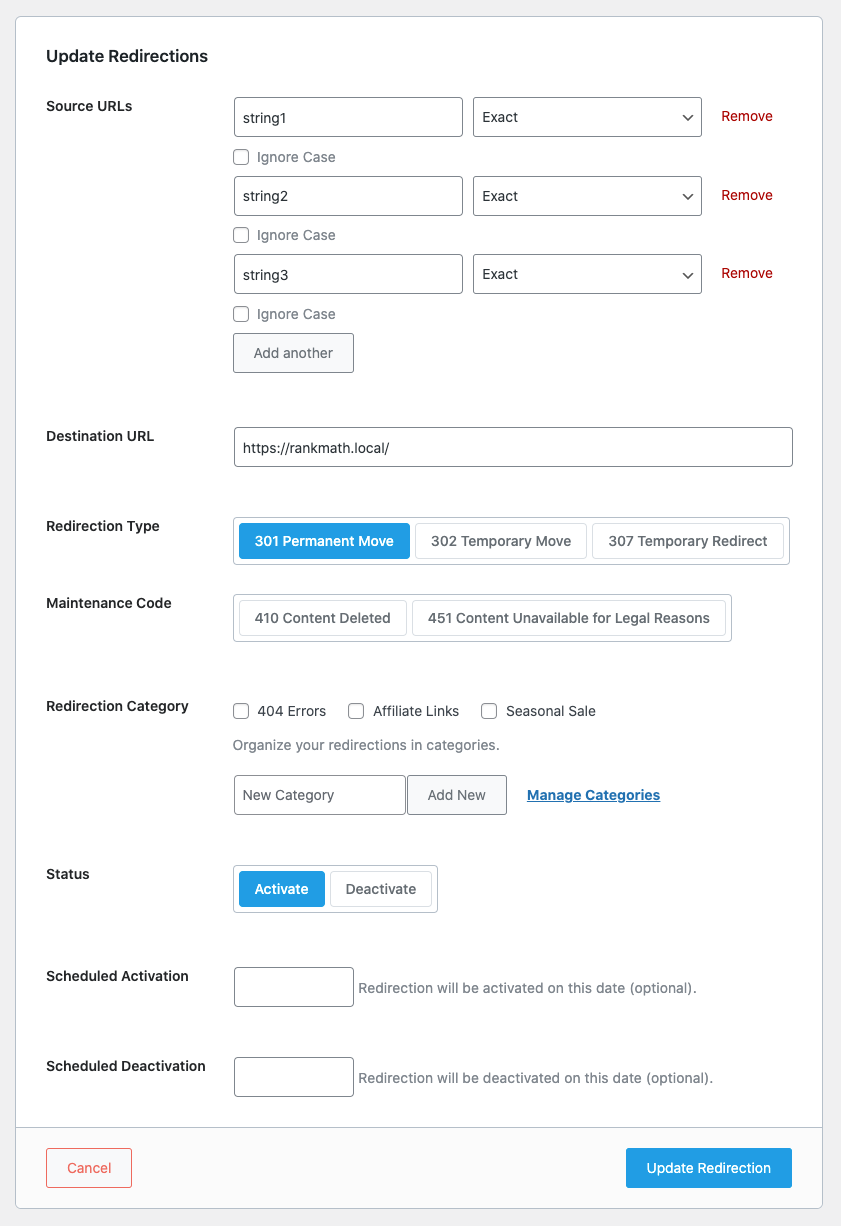
Some of our redirects aren’t working as expected from their setup. Here are the most important ones:
source destination
https://www.bellaandduke.com/learn/cat-behaviour/ https://www.bellaandduke.com/cats/expert-advice/cat-behaviour/
https://www.bellaandduke.com/learn/cat-health/ https://www.bellaandduke.com/cats/expert-advice/cat-health/
https://www.bellaandduke.com/learn/cat-nutrition/ https://www.bellaandduke.com/cats/expert-advice/cat-nutrition/
https://www.bellaandduke.com/learn/dog-behaviour/ https://www.bellaandduke.com/dogs/expert-advice/dog-behaviour/
https://www.bellaandduke.com/learn/dog-health/ https://www.bellaandduke.com/dogs/expert-advice/dog-health/
https://www.bellaandduke.com/shop/raw-kitten-food/ https://www.bellaandduke.com/cats/raw-cat-food/
https://www.bellaandduke.com/shop/raw-puppy-food/ https://www.bellaandduke.com/dogs/raw-dog-food/
https://www.bellaandduke.com/shop/raw-senior-cat-food/ https://www.bellaandduke.com/cats/raw-cat-food/
https://www.bellaandduke.com/shop/raw-senior-dog-food/ https://www.bellaandduke.com/dogs/raw-dog-food/I checked the settings and they all seem to be fine. They were working on Monday then they stopped working for some reason. They all redirect to our homepage. What is causing this?
Thanks,
Bianka



The ticket ‘Some redirects are not working’ is closed to new replies.