Hello,
We apologize for the issue you are facing with your sitemap not showing. Here are a few steps you can take to troubleshoot this problem:
-
Check if the Sitemap Module is Enabled: Go to Rank Math SEO → Dashboard and ensure that the Sitemap module is enabled. If it’s disabled, enable it.
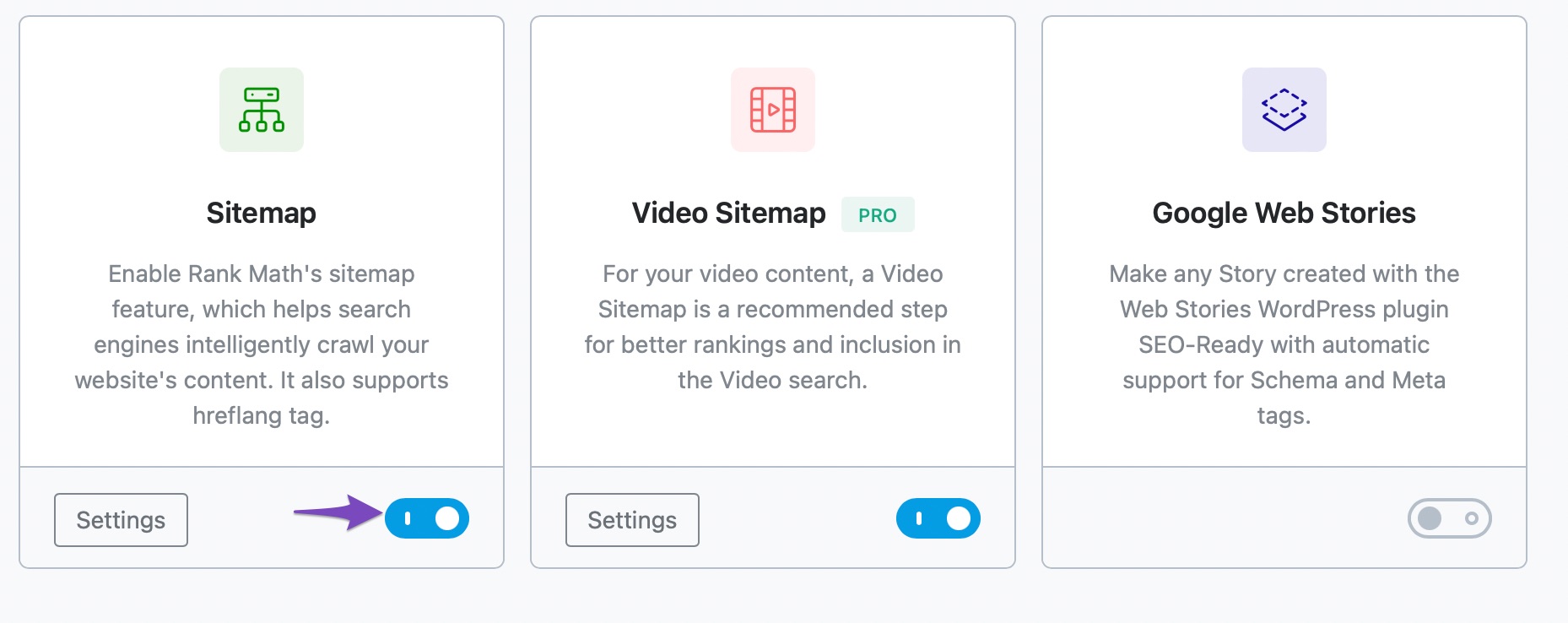
-
Verify Sitemap Settings: Navigate to Rank Math SEO → Sitemap Settings and ensure that your sitemaps are configured correctly. You can refer to our article on configuring Sitemaps in Rank Math for guidance.
-
Check for Server Issues: If you are using an Apache or Nginx server, you may need to add specific rewrite rules to your server configuration. For Apache, check your .htaccess file and add the necessary rules as mentioned in our Sitemap Issues article. For Nginx, ensure the correct rewrite rules are in place as well.
-
Access Your Sitemap Directly: Try accessing your sitemap directly by visiting `https://rankmath.com/kb/check-plugin-conflicts/. If it loads correctly, then the issue might be with how it’s being indexed or submitted to search engines.
-
Check robots.txt File: Ensure that your robots.txt file is not blocking access to your sitemap. You can check this in Rank Math SEO → General Settings → robots.txt.
If you have gone through these steps and the issue persists, please reply to this ticket, and a human agent from the Rank Math Support team will assist you further. Thank you for raising this concern!
Hello,
Thank you for contacting us and sorry for any inconvenience that might have been caused due to that.
This issue is occurring because there are some Unicode characters that are preventing the sitemap from correctly loading in your database entries.
Please access your WordPress database and check the table wp_options. You’ll notice entries like blogname with Unicode characters instead of the correct characters in there.
To be more specific, you’ll find this entry in the option_value column. Here is an example below for your reference:

Please try to replace this entry, and then the sitemap should start working fine again.
It seems that you are currently using the Rank Math PRO plugin, but the account you have used to open this ticket is a Free account.
Can you please search and forward a receipt from FastSpring.com so we can locate your account and verify it?
We look forward to hearing back from you.
Thanks.
Hello,
Since we did not hear back from you for 15 days, we are assuming that you found the solution. We are closing this support ticket.
If you still need assistance or any other help, please feel free to open a new support ticket, and we will be more than happy to assist.
Thank you.



