Hello,
We apologize for the issue you are facing with the SEO score not updating when content is added in the Conversion pages template using the RYNO theme. This can sometimes happen due to how different page builders or templates interact with the Rank Math plugin.
Here are a few steps you can take to troubleshoot and potentially resolve this issue:
-
Check for Compatibility: Ensure that your RYNO theme is fully compatible with Rank Math. Sometimes, custom themes may have specific settings that affect how plugins operate.
-
Clear Cache: If you are using any caching plugins, clear the cache after making changes to your content. This can help ensure that the latest changes are reflected.
-
Re-save the Page: After adding content, try re-saving the page. Sometimes, simply saving the page again can trigger an update in the SEO score.
-
Use the Default Editor: If possible, consider using the default editor for your pages where you want to see the SEO score update. This may provide a more consistent experience with Rank Math.
-
Check for JavaScript Errors: Inspect your browser’s console for any JavaScript errors that might be preventing Rank Math from updating the SEO score correctly.
If these steps do not resolve the issue, please reply to this ticket with your site URL so that a human agent from our support team can assist you further. Thank you for raising this concern, and we’re here to help!
Sources:
Why Are My Rich Snippets Not Showing Up in Google Search? » Rank Math
Why Are My Rich Snippets Not Showing Up in Google Search? » Rank Math
Hello,
Thank you for contacting us and sorry for any inconvenience that might have been caused due to that.
Please add these custom field names in Rank Math > Titles & Meta > Page > Custom Fields and see if that works for you:
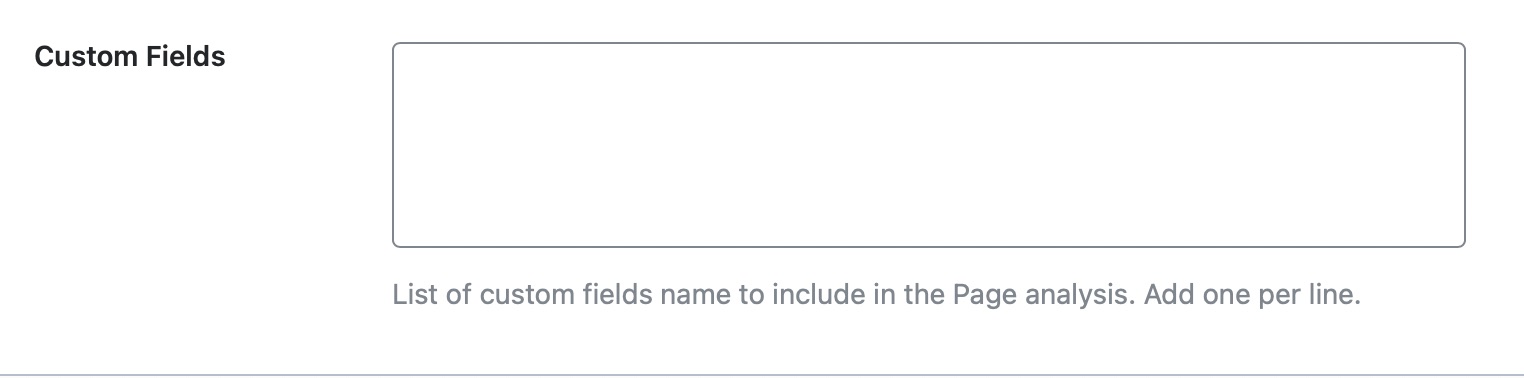
Let us know how it goes. Looking forward to helping you.
Hello,
We are glad that helped.
Please feel free to reach out to us again in case you need any other assistance.
We are here to help.
Thank you.



