Hello,
We apologize for the issue you are facing with your SEO featured image, description snippet, and logo not appearing on Google. Thank you for raising this concern.
To address the problem, here are a few steps you can take:
-
Check Your Schema Markup: Ensure that your Schema Markup is correctly configured using the Rank Math plugin. You can refer to our guide on Rich Snippets for more information on how to set this up properly.
-
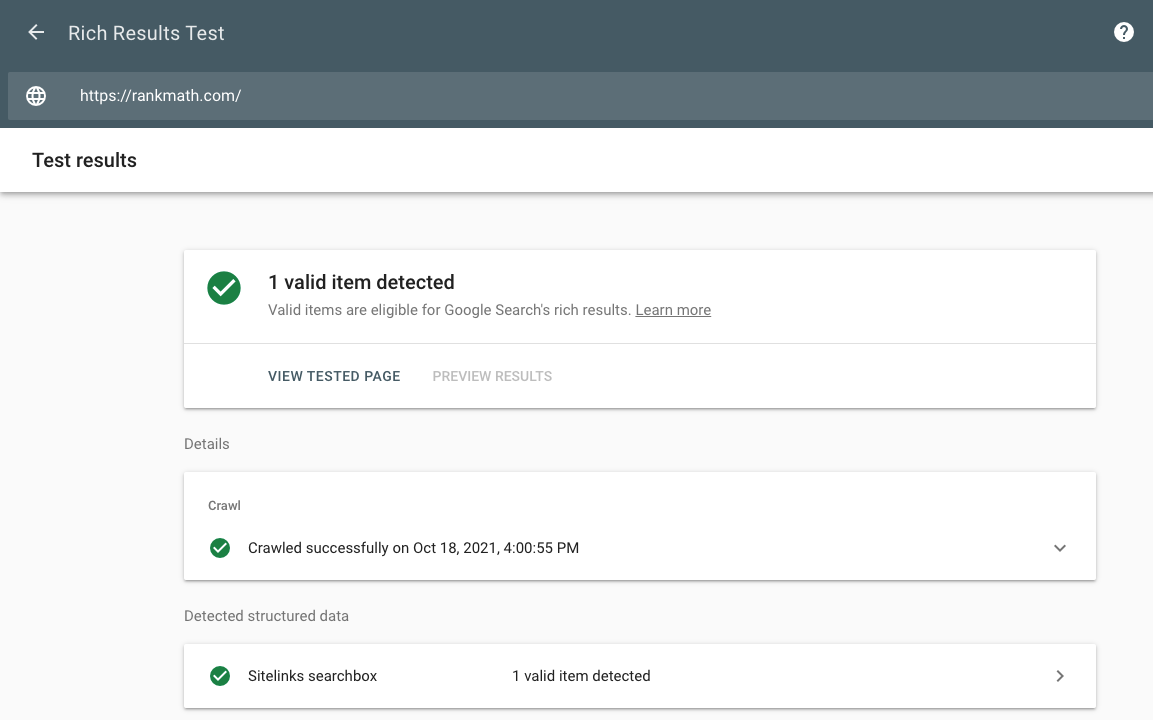
Test Your Rich Snippets: Use Google’s Rich Results Testing Tool to test if your rich snippets are being recognized. This will help you identify any issues with your markup.
-
Wait for Re-indexing: After making any changes to your Schema Markup or SEO settings, it may take some time for Google to re-index your pages. This process can take several weeks, so patience is key.
-
Check Indexing Status: You can check whether your pages are indexed or not using Google Search Console. This will help you confirm if Google has crawled your pages.
-
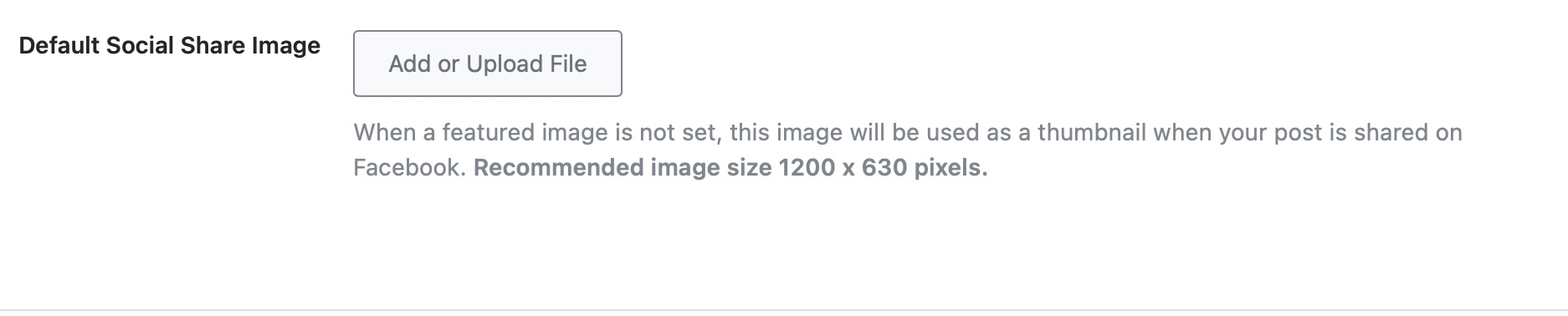
Ensure Proper Image Settings: Make sure that you have set a default image for social sharing in Rank Math, which can be used when posts are shared on social media. This ensures that an image is always associated with your content.
If you continue to experience issues after following these steps, please feel free to share screenshots or any additional details, and we will assist you further. A human agent from our support team can take over the ticket and provide more personalized help if needed.
Thank you for your understanding, and we’re here to help!
I think I have already set up what the bot is advising. Can I please get some further assistance.
Hello,
Thank you for contacting us and sorry for any inconvenience that might have been caused due to that.
We checked your website and we can see the meta description is showing on SERPs properly without any issues. Please check the screenshot in the sensitive data section for reference.
Regarding the images, please note that there is no way we can control the images shown in search results. Google search algorithms select images that they believe will benefit users.
Here’s a link for more information on this: https://www.infidigit.com/news/can-you-control-the-image-snippets-shown-for-a-google-search-result/
But we have a guideline for your images that you can try to follow and see if that works for you: https://rankmath.com/kb/how-to-show-images-in-search-results/
For the favicon, it is also not controlled by Rank Math but you can check these Google guidelines on how to ensure that your favicon is set up to show on the search results page.
Hope that helps and please don’t hesitate to let us know if you have any other questions.
Thank you.
Hello,
Since we did not hear back from you for 15 days, we are assuming that you found the solution. We are closing this support ticket.
If you still need assistance or any other help, please feel free to open a new support ticket, and we will be more than happy to assist.
Thank you.



