Hello,
We apologize for the issue you are facing with the SEO Analyzer. The error message you are seeing could be due to several reasons:
-
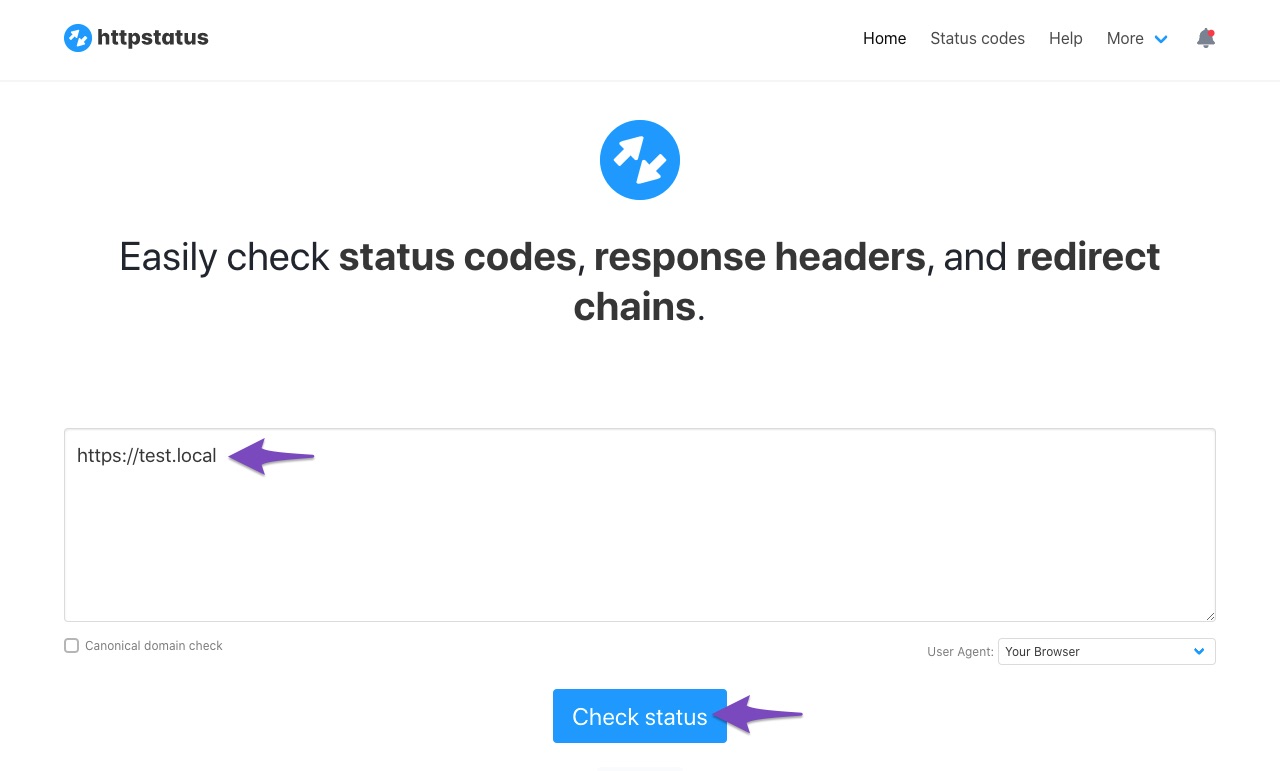
Website Status: Ensure that your website is returning a 200 status code. You can check the status of your website here.
-
API Timeout: If your website takes more than 30 seconds to load, it may result in a timeout error.
-
Firewall Blocking: Sometimes, server security or firewall settings can block API requests. You may need to whitelist the IP 193.138.6.5 and the user-agent RankMathApi/2.0.2; https://rankmath.com.
-
Locally Hosted Website: If your site is hosted locally, the SEO Analyzer will not work as it requires a live site that can be accessed externally.
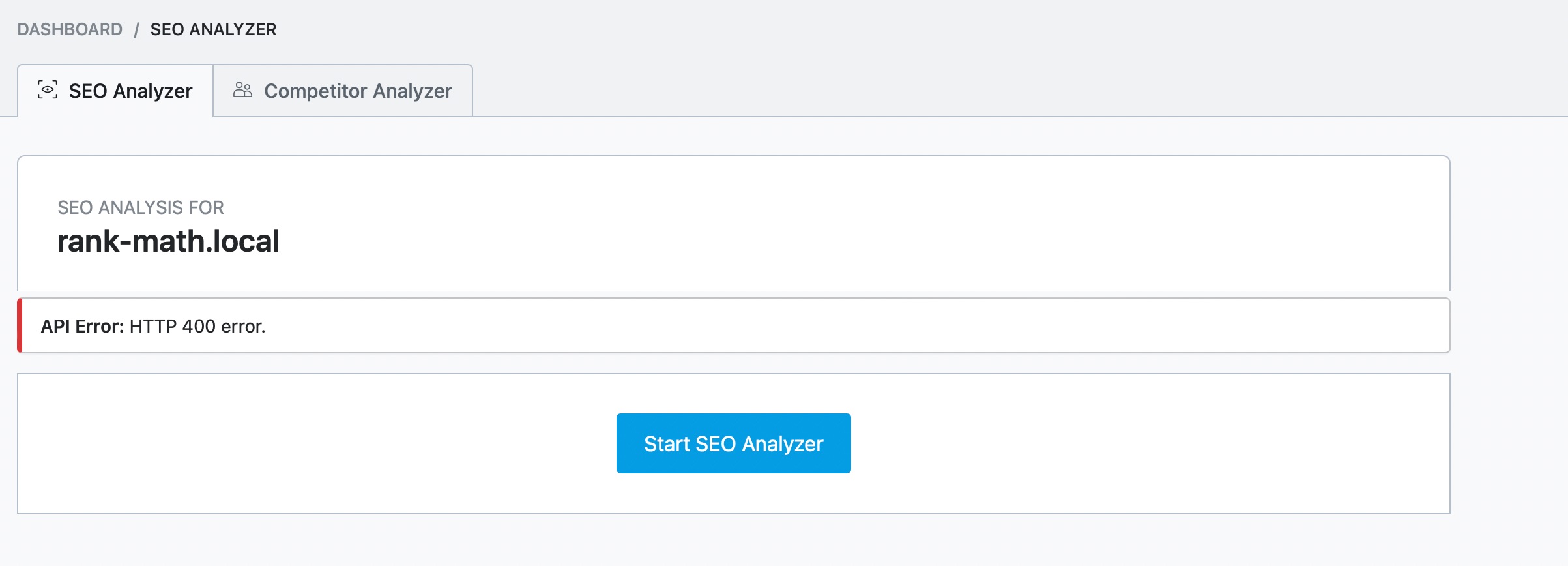
If none of these steps resolve the issue, please reply to this ticket, and a human agent from the Rank Math Support team will assist you further. Thank you for raising this concern!
Sources:
Why Am I Getting "API Error: HTTP 400" Error » Rank Math
no all is good i have status code is “200”, and the error that you showed me in your screen is not like mine
Hello,
Thank you for contacting Rank Math support, and sorry for any inconvenience that might have been caused due to that.
We checked your site using the Rank Math SEO External Analyser and the analysis was completed. You can try it here: https://rankmath.com/tools/seo-analyzer/
In the meantime, please head over to WordPress Dashboard > Rank Math > Status & Tools > Database Tools and click on the Clear SEO Analyzer button to flush SEO Analyzer data.
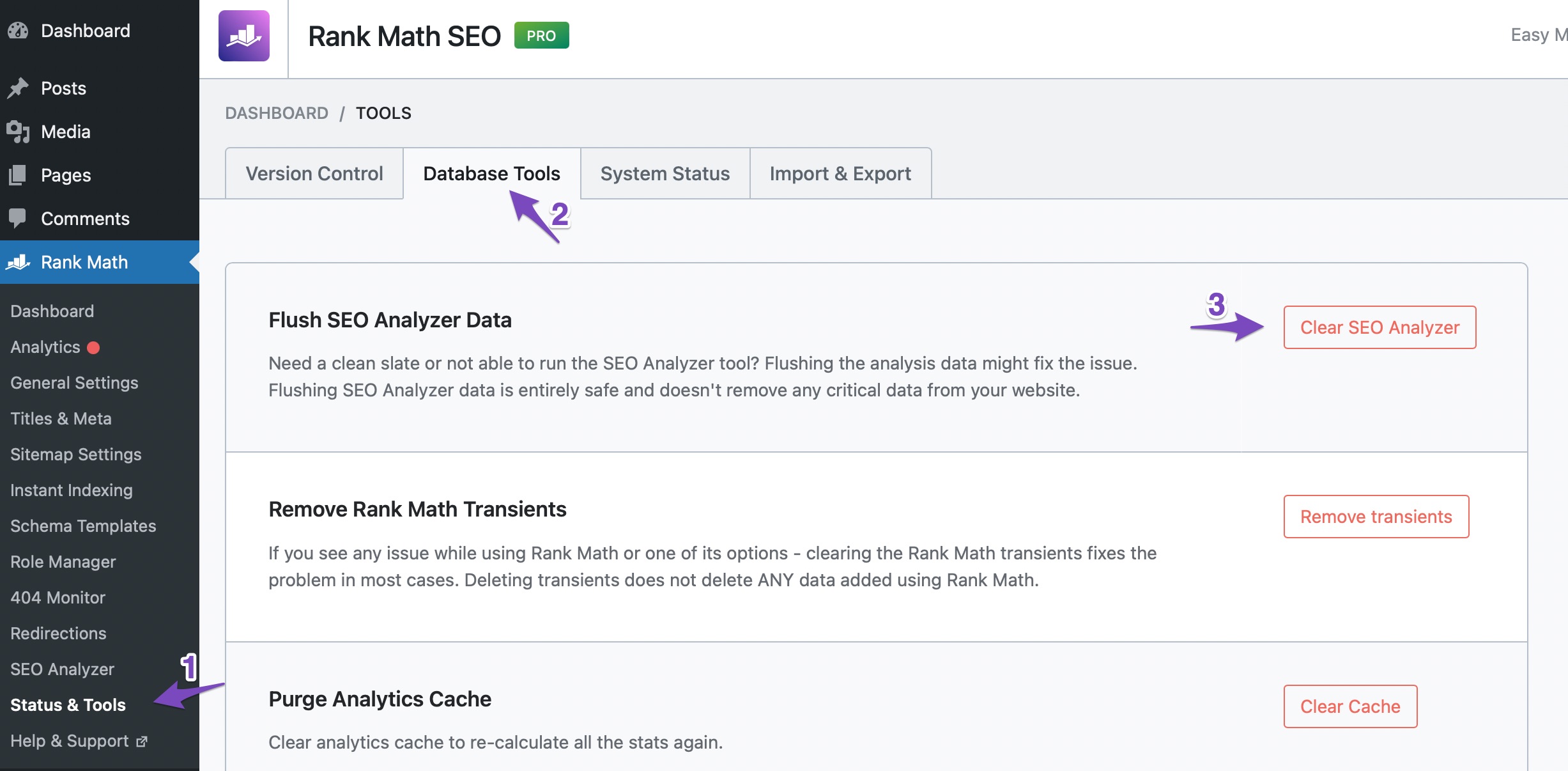
After this run a fresh SEO analysis.
However, if the issue persists, we might need to take a closer look at your website and settings. Please follow these steps:
- Edit the first post on this ticket and include your WordPress and FTP logins in the Sensitive Data section. This is a secure section that only our support staff can access.

- Make sure you take a complete backup of your website before sharing the information with us.
- If you prefer, you can use this plugin to generate a temporary login URL to your website and share that with us instead: https://wordpress.org/plugins/temporary-login-without-password/
- You can also use this plugin to monitor what changes our staff might make on your website (if any): https://wordpress.org/plugins/wp-security-audit-log/
We appreciate your cooperation and patience.
Thank you for choosing Rank Math.
Hello,
Since we did not hear back from you for 15 days, we are assuming that you found the solution. We are closing this support ticket.
If you still need assistance or any other help, please feel free to open a new support ticket, and we will be more than happy to assist.
Thank you.



