Hello,
We apologize for the issue you are facing with the missing Schema options on your taxonomy pages. It sounds like you have already enabled the Schema module in Rank Math, but it’s not appearing for your custom taxonomies or built-in categories and tags.
To add or customize Schema for taxonomy pages, you can follow these steps:
-
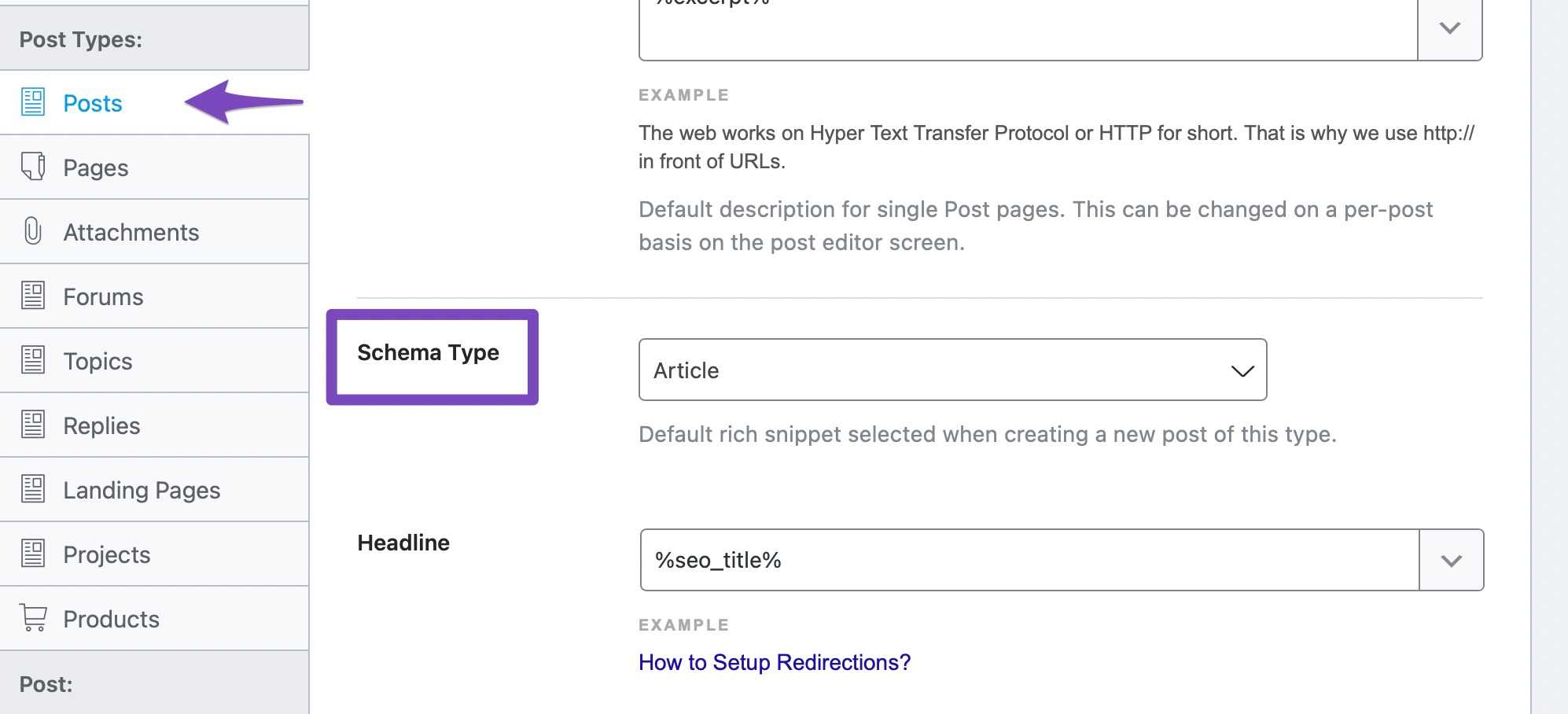
Check Rank Math Settings: Ensure that you have set up the default Schema for your taxonomies. You can do this by navigating to Rank Math SEO → Titles and Meta and then selecting the Taxonomies tab. Here, you can choose the default Schema type for your categories and tags.
-
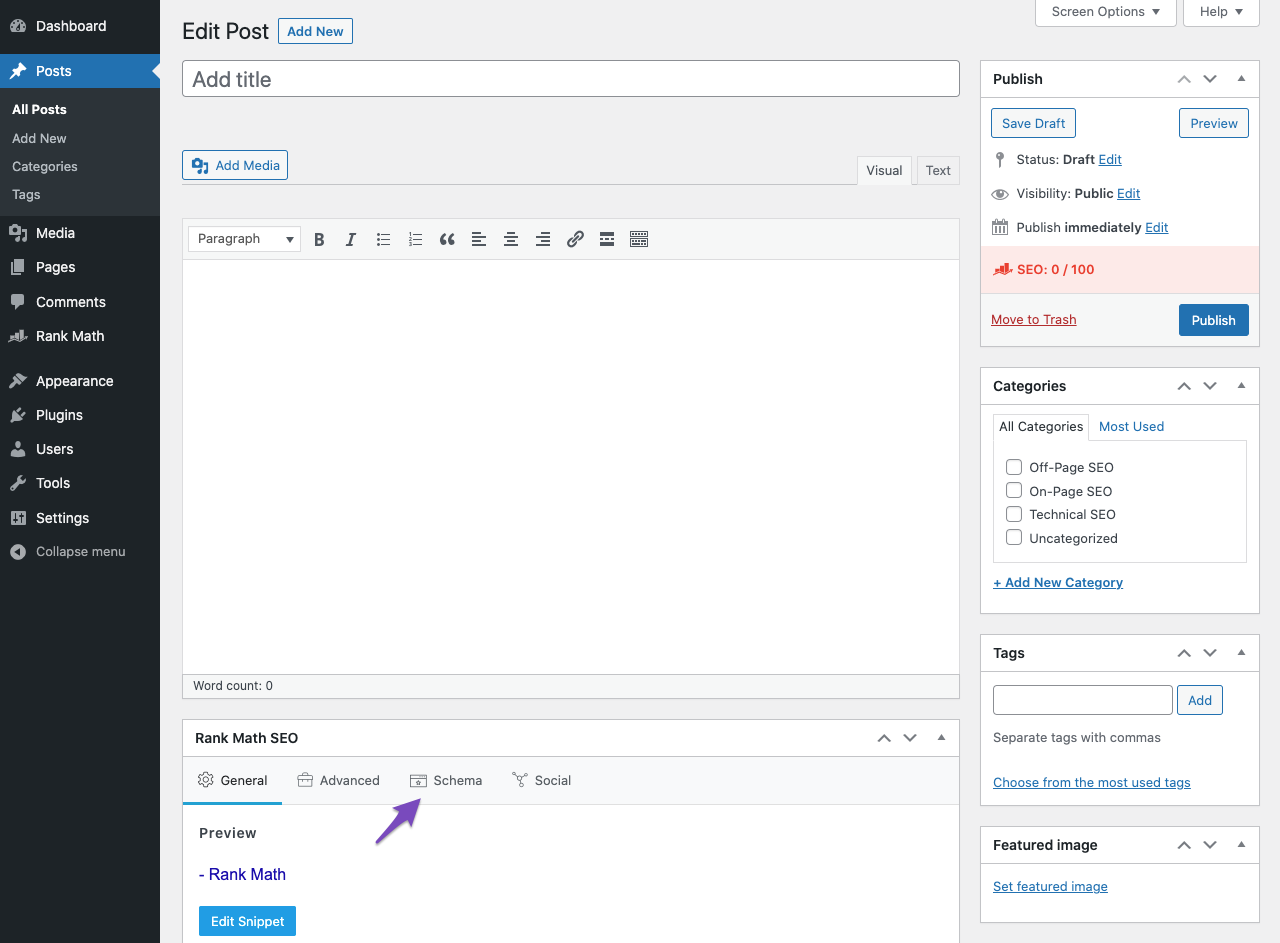
Editing Taxonomy Pages: When editing a taxonomy page (like a category or tag), you should see the Rank Math Meta Box. If it’s not visible, make sure to check the Screen Options at the top of the page and ensure that the Rank Math SEO option is checked.
-
Custom Taxonomies: If you are using custom taxonomies, ensure that they are registered correctly and that Rank Math is set to recognize them. You may need to check the code where the custom taxonomy is registered to ensure it supports the necessary features.
If you have followed these steps and still do not see the Schema options for your taxonomies, it may be beneficial to reply to your ticket with your site URL so that a human agent from the Rank Math Support team can assist you further.
Thank you for raising this concern, and we hope this helps you resolve the issue!
Sources:
Configuring “Schema Markup” in Rank Math for Rich Snippets » Rank Math
Understanding Rank Math’s Meta Box Appearing in Single Posts & Pages
This is an automated reply from Rank Math Support Bot. Your ticket has been assigned to a human agent and we will get back to you shortly.
Custom taxonomies are properly registered and show up in RankMath. However, the schema option is missing specifically.
In addition, this issue does not only apply to custom taxonomy, but also to WordPress’ default categories and tags.


