Hello,
Thank you for contacting us and sorry for any inconvenience that might have been caused due to that.
To solve the issue with your website not being connected properly to your Rank Math account, let’s start by checking your WordPress settings and making sure that your website URL is correct. Sometimes, a mismatch in the URL or a missing slash can mess up the connection.
To do this, please go to your WordPress dashboard and click on Settings > General. Then look at the WordPress Address (URL) and Site Address (URL) fields and see if they match your website URL exactly.
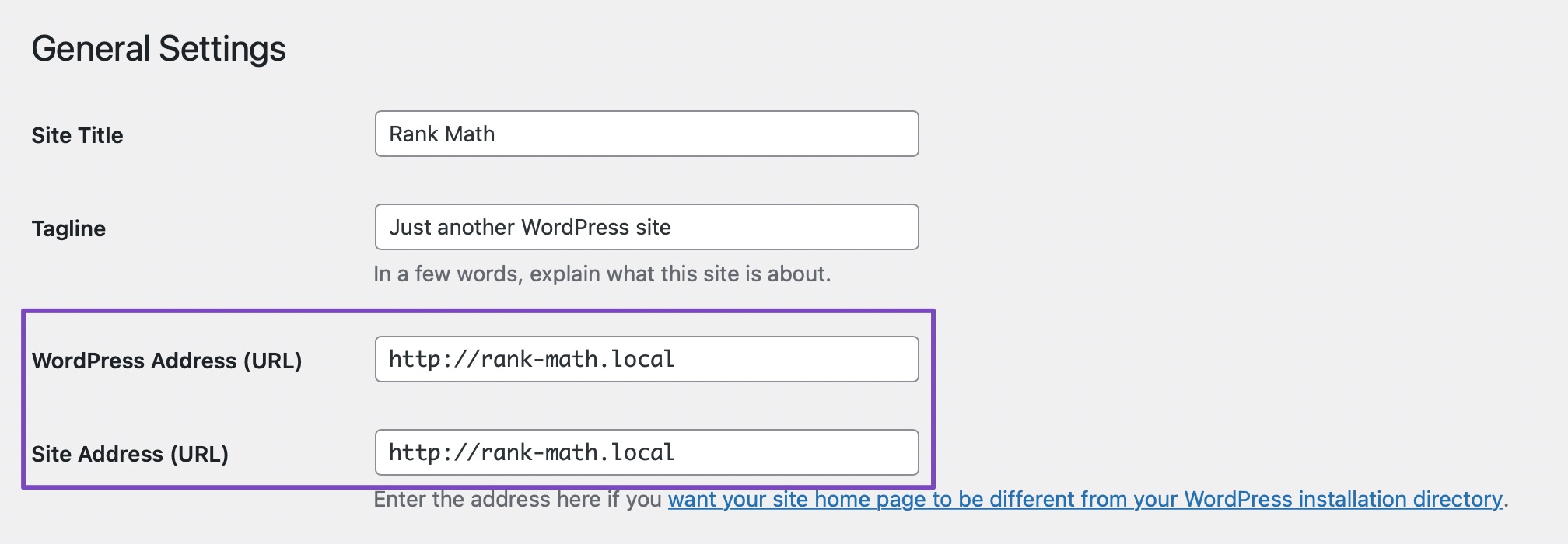
If you find any mismatches, please correct them and save the settings.
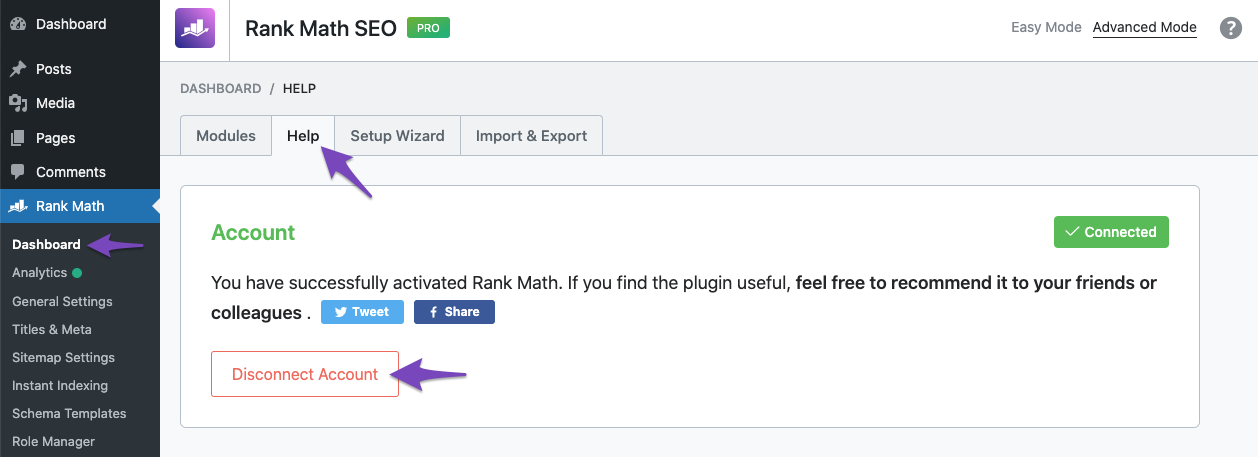
After that, please try disconnecting and reconnecting your Rank Math account to see if this resolves your issue.
If this doesn’t work, you can try adding a filter code to your website that will bypass the URL check. This might help if there is some issue with your server configuration or DNS settings. The filter code you need to add is below:
/**
* Filter whether we need to check for URL mismatch or not.
*/
add_filter( 'rank_math/registration/do_url_check', '__return_false' );
To add the filter code, please follow this guide: https://rankmath.com/kb/wordpress-hooks-actions-filters/
And that’s it! The website should now be able to stay connected without any issues.
For more information on why this issue happens and how to fix it, you can check this page: https://rankmath.com/kb/problems-while-connecting-account/
About the indexing issue, please note that it is completely normal for a newly published post/page/website to take time before it gets crawled or indexed by Google. It depends on a lot of factors. Your posting frequency + the domain authority are just two of the many factors Google considers when indexing some new URL. Google assigns a crawl budget to your website depending on these factors (especially these two) and that has a direct effect on how soon or how late your content can get indexed.
You can also check for noindex tag here to rule out that your page isn’t getting indexed due to a mistake in plugin settings:
https://rankmath.com/tools/meta-tag-analyzer/
If noindex is not present, then it is just a waiting game before Google decides to include the URL in the index. No SEO plugin can force Google to index something they don’t want to.
With that said, we have found that barring any issues like copied/DMCA/low-quality content issues – Google usually indexes posts within a week or two. So, we request you to kindly wait.
Google even says that on its official website:
https://i.rankmath.com/QB4Dhl
The above screenshot was taken from this page:
https://support.google.com/webmasters/answer/7552505#missing-jobs
So, you have to be a bit patient and allow it some time. If your website isn’t indexed even after a week, you can place a manual indexing request here:
https://support.google.com/webmasters/answer/9012289
Finally, it all boils down to the quality of the content, and if your content improves Google’s overall search index.
Please check this article where one of the Google employees mentioned:
“If your site relies on manual index submission for normal content, you need to significantly improve your site. Search console does not fix your site, you need to do that yourself.” – JohnMu
https://www.seroundtable.com/google-manually-index-site-quality-28942.html
With that said, here’s a good article on how to ensure that your website gets indexed regularly:
https://ahrefs.com/blog/google-index/
Hope that helps and please do not hesitate to let us know if you need our assistance with anything else.