RankMath meta not saved

#875754
  • Resolved Caran Bauer
    Rank Math free

    Page builder is elementor, and RankMath SEO tab inside the builder is not opening/disabled. So we would edit meta data on the wordpress editor. After clicking update, everything is saved except for the new seo meta data.

    Wordfence is already disabled, Permalinks resaved – htaccess is fresh, disabled all plugins (Health Check & Troubleshooting plugin), nothing.

    Followed RankMath’s troubleshooting and nothing.

    No error logged for RankMath, no error visible with debug true.

    None worked. SEO Meta data still not saved.

    Only affects some pages. Other pages can be saved with no problem.

Viewing 4 replies - 1 through 4 (of 4 total)

  • Hello,

    We apologize for the issue you are facing with Rank Math not saving the SEO metadata. It sounds like you’ve already taken several troubleshooting steps, which is great. Since you mentioned that Wordfence is disabled and you’ve checked for errors without success, there are a few additional things you might want to consider:

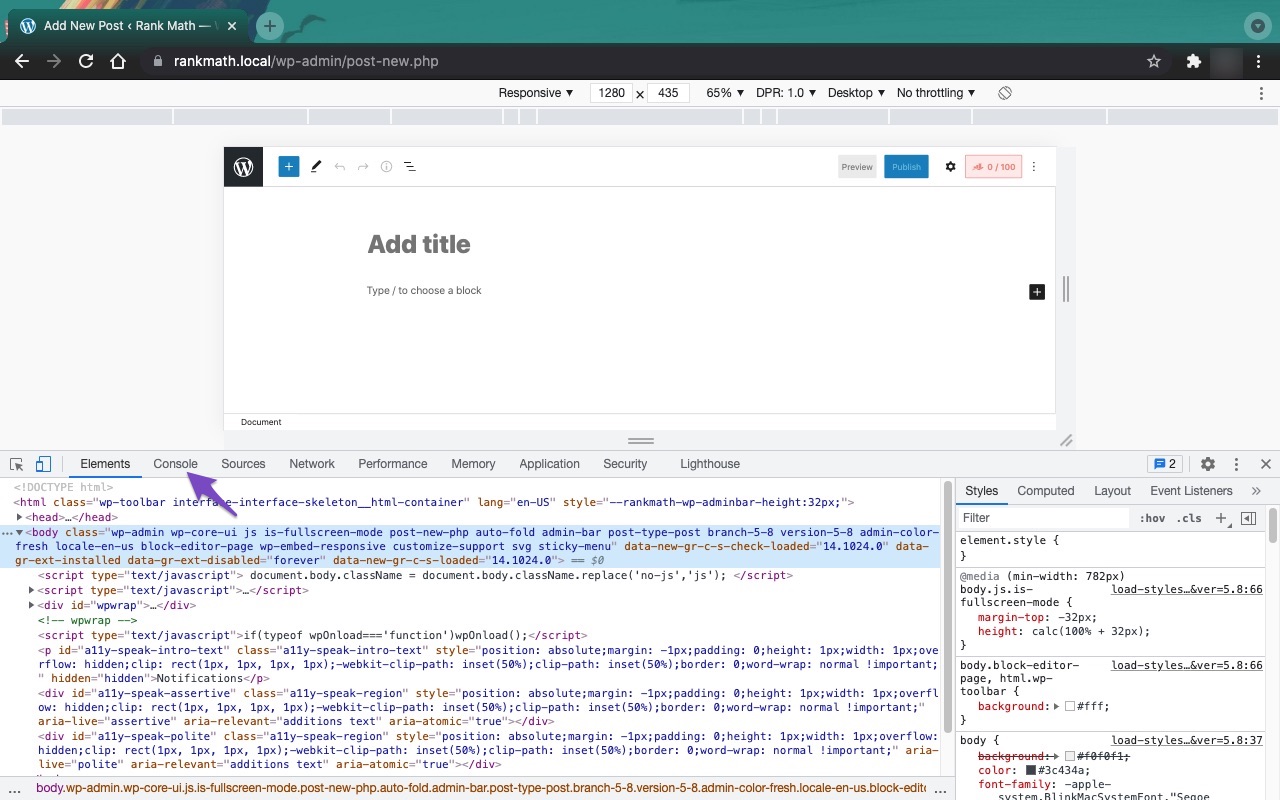
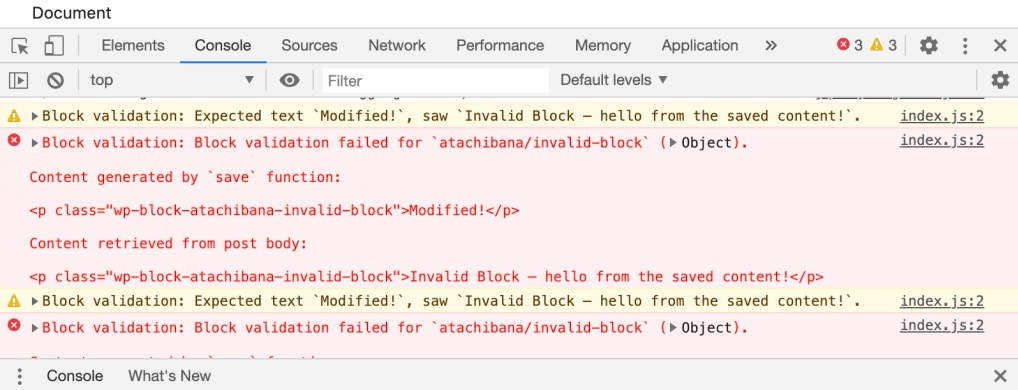
    1. Check for JavaScript Conflicts: Sometimes, other plugins or themes can cause JavaScript conflicts that prevent Rank Math from functioning properly. You can open the Developer Tools Console in your browser to check for any errors. To do this in Chrome, navigate to More Tools → Developer Tools, then click on the Console tab. If you see any errors related to JavaScript, it could indicate a conflict.
      Open Developer Tools
      Open console tab
      Google Chrome JavaScript console errors

    2. Firewall Settings: Even if Wordfence is disabled, other firewall settings or security plugins might still be blocking access to Rank Math’s files. Ensure that the following URLs are whitelisted:

      • /wp-json/rankmath/v1/updateMeta
      • /wp-json/rankmath/v1/updateSchemas
      • /wp-json/rankmath/v1/updateRedirection
      • /wp-json/rankmath/v1/getFeaturedImageId
      • /wp-json/rankmath/v1/getHead
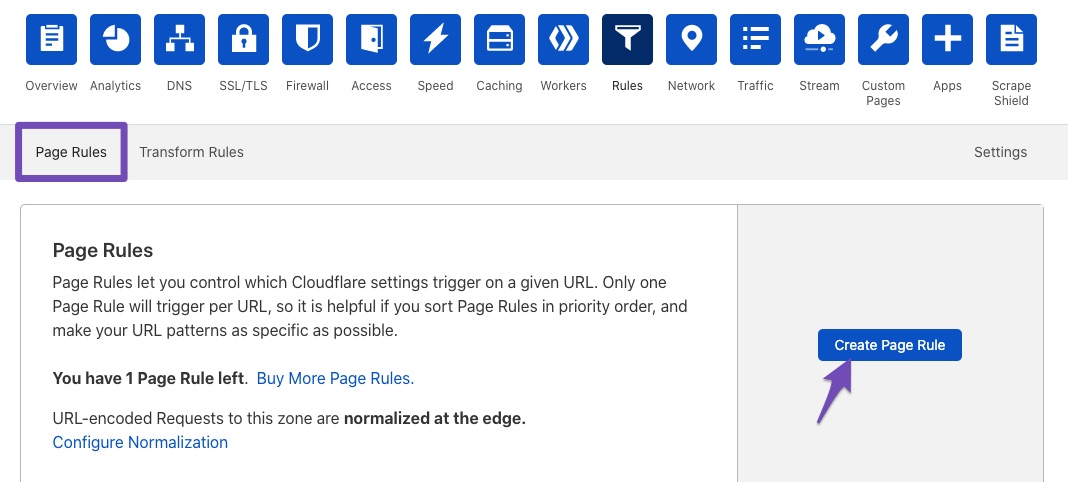
    3. Cloudflare Settings: If you are using Cloudflare, ensure that you have created page rules to disable security for the above URLs. You can follow these steps:

      • Go to the Rules section in your Cloudflare dashboard.
      • Create a new page rule for each of the URLs listed above, setting them to Disable security.
        Create page rule in Cloudflare
    4. Server Configuration: If none of the above solutions work, it might be worth checking with your hosting provider to see if there are any server-level restrictions or configurations that could be affecting Rank Math’s ability to save metadata.

    If the issue persists after trying these suggestions, please reply to this ticket with any additional details or findings, and a human agent from the Rank Math Support team will assist you further. Thank you for your patience!

    Sources:
    Why Your SEO Title, Description & Focus Keyword Aren’t Being Saved » Rank Math

    Hello,

    I have updated the sensitive data as requested. Can you please check further?

    Thank you.

    Nothing in Developers Tools seems to be related to RankMath. Also noticed, this affects child pages. Parent pages went with no problem.

    Hello,

    We just checked your website and noticed that the route that is used to update the metadata from our plugin is being blocked:
    403

    That is happening on the website even though Wordfence is currently disabled so it’s likely coming from the server firewall. We recommend getting in touch with your hosting provider and asking them to check the logs and authorize that particular route so the data can be saved.

    Don’t hesitate to get in touch if you have any other questions.

    Hello,

    Since we did not hear back from you for 15 days, we are assuming that you found the solution. We are closing this support ticket.

    If you still need assistance or any other help, please feel free to open a new support ticket, and we will be more than happy to assist.

    Thank you.

Viewing 4 replies - 1 through 4 (of 4 total)

The ticket ‘RankMath meta not saved’ is closed to new replies.