Rank Math is unable to connect to my website

#880352
  • Resolved Jewels Rivers
    Rank Math free

    I have tried different ways of trying to connect. I have opened different browsers, I have disconnected and reconnected. Analytics is showing a red light the entire time. I may be doing something wrong, but I can’t understand what it is. I have also waited 12 hours to try again. My website is http://www.hisdivinefeminine.com. My email is h*****************@g********

Viewing 2 replies - 1 through 2 (of 2 total)
  • Hello,

    We apologize for the issue you are facing with connecting Rank Math to your website. It sounds like you’ve already tried several troubleshooting steps. Here are some additional steps you can take to resolve the connection issue:

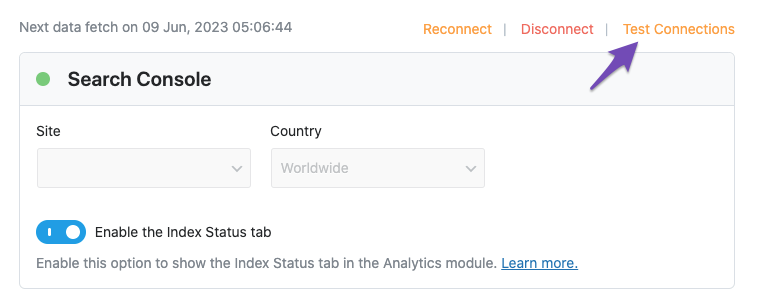
    1. Test Connections: Go to Rank Math SEO → General Settings → Analytics and click on the Test Connections option at the top right. This will help validate the existing connections. A green signal indicates a valid connection, while a red signal indicates an issue.
      Test connections

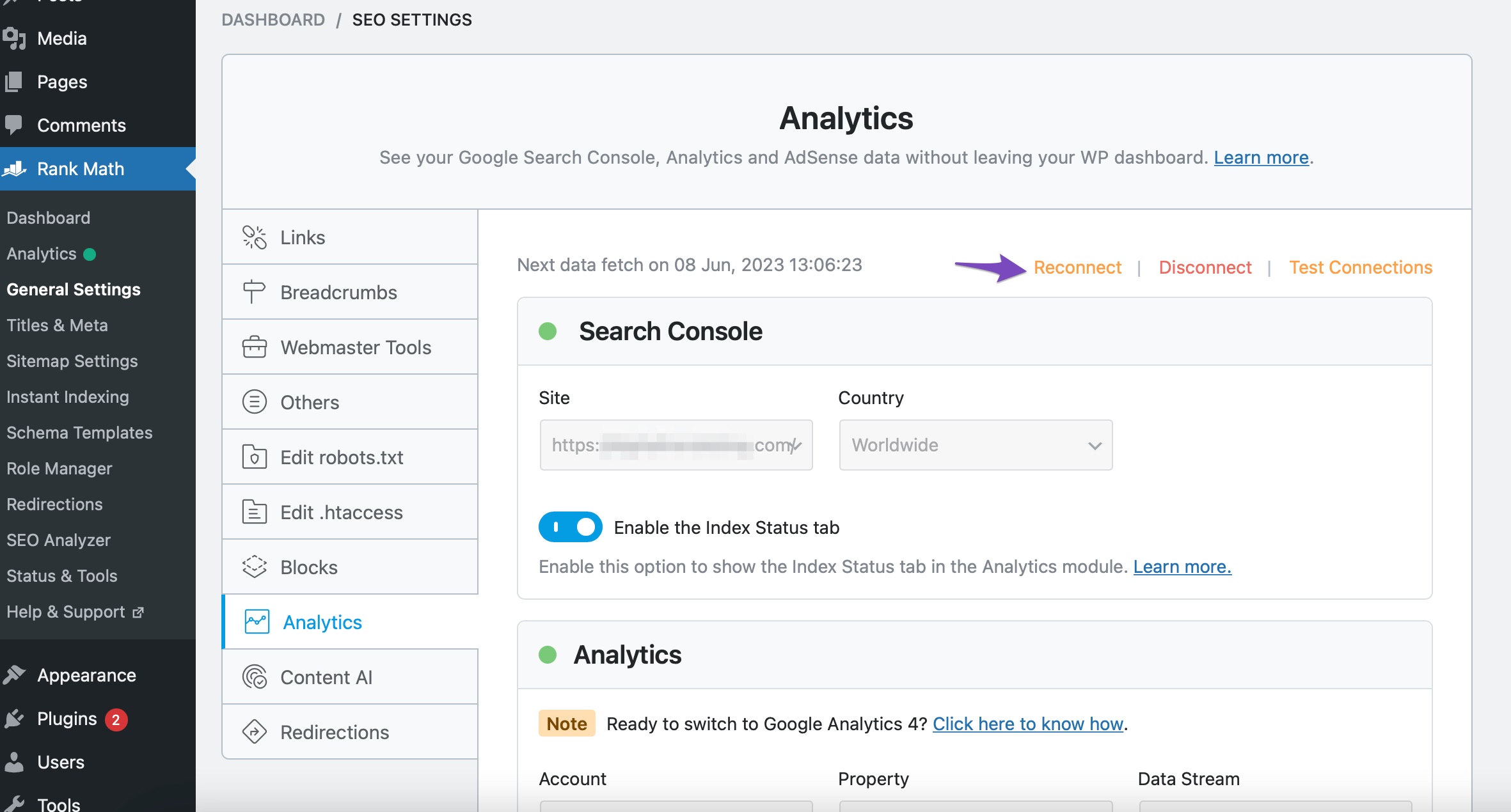
    2. Reconnect Your Google Account: If you see a red signal, try reconnecting your Google account. You can do this by clicking the Reconnect link in the Analytics settings.
      Reconnect Google Account service in Rank Math

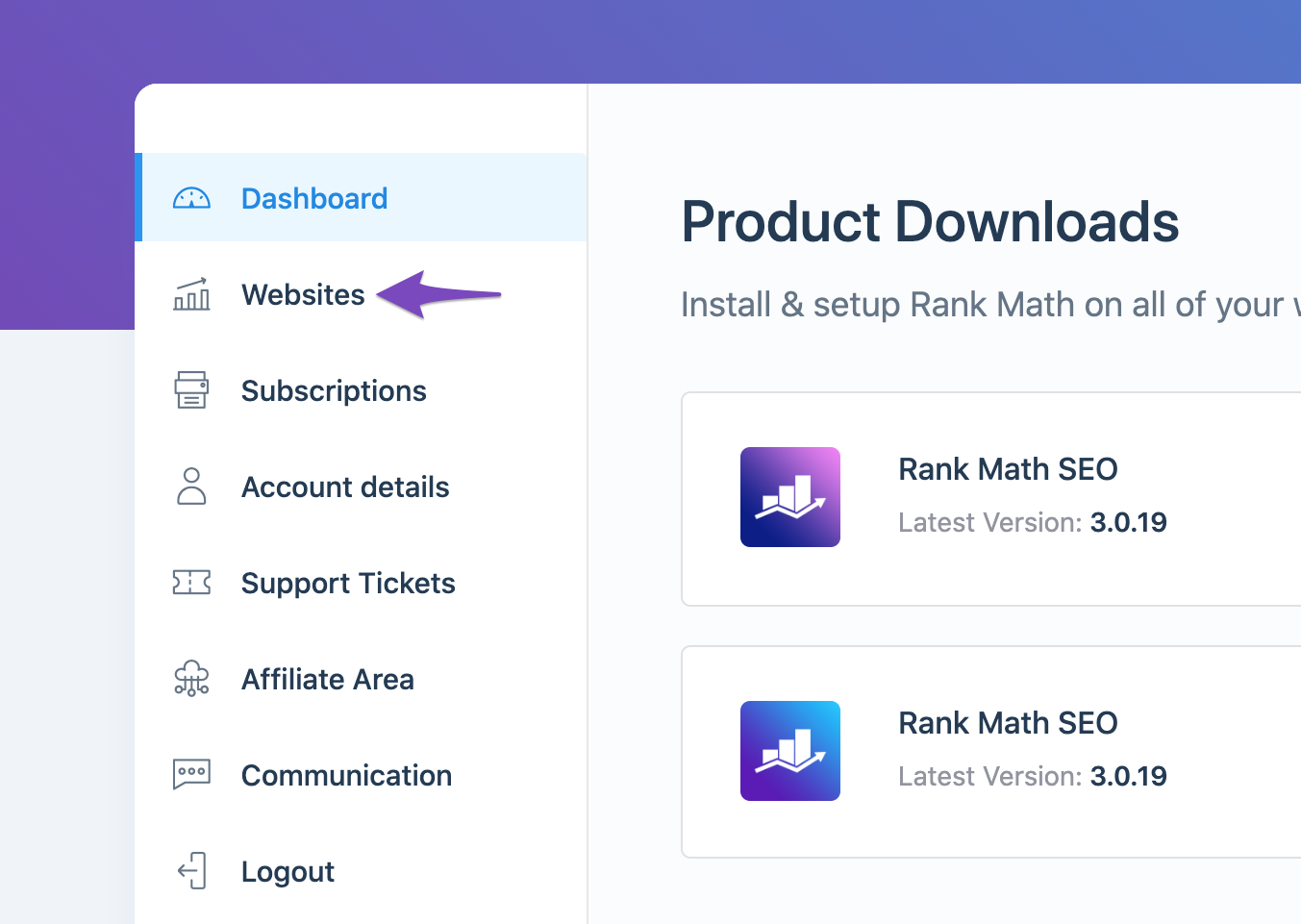
    3. Check Rank Math Account Connection: Ensure that your website is connected to the Rank Math account that has a PRO license. You can check this by logging into your Rank Math account and navigating to the My Account area, then clicking on the Websites tab.
      Open the Websites tab

    4. Refresh Tokens: If the issue persists, it may be due to expired authorization tokens. You can delete the Rank Math app from your Google Account permissions here and then reconnect your Google services for your website.
      Remove Access to Rank Math SEO

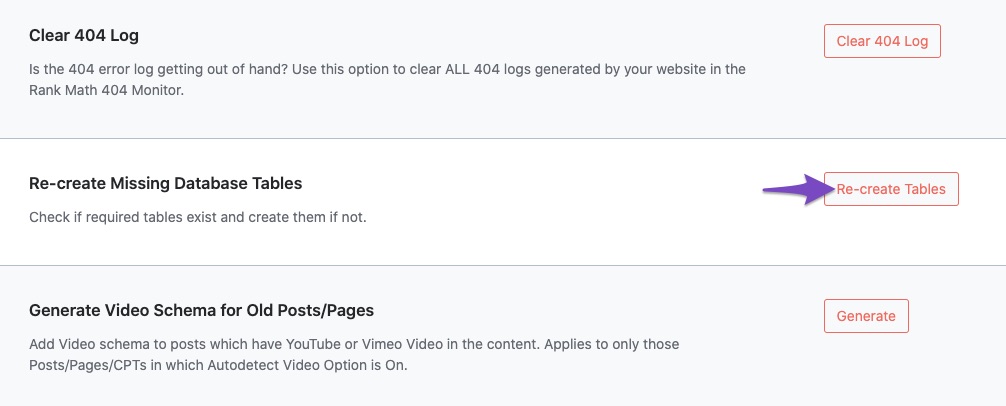
    5. Recreate Database Tables: Navigate to WordPress Dashboard → Rank Math SEO → Status & Tools → Database Tools and click on Re-create Missing Database Tables.
      Re-create Missing Database Tables

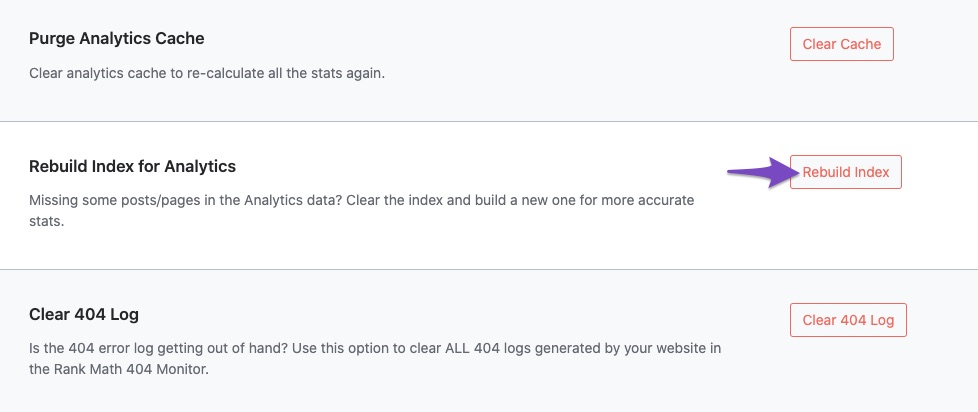
    6. Rebuild Index for Analytics: After reconnecting, go back to Database Tools and click on Rebuild Index for Analytics.
      Rebuild Index for Analytics

    If you have followed these steps and are still experiencing issues, please reply to this ticket, and a human agent from the Rank Math Support team will assist you further. Thank you for your patience!

    Hello,

    Thank you for contacting us and we apologize for any trouble you may have experienced with Rank Math.

    To fix the issue, please make sure you have the latest version of the Rank Math plugin installed on your site. You can check the latest version here: https://rankmath.com/changelog/free/

    Once you have updated the plugin, please follow these steps to reconnect Rank Math with your Google account and grant all the necessary permissions:

    First of all, check to make sure that you have a verified Google Search Console and Google Analytics properties, if not follow the attached link to create one.

    If you already have verified properties and you’re still unable to connect them – then follow these steps

    1) Remove Rank Math’s access from Google Please remove RankMath’s app from your Google apps permissions: https://myaccount.google.com/permissions

    permissions

    2) Re-connect to regenerate auth token from Google

    After that, reconnect the Google account again, to regenerate the auth token from Google, by going to WordPress Dashboard > Rank Math > General Settings > Analytics and configure the Search Console and Analytics settings again:

    reconnect

    3) Grant all necessary permissions

    Kindly check all necessary checkboxes to allow Rank Math to access some of the Google Services. Please check my screenshot below for reference:

    permissions

    4) Follow the instructions to sign in with your Google account and allow Rank Math to access your data. https://rankmath.com/kb/connect-your-google-account/

    You can also refer to this guide for more details: https://rankmath.com/kb/analytics-issues/#expired-google-oauth-token

    We hope this resolves the issue for you. If you still face any problems or have any questions, please let us know. We’re always here to help.

    Hello,

    Since we did not hear back from you for 15 days, we are assuming that you found the solution. We are closing this support ticket.

    If you still need assistance or any other help, please feel free to open a new support ticket, and we will be more than happy to assist.

    Thank you.

Viewing 2 replies - 1 through 2 (of 2 total)

The ticket ‘Rank Math is unable to connect to my website’ is closed to new replies.