Hello,
Thank you for contacting Rank Math and bringing your concern to our attention. I’m sorry for any inconvenience this issue may have caused you.
Could you please confirm if you’re seeing the block recovery option on those blocks?
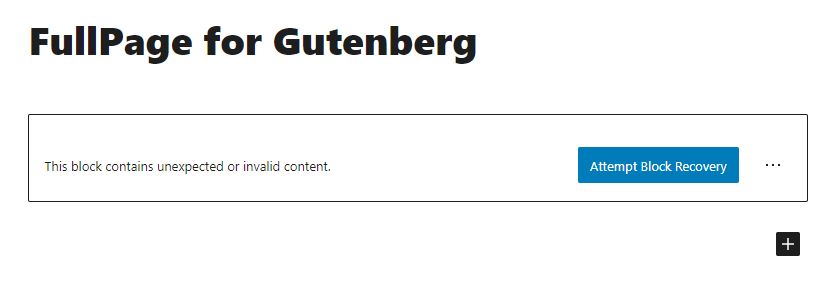
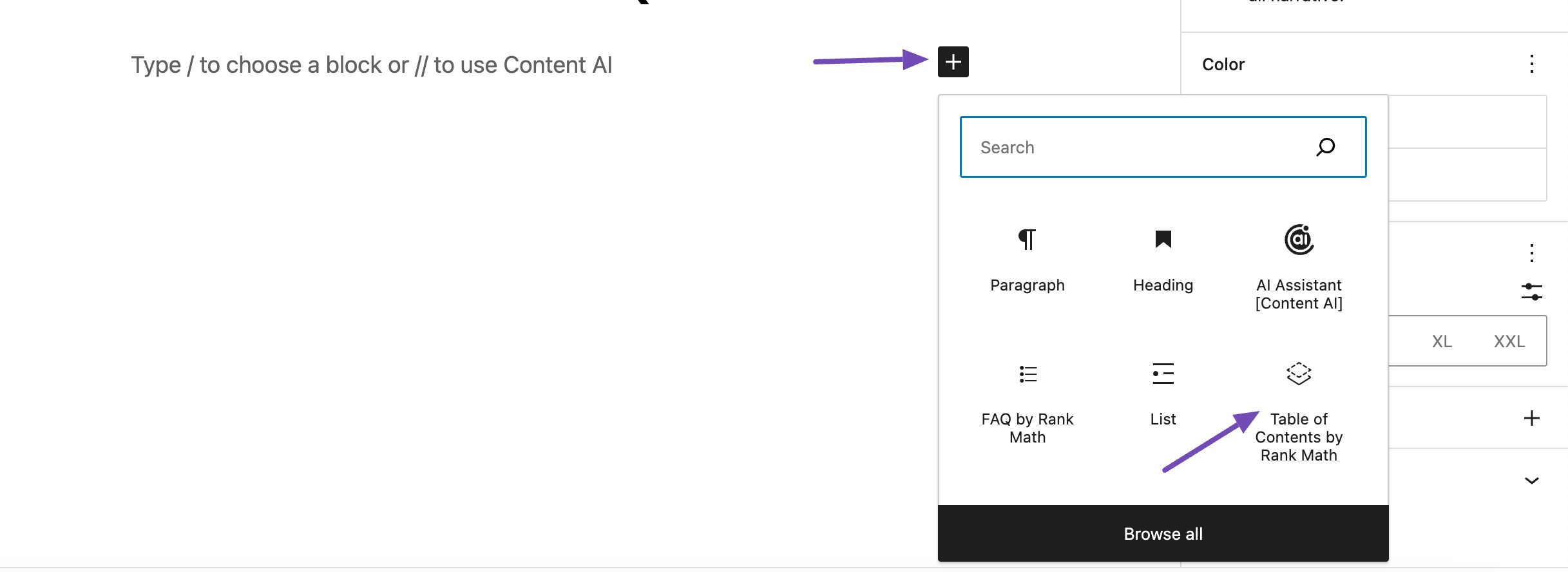
Or the TOC/FAQ blocks are not showing when selecting/adding a new block?
You can upload screenshots using this tool and add the link here.
Looking forward to helping you.
Hello Reinelle,
Thank you for your reply.
Here is the screenshot you requested:
https://imgur.com/QZ2uMnj
Additionally, the screenshot below is from a previously posted article where I used Rank Math’s Table of Contents feature. However, it is now displaying this message:
https://imgur.com/6qPnQe9
Finally, I have noticed that the “Blocks” section in Rank Math’s general settings is no longer available, as shown in the screenshot below.
https://imgur.com/syt5658
Best regards,
Abdessamad
Hello,
Please ensure that you are using the latest version of Rank Math plugin. If not yet, please do update them. You may refer to our changelog page here: https://rankmath.com/changelog/
Then, head over to your WordPress Dashboard → Rank Math → Dashboard → Modules and make sure the Schema module is turned on.
If the issue persists, we might need to take a closer look at the settings. Please edit the first post on this ticket and include your WordPress & FTP logins in the designated Sensitive Data section.
Please do take a complete backup of your website before sharing the information with us.

It is completely secure and only our support staff has access to that section. If you want, you can use the below plugin to generate a temporary login URL to your website and share that with us instead:
https://wordpress.org/plugins/temporary-login-without-password/
You can use the above plugin in conjunction with the WP Security Audit Log to monitor what changes our staff might make on your website (if any):
https://wordpress.org/plugins/wp-security-audit-log/
We really look forward to helping you.
Hello,
Thank you it’s solved, the schema was not activated!
Hello,
Glad that everything has been sorted out.
Please feel free to reach out to us again in case you need any other assistance.
We are here to help.
Thank you.



