Hello,
I’m sorry to hear that you are facing an issue with the incorrect HTTP header content-type in your sitemap validation. This error occurs when the server expects an XML sitemap during validation but receives a response of a different content type, such as HTML.
To fix this error, you can follow these steps:
-
Flush Permalinks:
- Navigate to WordPress Dashboard → Settings → Permalinks.
- Click the Save Changes button without making any changes to the permalink settings to flush the permalinks.

-
Flush Sitemap Settings:
- Go to Rank Math SEO → Sitemap Settings in your WordPress admin area.
- Change the value in the Links Per Sitemap field. If it is 200, change it to 201 or any other value.
- If the Links Per Sitemap option is unavailable, ensure you’ve switched to the Advanced Mode in Rank Math.
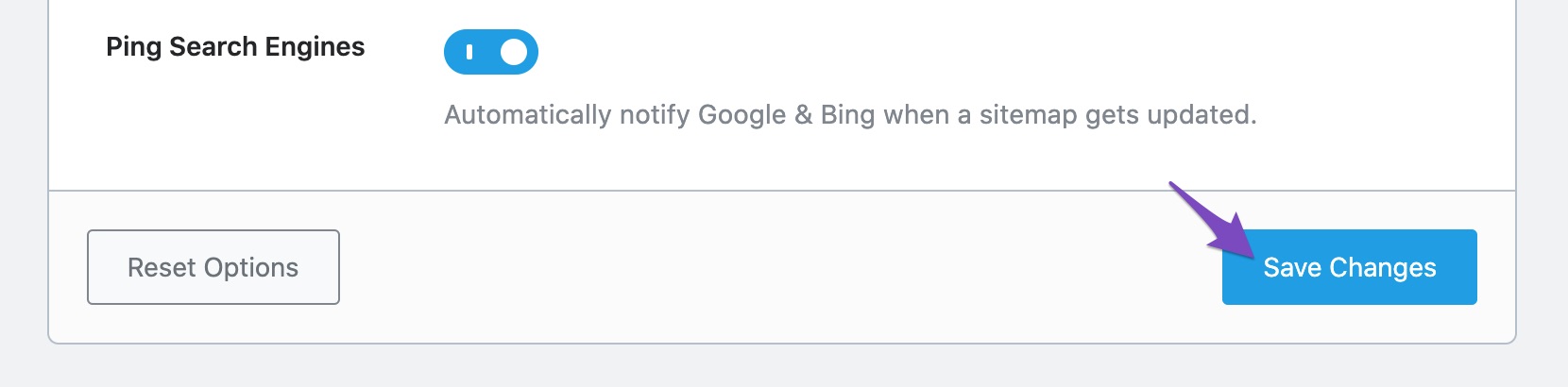
- Click the Save Changes button at the bottom of the page.

-
Exclude Sitemap from Caching:
-
Check Restrictions from Web Host:
- Ensure that there are no restrictions on sitemap access by security plugins or web hosts.
- Exclude the sitemap from your firewall if a security plugin is causing issues.
- Contact your web host for further assistance if there are security measures in place.
I hope these steps help resolve the incorrect HTTP header content-type issue in your sitemap validation. If you need further assistance, feel free to ask. Thank you for reaching out!
Sources:
How to Fix “Incorrect HTTP Header Content-Type” Error in Sitemaps » Rank Math
Indexed, Not Submitted in Sitemap – Google Search Console » Rank Math
Troubleshooting the “Couldn’t Fetch” Error in Google Search Console » Rank Math
Rank Math Sitemap Issues and Their Fixes » Rank Math
This is an automated reply from Rank Math Support Bot. If you need further assistance, please reply to this topic and a human support agent will reply to you shortly.
Hello,
Since we did not hear back from you for 15 days, we are assuming that you found the solution. We are closing this support ticket.
If you still need assistance or any other help, please feel free to open a new support ticket, and we will be more than happy to assist.
Thank you.