Hello,
Thank you for contacting Rank Math and bringing your concern to our attention. I’m sorry for any inconvenience this issue may have caused you.
Please note that the Podcast feature is only available for PRO users.
With that said, we have already replicated this issue and our development team is already working on a fix for this. We will get back to you soon with an update.
Meanwhile, you can disable the Podcast module if you want your podcast page to work, or you can change the slug of your podcast page to make it work with our Podcast module for now.
We would appreciate your kind patience regarding this matter.
I hope that helps.
Thank you.
Hi Jeremy,
Thanks for the quick reply.
I do have the Business Plan on one of my accounts, so I just reconnected to RankMath in case I was logged into the wrong account earlier; however, the issue persists.
However, I also just changed the slug and that worked!
Thanks.
Hi Jeremy,
So the plugin just doesn’t like the slug name. That’s odd, but I can work around that.
I have one other question that I recorded a short video to explain: https://www.loom.com/share/6e4a5d310b8e451a82741191b7ac5b11
Thanks.
Hello,
From your screencast, it seems that you have pasted the shortcode to your content or added the Schema block.
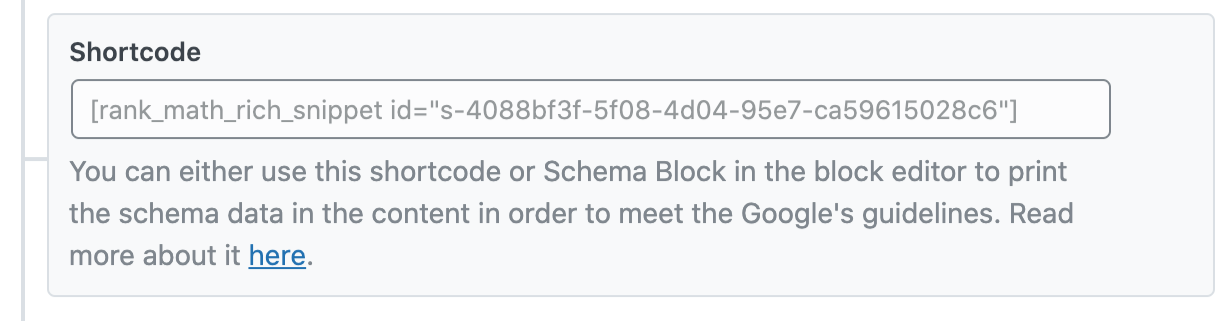
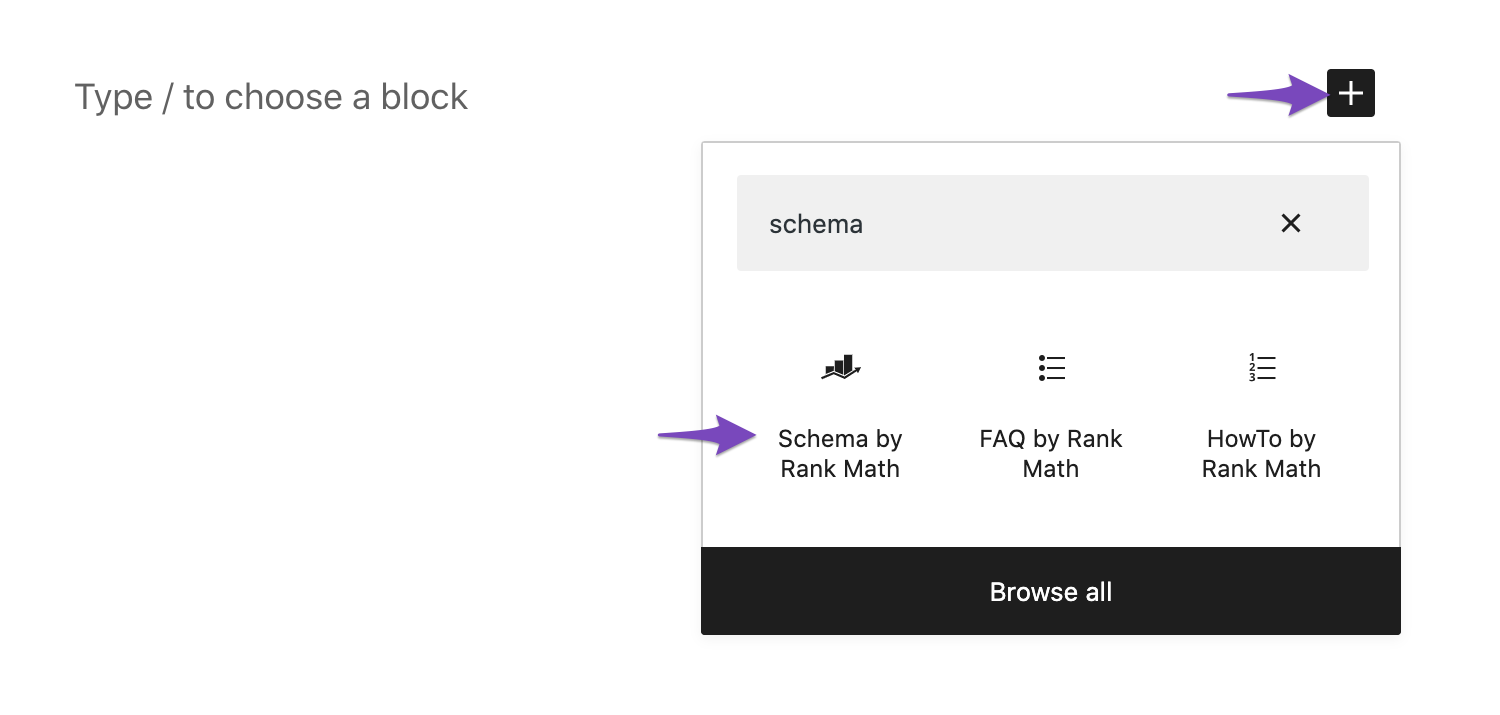
If so, the information from the schema will be displayed on the content of either of the two. You can remove those and use the block editor to input the title manually so you can easily customize it.
I hope that helps.
Thank you.
Hi Reinelle,
Thanks for getting back to me.
Can I customize the information displayed from the schema?
I ask because I was following the best practices from your podcast schema video – https://www.youtube.com/watch?v=UpHLzxpDL9M&t=776s – and it suggested adding the Block.
Are you suggesting that I don’t use the block?
I’m just looking to best optimized the podcast episode posts, so I appreciate any suggestions that you might have.
Thanks.
Hello,
You may also use blocks or the shortcode that comes with the podcast schema, any of them should work as long as you don’t insert both together.
As for customizing it, you may not be able to do it in the editor. As a workaround, you can instead customize it with CSS to hide the element generated by the block/shortcode on the frontend.
Hope that helps and please do not hesitate to let us know if you need our assistance with anything else.
Hello,
Since we did not hear back from you for 15 days, we are assuming that you found the solution. We are closing this support ticket.
If you still need assistance or any other help, please feel free to open a new support ticket, and we will be more than happy to assist.
Thank you.



