Hello,
We apologize for the issue you are facing with the Organization Schema. To resolve the "address field missing" error, you need to ensure that you have filled in the Address section in your Rank Math settings. Here’s how you can do it:
- Access Rank Math: Go to your WordPress dashboard and navigate to Rank Math.
- Schema Settings: Locate the Schema Markup settings for your organization.
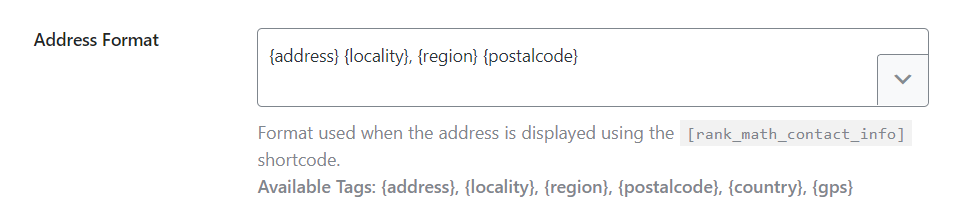
- Fill in Address: In the Address section, make sure to enter the Street Address, Locality, Region, Postal Code, and Country. The country should be in two-letter ISO format (e.g.,
US for the United States).
Here’s an example of how to fill in the address:
After making these changes, re-test your page using the Google Rich Results Test to see if the error persists.
If you still encounter issues or have further questions, please reply to this ticket, and a human agent from the Rank Math Support team will assist you further.
Thank you for raising this concern!
Sources:
How to Add Organization Schema Using Rank Math » Rank Math
Where is the schema markup setting cant find adresss field in it
Hello,
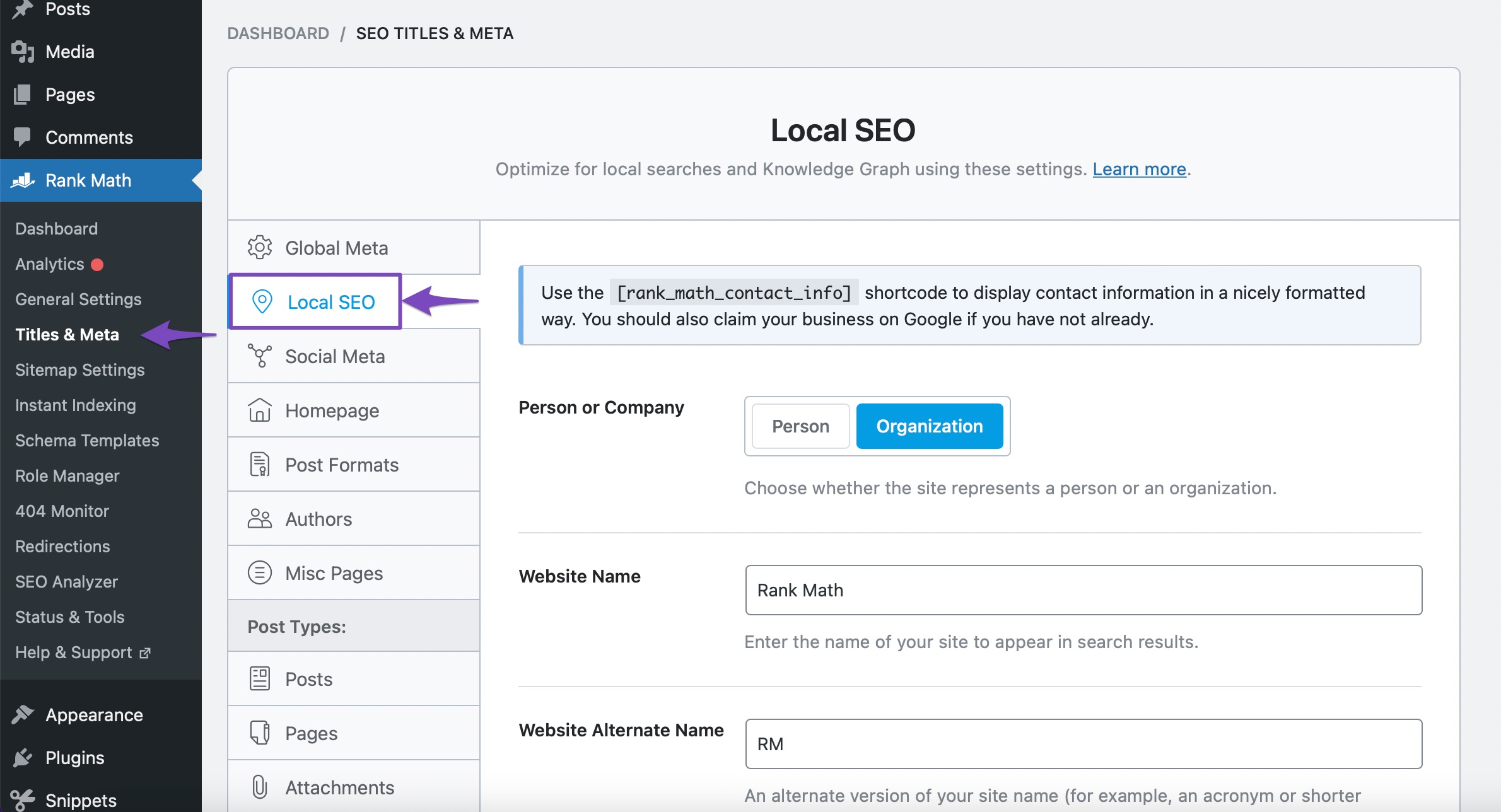
You should add the address details on your WordPress dashboard > Rank Math > Titles & Meta > Local SEO
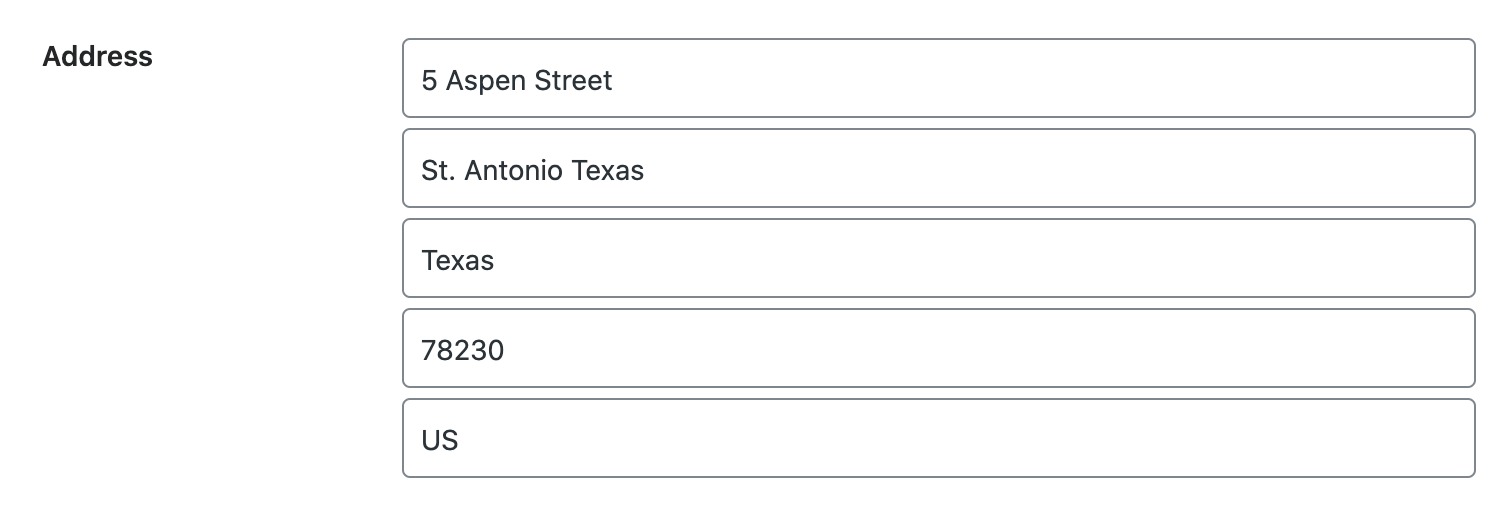
Once you have filled up the address, clear your website’s cache.
Hope that helps.
I have saved and cleared cache but still getting error
Hello,
Your site’s schema is already validating using the Google’s Rich Results test tool.
Please clear your website’s cache and revalidate the issue in your Google Search Console account and give Google some time to recrawl your site.

Looking forward to helping you.
Hello,
Rank Math’s schema is already validating for that page.
However, an Organization schema was added to your page with the missing address field error. This could be coming from one of your plugins or active theme.
Assuming you are using the latest version of all the plugins and the themes (please update if not yet), to determine that, please follow this troubleshooting guide:
https://rankmath.com/kb/check-plugin-conflicts/
Here is a video you can follow as well: https://www.youtube.com/watch?v=FcIWRhcUP2c
Only the site admin would know and your users won’t be affected by this troubleshooting.
Looking forward to helping you.
Hello,
Since we did not hear back from you for 15 days, we are assuming that you found the solution. We are closing this support ticket.
If you still need assistance or any other help, please feel free to open a new support ticket, and we will be more than happy to assist.
Thank you.



