Hello,
We apologize for the issue you are facing with your sitemap. It seems that the page built with Gutenberg is not appearing in the sitemap after changing its URL. Here are a few steps you can take to troubleshoot this issue:
-
Check Rank Math Metabox: Open the page in the WordPress Editor and ensure that the Rank Math Metabox is set correctly. In the Gutenberg Editor, click the Rank Math SEO icon in the top-right corner to access it. Make sure that the Robots Meta is set to Index.

-
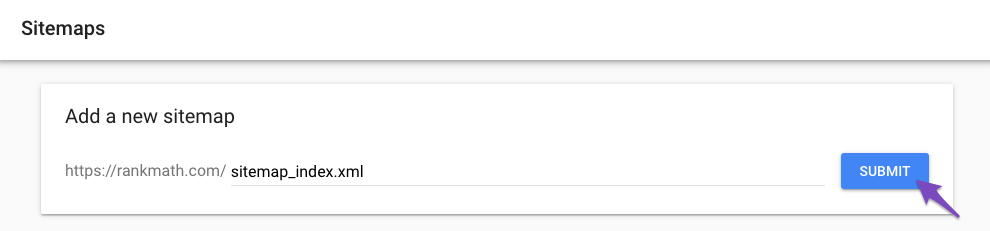
Resubmit Your Sitemap: After ensuring that the settings are correct, you may want to resubmit your sitemap in Google Search Console. This can help Google recognize the changes you’ve made. You can find instructions on how to do this here.
-
Check for Custom Canonicals: If you have set a custom canonical URL for this page, it might not appear in the sitemap. Ensure that there are no custom canonicals set for this page.
-
Clear Cache: If you are using any caching plugins, clear your cache to ensure that the latest version of your sitemap is being served.
If after following these steps the page still does not appear in the sitemap, please reply to this ticket, and a human agent from the Rank Math Support team will assist you further.
Thank you for raising this concern!
Sources:
How to Fix Submitted URL Marked ‘NoIndex’ Error » Rank Math
Hello,
Thank you for contacting us and sorry for any inconvenience that might have been caused due to that.
We tried to check your sitemap but it is showing a 520 error:

We suggest you get in touch with your hosting provider to fix this issue first so that we can check the sitemap further for you.
Looking forward to helping you.
Thank you.
Hello,
Since we did not hear back from you for 15 days, we are assuming that you found the solution. We are closing this support ticket.
If you still need assistance or any other help, please feel free to open a new support ticket, and we will be more than happy to assist.
Thank you.



