Hello,
We apologize for the issue you are facing with your website’s SEO. There could be several reasons why your meta title and description are not appearing in the SEO analyzer. Here are some steps you can take to troubleshoot the problem:
-
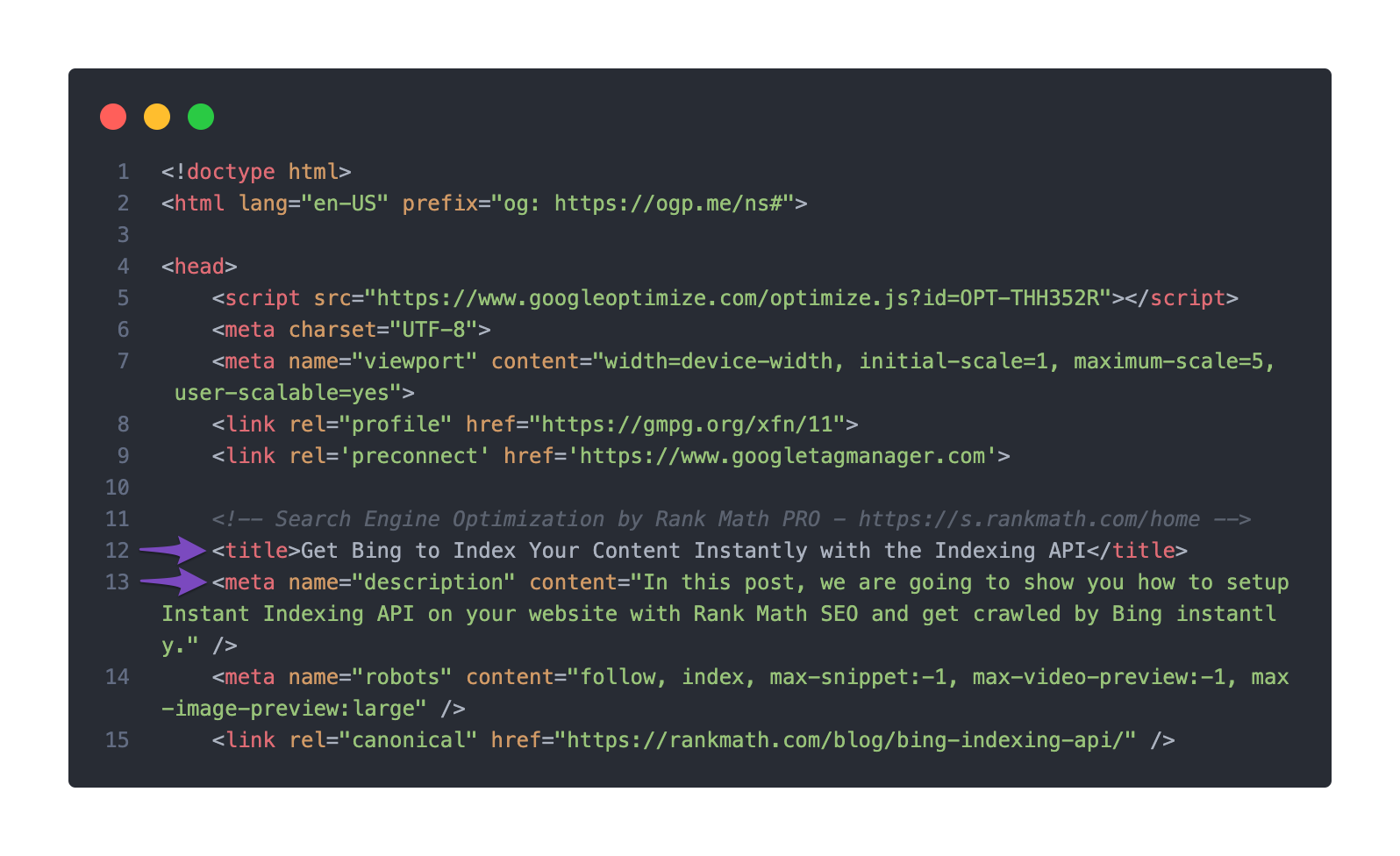
Check the Title/Description Set in the Page’s Source Code: Ensure that your meta title and description are correctly set in the page’s source code. You can do this by right-clicking on your page and selecting View page source. Look for the tag and the tag to confirm they contain the correct information.
-
Ensure Your Schema Settings Are Valid: In Rank Math’s Schema tab for the post or page, make sure that the Headline shows %seo_title% and the Description shows %seo_description%. This ensures that your SEO title and description are used for structured data as well.

-
Check for Caching Issues: Sometimes, caching plugins can prevent changes from appearing immediately. Clear your site cache and check again.
-
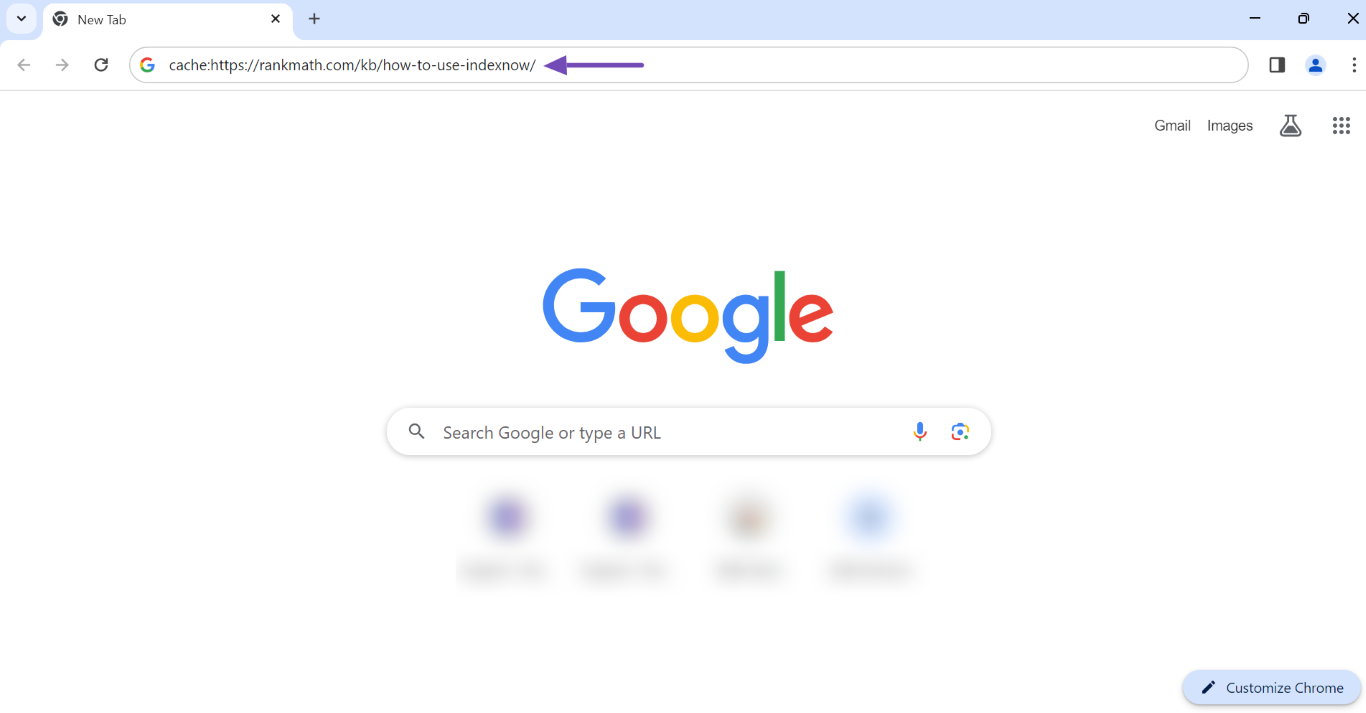
Google Indexing: If you have recently made changes, it might take some time for Google to re-crawl and index your page with the new meta information. You can check if Google has indexed the latest version of your page by entering cache: followed by your URL in the search bar.
If after checking these points you still encounter issues, please reply to this ticket, and a human agent from the Rank Math Support team will assist you further.
Thank you for raising this concern, and we hope this helps you resolve the issue!
Sources:
Google Shows A Different Meta Title/Description For My Site » Rank Math
Hello,
Thank you for contacting Rank Math support, and sorry for the inconvenience this may have caused.
Please share the affected website URL with us so that we can check this further for you.
In the meantime, you can use our Meta Tag Analyser to check: https://rankmath.com/tools/meta-tag-analyzer/
Looking forward to helping you.
Hello,
Since we did not hear back from you for 15 days, we are assuming that you found the solution. We are closing this support ticket.
If you still need assistance or any other help, please feel free to open a new support ticket, and we will be more than happy to assist.
Thank you.



