
-
Hello, my site is facing this issue: https://support.rankmath.com/ticket/instant-indexing-requested-entity-was-not-found-404-error/
I followed the steps but the issue is not solved.
Could you help me? thank you. Isabel.

-
Hello,
We apologize for the issue you are facing with the instant indexing request resulting in a 404 error. It seems that the steps you followed did not resolve the problem.
To address a "Not Found (404)" error, here are some steps you can take:
-
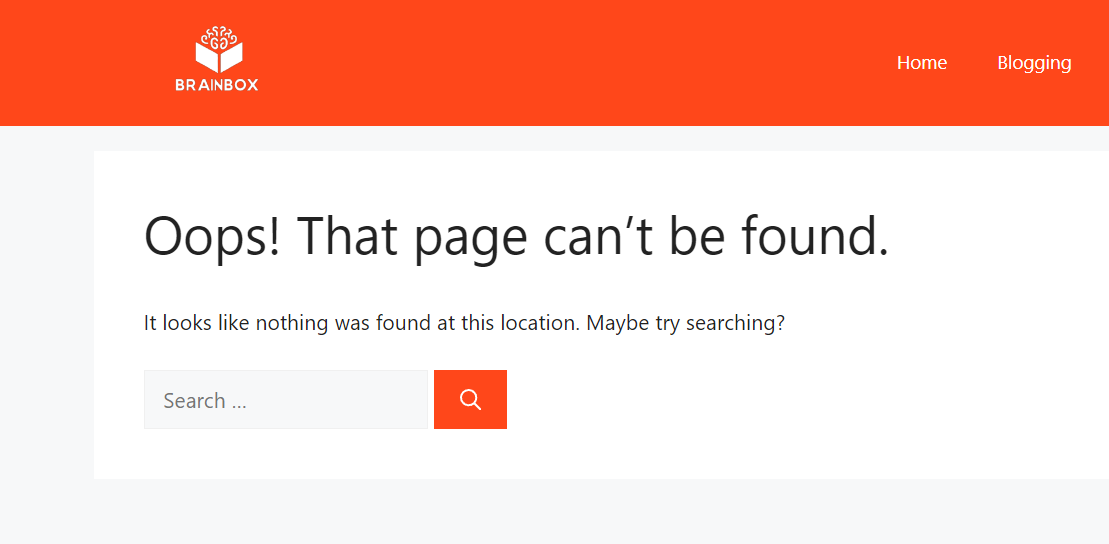
Redirect Removed Pages: If the page has been moved, create a 301 redirect from the old URL to the new one. This helps preserve any link equity from the old URL. You can refer to our guide on how to do this.
-
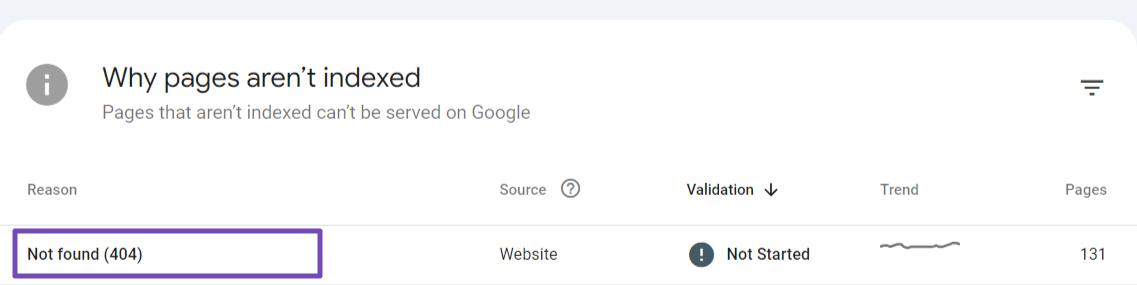
Fix Broken Links: Check internal and external links pointing to the missing page and update them accordingly. If possible, reach out to the sites linking to your deleted pages and request an update to the correct URL.
-
Create a Custom 404 Page: Design a user-friendly 404 page that guides visitors to helpful content on your site. Include links to popular posts or a search bar to help users find what they want.
If you have already tried these steps and the issue persists, we recommend replying to your support ticket. A human agent from the Rank Math Support team will be able to assist you further with your specific case.
Thank you for raising this concern, and we hope to resolve it for you soon!
I must say that I have been using API indexing perfectly without any problems, until a few days ago. The 404 error started to occur suddenly.
Hello,
Please make sure you’re using the latest version of the Instant Indexing plugin on your website: https://wordpress.org/plugins/fast-indexing-api/#developers
However, if you’re getting the error while trying to Get Status, please try to submit the URL in Publish/Update URL first as Google isn’t aware of the URL. Once done, please check the URL again with Get URL Status.
Let us know how it goes. Looking forward to helping you.
Thank you.
Thank you Rakibuzzaman, I have the latest version of the plugin (1.1.21) . I submit first the URL un Publish/Update, I get a Success. But then I check the URL again with Get URL Status and I get the 404 error. This happens in all my URLs, even those that have been published for almost a month.
Thank you,
Hello,
In this case, we might need to take a closer look at the settings. Please edit the first post on this ticket and include your WordPress & FTP logins in the designated Sensitive Data section.
Please do take a complete backup of your website before sharing the information with us.
It is completely secure and only our support staff has access to that section. If you want, you can use the below plugin to generate a temporary login URL to your website and share that with us instead:
https://wordpress.org/plugins/temporary-login-without-password/
You can use the above plugin in conjunction with the WP Security Audit Log to monitor what changes our staff might make on your website (if any):
https://wordpress.org/plugins/wp-security-audit-log/
We really look forward to helping you.
Hi Ike, thank you very much for your reply. However, I cannot give access to the web portal to non-company personnel. Could you try to help us in another way?
Thanks,
Best regards,
Isabel VázquezHello,
In this case, can you try setting up your Instant Indexing plugin again? Please follow these steps: https://rankmath.com/blog/google-indexing-api/#download
After that, do let us know if the issue persists.
Looking forward to helping you.
Thank you Jeremy, I did it, but the issue persist.
It is ok when sending the url to Google (Instant indexing google update), but it gets a 404 when clicking the status.Thank you,
Hello,
That should be fine as long as Google is receiving the submission. If not, then it is fine as long as you have your Sitemap and internal linking intact in your website.
As mentioned in this thread, the Indexing API is still active but limited to certain types of sites like job postings or live streams, as per Google’s latest guidelines. Blog posts and other content may not be fully effective for instant indexing through the API.
For regular content, ensure your sitemap is submitted to Google Search Console, and allow time for Google to index the content naturally.
Hope that helps.
Hello Jeremy, my site is a job posting service.
I dón’t have to worry if google says ther is a 404? it wasn’t happening before.Thank you,
Hello,
If the pages that you are submitting have the JobPosting Schema and are not spammy, you don’t need to worry about this and they will eventually be accepted into the API.
Don’t hesitate to get in touch if you have any other questions.
Thank you Miguel, but I would like to know why is this happening,
Thank you,
Hello,
Google changed the way this API is working and is now enforcing the rules that were previously set as mere guidelines. This is likely to prevent people from abusing the Indexing API, which we understand since that should only be used in very specific cases like the ones mentioned here: https://developers.google.com/search/apis/indexing-api/v3/quickstart
Don’t hesitate to get in touch if you have any other questions.
Hi Miguel, it is ok, but everything was working fine until now, and I need to know the reasson. Because of this, my job offers aren’t indexing as previously.
My site accomplish all the rules.
Thank you,
Hello,
We understand your concern. The recent changes by Google to the Indexing API have impacted some sites, even if they comply with the guidelines. The 404 error may be temporary and related to how Google processes API requests now. Rest assured, if your site meets the requirements (including valid JobPosting Schema), the indexing should resume normally over time.
Please allow some time for Google to reprocess the requests, and feel free to reach out if the issue persists.
-



The ticket ‘Instant indexing request 404 not solved’ is closed to new replies.