Hello,
We apologize for the issue you are facing with the instant indexing and the 404 error. The error message you received indicates that the requested entity was not found, which typically means that the URL you are trying to index does not exist or is returning a 404 status code.
To resolve this issue, you can follow these steps:
-
Check the URL: Ensure that the URL you are trying to index is correct and accessible. You can do this by visiting the URL directly in your browser.
-
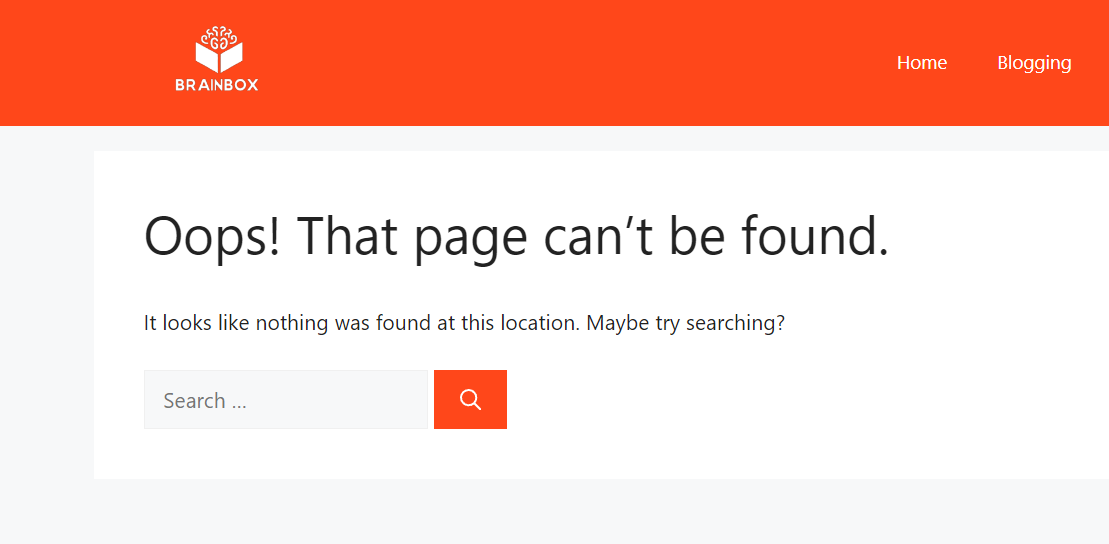
Fix 404 Errors: If the page does not exist, you may need to create it or set up a 301 redirect from the old URL to a new one if it has been moved. For more information on fixing 404 errors, you can refer to our guide here.
-
Review Google Search Console: Check your Google Search Console for any additional errors related to this URL. It may provide more context on why the URL is returning a 404 error.
If you continue to experience issues, please reply to this ticket, and a human agent from the Rank Math Support team will assist you further. Thank you for raising this concern!
The “Requested entity was not found” error when using the Instant Indexing API typically indicates that the URL you are trying to index is not recognized by Google, possibly due to a few reasons. First, ensure that the URL is correctly formatted and accessible to Google (i.e., not blocked by robots.txt or set to “noindex”). It’s also worth checking if the URL has been previously indexed and is not too new or has been recently removed. Additionally, verify that your Instant Indexing API setup is correctly configured and that you’re using valid authentication tokens. If everything seems correct, it might take some time for Google to recognize and index the URL, so patience can be key.
Hello,
Thank you for contacting us and sorry for any inconvenience that might have been caused due to that.
The situation with the “Get status” returning a 404 error happens when the URL being tested was not previously submitted to the Indexing API.
So, you need to first submit it, and wait for Google to parse it and only then you can request the status for the URL.
Also, ensure that you have updated to the latest version of the Instant Indexing plugin (v1.1.21) where a similar issue has been fixed.
Once done, please clear your website cache and check again.
Hope that helps and please don’t hesitate to let us know if you have any other questions.
Thank you.
Hello,
Since we did not hear back from you for 15 days, we are assuming that you found the solution. We are closing this support ticket.
If you still need assistance or any other help, please feel free to open a new support ticket, and we will be more than happy to assist.
Thank you.




