Hello, we apologize for the issue you are facing with saving the meta descriptions in your posts. Since you’ve already disabled plugins and the hosting firewall without success, there are a few additional steps you can take to troubleshoot this issue:
-
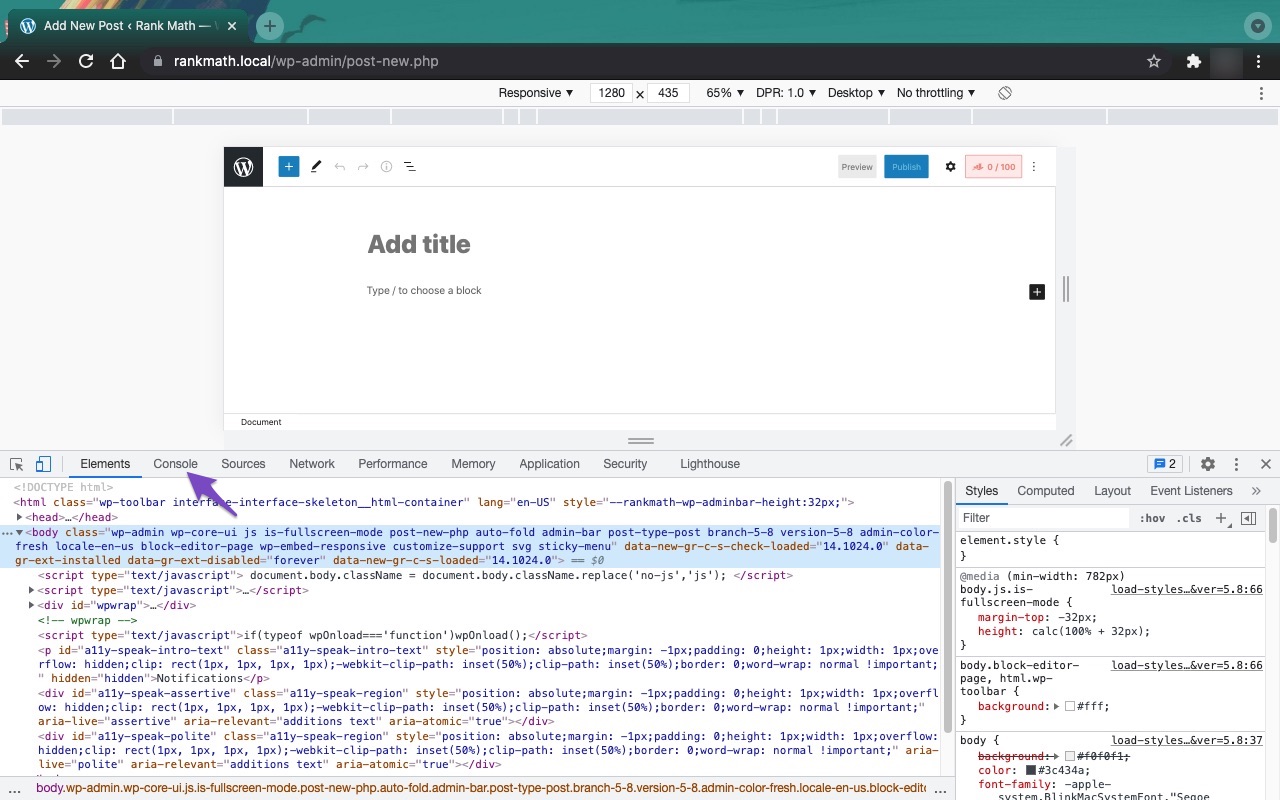
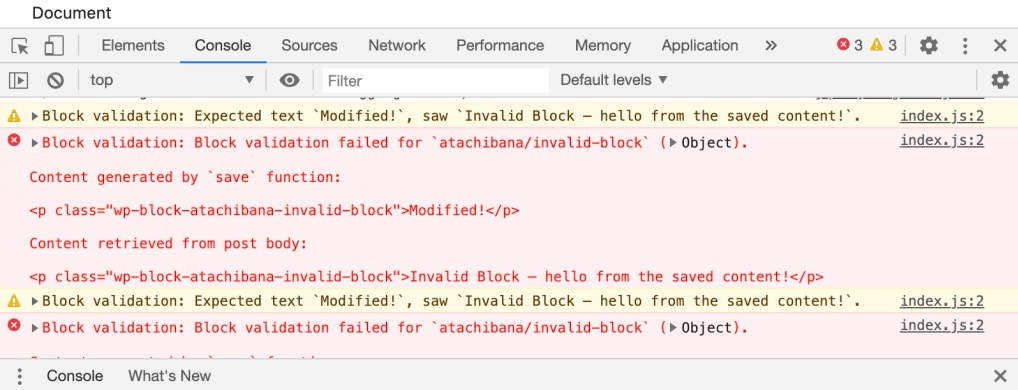
Check the Developer Tools Console: Open the Developer Tools Console in your browser to see if there are any JavaScript errors that might be preventing Rank Math from saving the metadata. You can do this by navigating to More Tools → Developer Tools and then clicking on the Console tab. If you see any errors, please note them down.

-
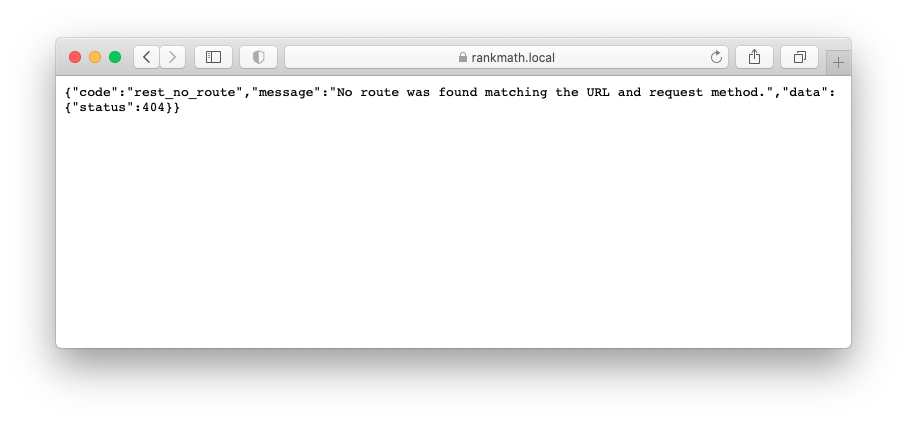
Check REST Route Access: Ensure that the Rank Math REST route is not blocked. You can do this by visiting the following URL in your browser (replace example.com with your domain):
`https://rankmath.com/kb/meta-data-not-saving/#firewall
If you see a response indicating access is denied, it may be due to a firewall or security plugin blocking it.
-
Firewall Settings: If you find that the REST route is blocked, you may need to whitelist the necessary Rank Math files in your firewall settings. Here are the files to check:
/wp-json/rankmath/v1/updateMeta /wp-json/rankmath/v1/updateSchemas /wp-json/rankmath/v1/updateRedirection /wp-json/rankmath/v1/getFeaturedImageId /wp-json/rankmath/v1/getHead
-
Plugin Conflicts: Even if you have disabled plugins, ensure that there are no conflicts with your theme or any other active plugins. You can refer to our guide on plugin conflicts for more information.
If after trying these steps the issue persists, please reply to this ticket, and a human agent from our support team will assist you further. Thank you for raising this concern!
Hello,
We’ve checked your site and found that Rank Math REST Routes that we use to update the data are being blocked by your GoDaddy firewall and most likely this is why you’re facing the issue. Please check the screenshot in the sensitive data section for reference.
In order to resolve this issue, please try whitelisting the following Rank Math REST Routes that are being blocked on your firewall.
/wp-json/rankmath/v1/updateMeta
/wp-json/rankmath/v1/updateRedirection
You may try following this link to learn how you can whitelist Rank Math REST Routes in GoDaddy Website Firewall: https://in.godaddy.com/help/allow-access-to-a-file-or-folder-that-shows-an-access-denied-security-warning-32305
If that doesn’t help, you can get in touch with GoDaddy support to see if they can help you to resolve this issue.
Let us know how it goes. Looking forward to helping you.
Thank you.
Hello,
Since we did not hear back from you for 15 days, we are assuming that you found the solution. We are closing this support ticket.
If you still need assistance or any other help, please feel free to open a new support ticket, and we will be more than happy to assist.
Thank you.



