Hello,
Thank you for contacting Rank Math, and sorry for any inconvenience caused.
Can you please run the importer again by following this guide?
https://rankmath.com/kb/yoast-seo-migration/#import-and-export
Let us know if the keywords are not imported.
We are here to assist you.
Hi Anas,
I followed these instructions, but I couldn’t find ” Deactivate Yoast SEO Plugin” in The Rank Math Setup Wizard, should I deactivate the Yoast event before I start with the rank math setup wizard? and will this cause me to lose all Yoast data?
Hello,
There should not be any data loss as the Yoast plugin is still active, and your data are still saved in your database.
Since the keywords were not imported during the setup wizard process, head over to Rank Math > Status & Tools > Import & Export > Other plugins section and import the post meta like in this image
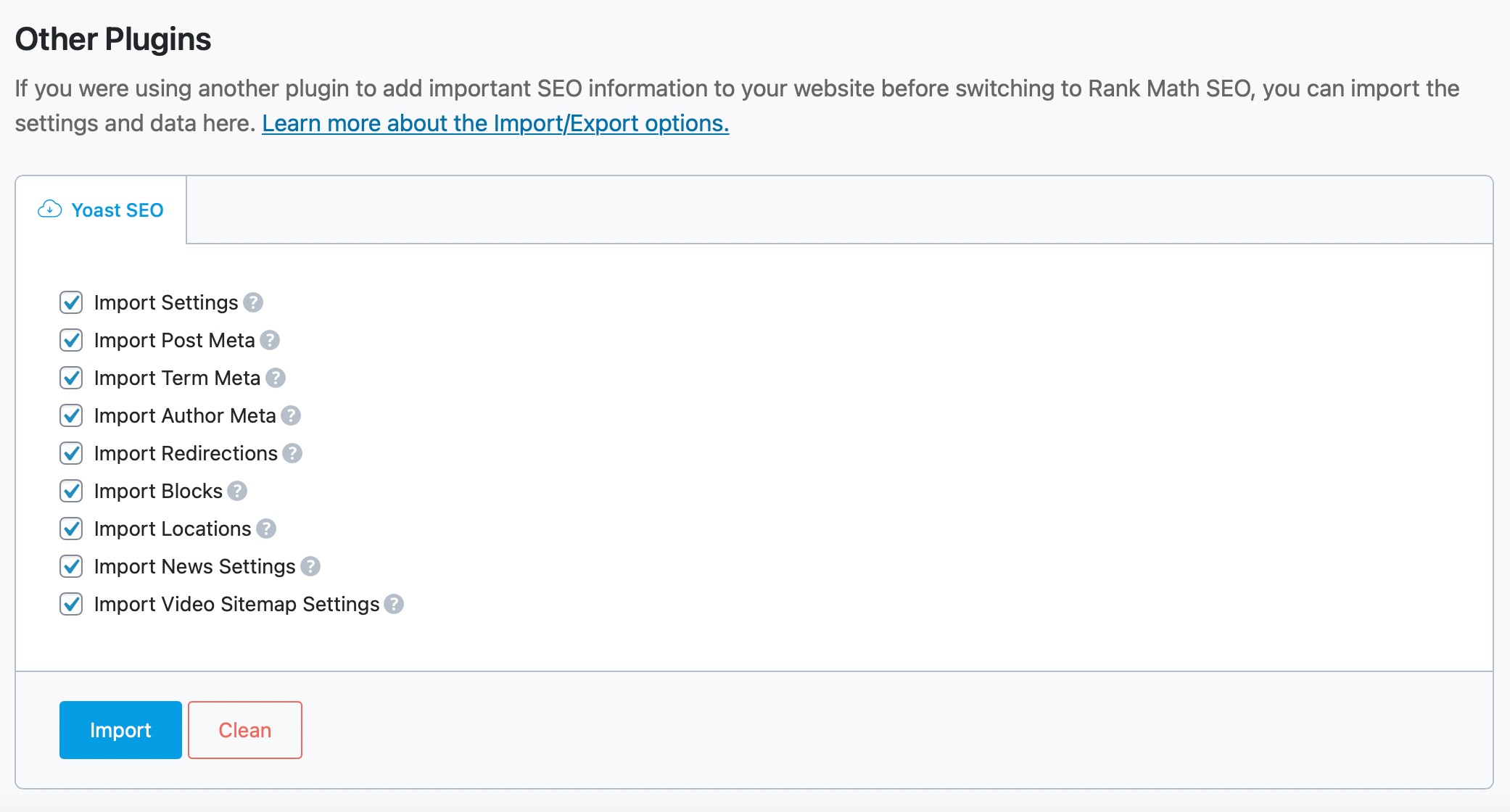
It is recommended to deactivate the conflicting plugin before starting the setup wizard process. However, you can deactivate it later if the data are still not imported.
Let us know how this goes.
Thank you.
I followed all the steps but focus keywords are not imported. I used setup wizard and import and export from status and tools option no luck same problem no focus keyword is importing. Any other methods to resolve this issue
Hello @sijsoftwaresolutions,
Thank you so much for reaching out to us.
Can you please create a new ticket so we can ask for further details with regard to your issue?
@numero-esim,
Kindly follow my colleague’s instructions and see if this helps you import the keywords from Yoast.
Let us know if the issue persists and we will further investigate it over your website’s admin dashboard.
Looking forward to helping you.
Hello,
Since we did not hear back from you for 15 days, we are assuming that you found the solution. We are closing this support ticket.
If you still need assistance or any other help, please feel free to open a new support ticket, and we will be more than happy to assist.
Thank you.



