Hello,
I apologize for the issue you are facing with the alt text on your images. It can be frustrating when everything seems correct on your end, yet reports indicate otherwise.
Here are a few things to consider that might help resolve the issue:
-
Dynamic Content: If your images are being added dynamically (e.g., through a page builder or a plugin), ensure that the alt attributes are being set correctly at runtime. Sometimes, the HTML output may not reflect the attributes as expected.
-
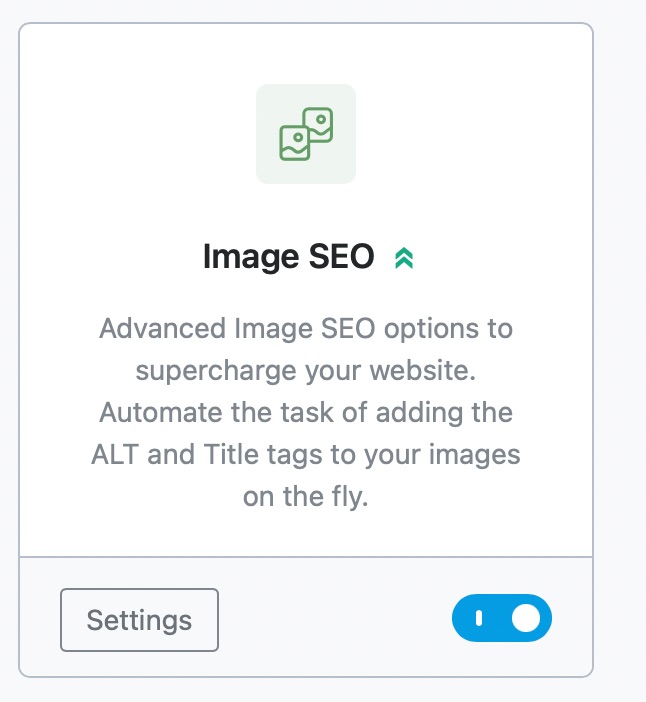
Image SEO Settings in Rank Math: Make sure that the Image SEO module in Rank Math is enabled. You can check this by navigating to Rank Math SEO → General Settings → Images and ensuring that the Add missing ALT attributes option is toggled on. This will help automatically add alt text to images that may be missing it.
-
Caching Issues: If you are using a caching plugin, clear your cache after making changes to ensure that the latest version of your site is being served to Google.
-
Google Search Console Delay: Sometimes, Google Search Console may take time to update its reports. If you’ve recently made changes, it might be worth waiting a bit and checking back later.
-
Manual Verification: Double-check the specific images flagged in the report. Inspect them in your browser to confirm that the alt attributes are indeed present in the rendered HTML.
If you continue to experience issues after checking these points, please reply to this ticket with any additional details or screenshots, and a human agent from our support team will assist you further.
Thank you for raising this concern!
Sources:
Rank Math General Settings
How to Show Images in the Search Results » Rank Math
Image SEO Options in Rank Math
Hello,
We checked your homepage and found that the logo you are using is missing the ALT text.

Please add the ALT text to this image, and after that, clear your website cache, including any server-level cache, then check again.
If the issue persists, please share a screenshot using a tool like https://imgur.com/upload so we can look into the issue further for you.
Let us know how it goes. We are looking forward to helping you.
Hello,
Since we did not hear back from you for 15 days, we are assuming that you found the solution. We are closing this support ticket.
If you still need assistance or any other help, please feel free to open a new support ticket, and we will be more than happy to assist.
Thank you.



