Hello,
We apologize for the issue you are facing with images not appearing on your sitemap for pages created with UX Builder. It seems that the images from those pages are not being included in the sitemap as expected.
To ensure that images are included in your sitemap, please check the following:
-
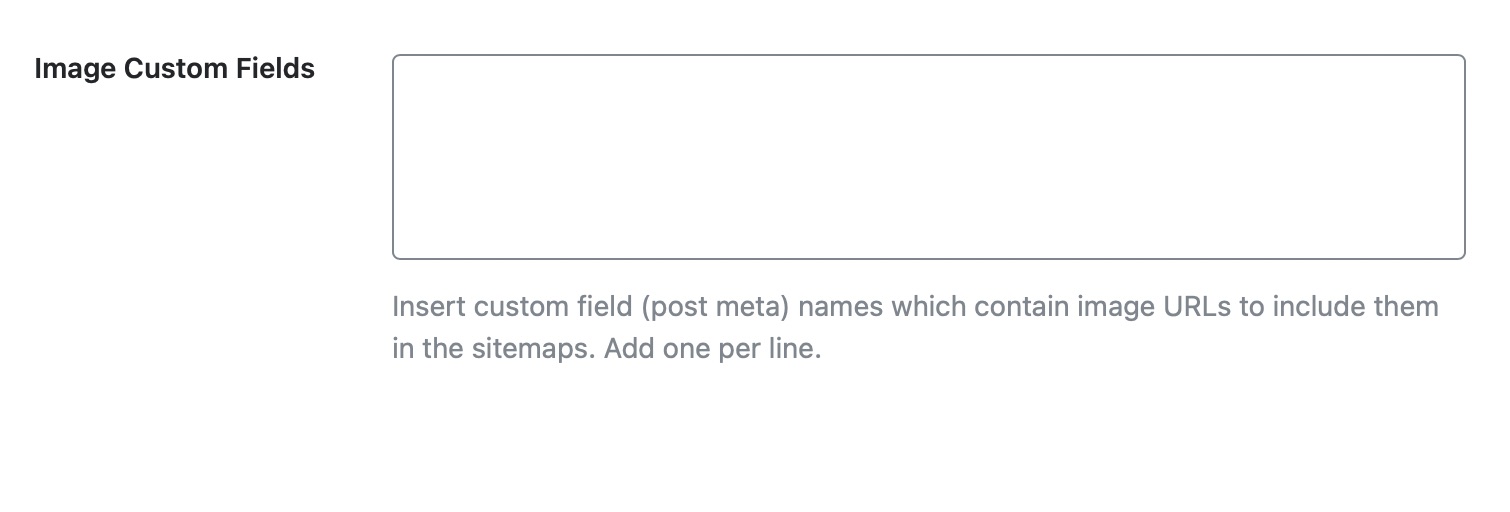
Image Custom Fields: Make sure that any custom fields containing image URLs are correctly set up. You can include custom fields in your pages by entering the custom field names in the appropriate section of Rank Math. Ensure that you add only one entry per line.
-
Sitemap Settings: Verify that the option to include images in the sitemap is enabled. This setting is usually found under the Sitemap settings in Rank Math.

-
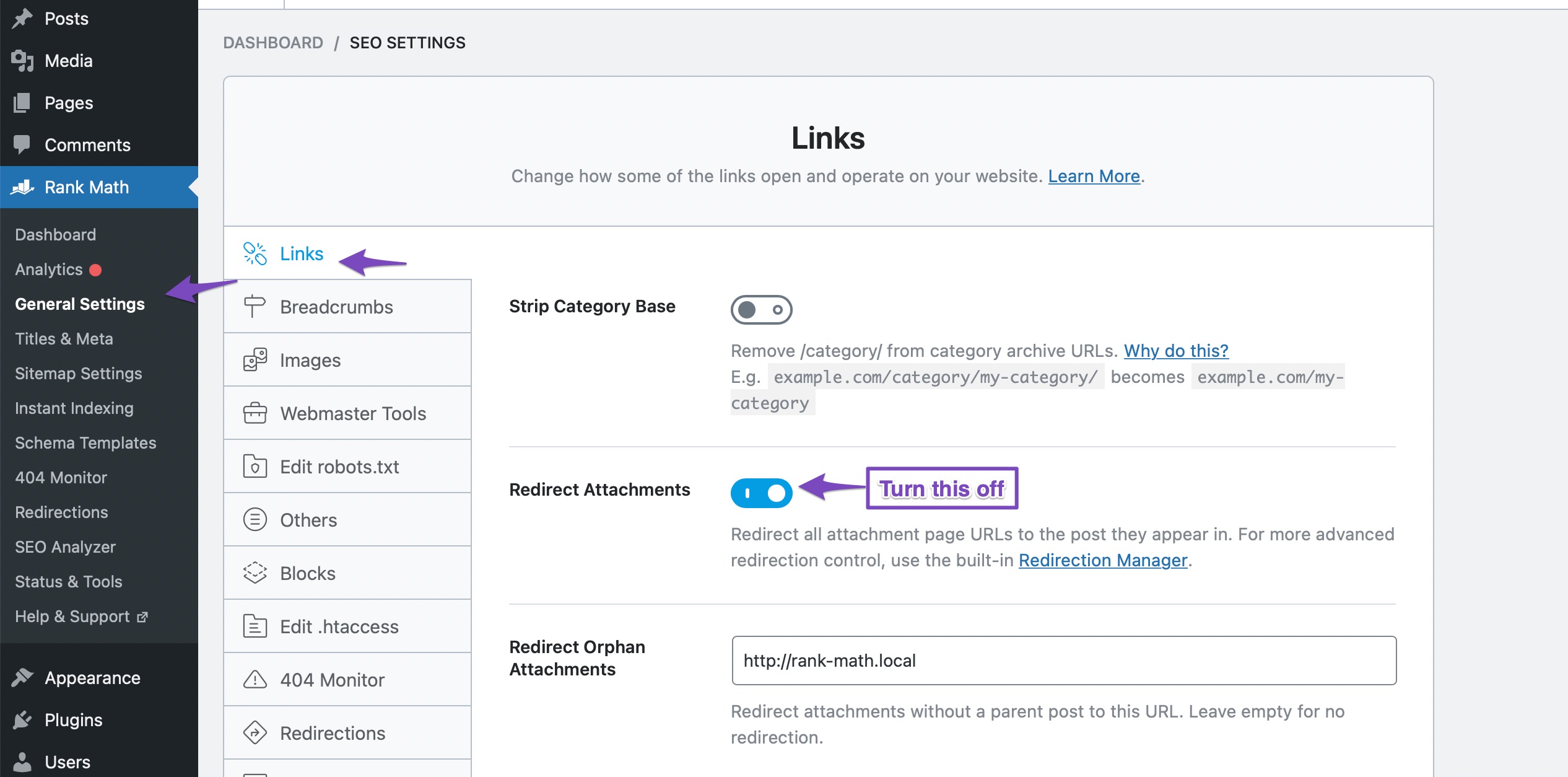
Attachment Pages: If your images are being treated as attachment pages, ensure that the settings for attachment pages are configured correctly. You may want to check if the "Redirect Attachment to Parent" setting is affecting how images are indexed.
If you have checked all these settings and the issue persists, it might be beneficial to reply to this ticket so a human agent from the Rank Math Support team can assist you further.
Thank you for raising this concern, and we hope to help you resolve it soon!
Sources:
How to Configure Sitemaps in Rank Math – Best Settings and Tips
How to Setup Rank Math SEO Plugin Properly
I have confirmed points 2 and 3. I am not sure what is Image custom fields. All images are uploaded and used the same way.
Could this be an issue?
Since you are using an NGINX server, you may need to add the following code to your configuration file if your Sitemap pages are not loading. If you are unsure how to do it, please contact your hosting provider. Click here to see the code.
Hello,
You will only apply the Nginx configuration if your sitemap is not loading properly.
Please try updating the sitemap instead by following these steps:
1. Flush the Sitemap cache by following this video screencast:
https://i.rankmath.com/pipRDp
2. Exclude the Sitemap files of the Rank Math plugin in your caching plugin. The cache could be via a plugin or from the server. For plugins or Cloudflare, please follow this article:
https://rankmath.com/kb/exclude-sitemaps-from-caching/
3. Apply the following filter code to your site.
add_filter( 'rank_math/sitemap/enable_caching', '__return_false');
Here’s how you can add filter to your WordPress site:https://rankmath.com/kb/wordpress-hooks-actions-filters/
If that doesn’t work, then Rank Math wasn’t able to retrieve the image data because the UX builder is saving the content in a different way. Please note that Rank Math can only retrieve image data directly from the post_content which can be found in the database.
Don’t hesitate to get in touch with us if you have any other questions.
Hello,
Since we did not hear back from you for 15 days, we are assuming that you found the solution. We are closing this support ticket.
If you still need assistance or any other help, please feel free to open a new support ticket, and we will be more than happy to assist.
Thank you.



