Hello,
We apologize for the issue you are facing with importing your database and retaining different Rank Math settings for your two websites.
When you import a database from one website to another, it typically includes all the settings, including those for Rank Math. To avoid this, you can follow these steps:
-
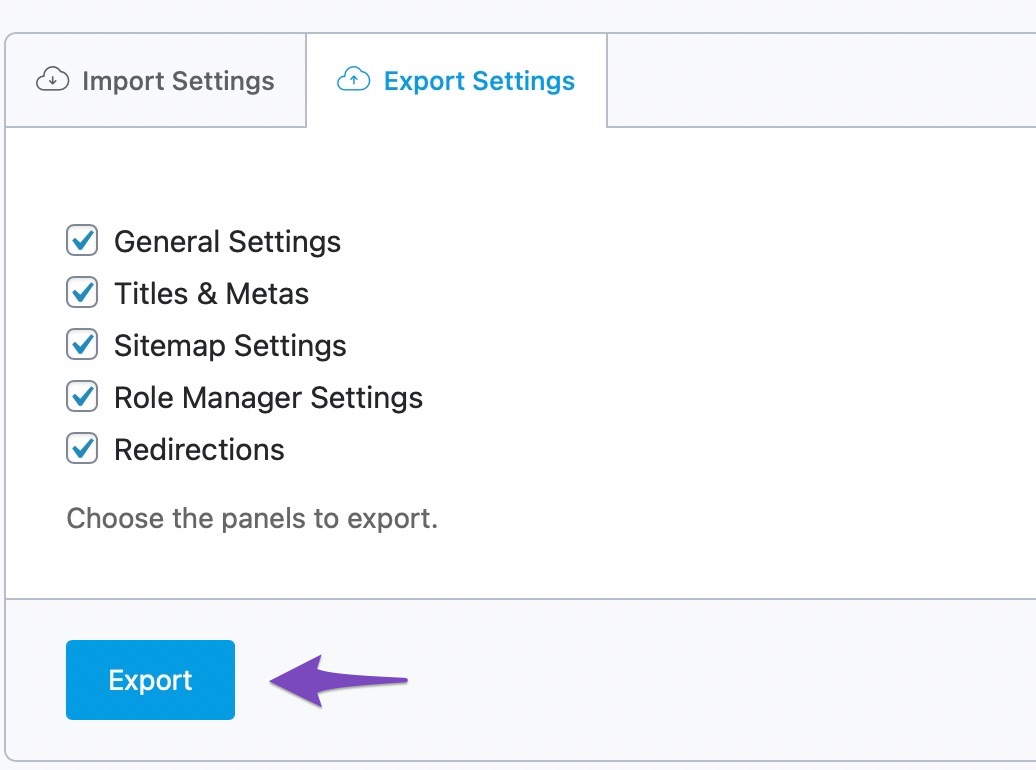
Export Rank Math Settings Separately: Instead of importing the entire database, you can export only the Rank Math settings from website1. You can do this by navigating to WordPress Menu → Rank Math SEO → Status & Tools → Import & Export and using the Export Settings option. This will allow you to create a file with just the Rank Math settings.
-
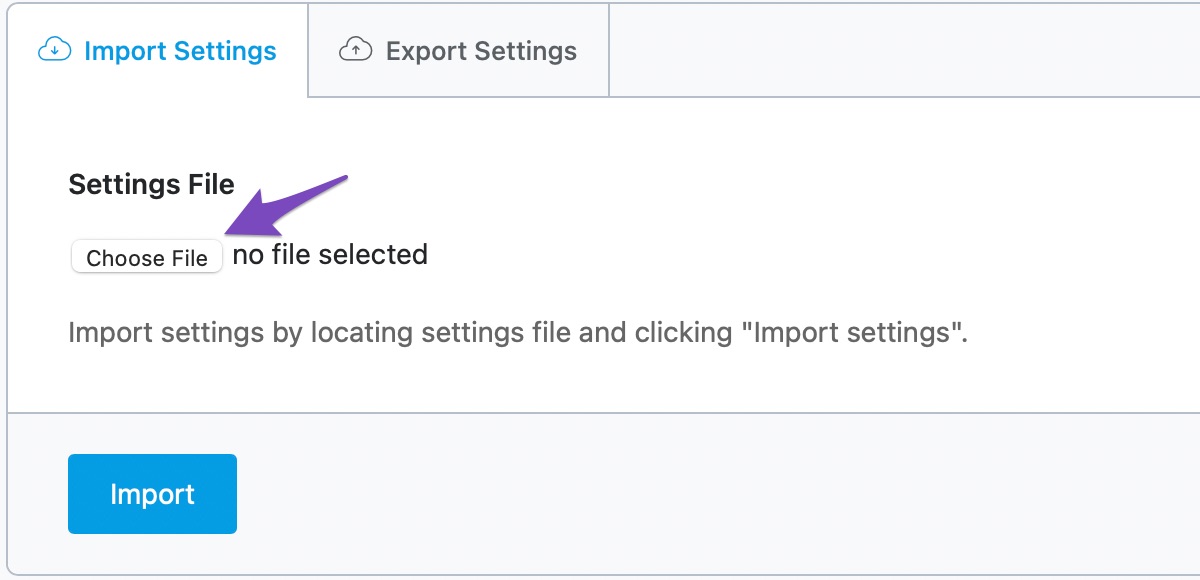
Import Settings on Website2: On website2, you can then import the settings file you created from website1. This way, you can customize the Rank Math settings specifically for website2 without affecting the database import.
-
Database Storage: If you still want to know where the Rank Math settings are stored in the database, they are typically saved in the wp_options table under the option name rank_math_options. However, directly manipulating the database is not recommended unless you are familiar with SQL and WordPress database structure.
By following these steps, you should be able to maintain different Rank Math settings for both websites without conflicts during database imports. If you have any further questions or need assistance, please feel free to reply to this ticket, and a human agent from the Rank Math Support team will assist you further.
Thank you for raising this concern!
Sources:
Rank Math Import Export Settings
I checked it on wp_options, it wasn’t there.
whenever i export and import my database i always
use sed ‘/INSERT INTO (wp_options)/d’
however the same setting of my website1 will still be importing in website2.
Hello,
Thank you for your query and we are so sorry about the trouble this must have caused.
Rank Math’s data are stored in your database the way other standard plugin does – in meta and options (wp_posts, wp_postmeta, wp_options)
However, we will recommend you make use of our export and import feature instead: https://rankmath.com/kb/import-export-settings/
Hope that helps and please do not hesitate to let us know if you need our assistance with anything else.
still not able to find that rank math setting
on export and import approach, is there a way to use cron?
thanks!
Hello,
If your goal is to import all data from website1 to website2 except Rank Math’s data, the export and import settings in our plugin are not the way here.
Rank Math settings are stored with the option_name fields starting with rank_math_*. You can exclude those rows when exporting the database from website1 to website2.
Don’t hesitate to get in touch with us if you have any other questions.
Hello,
Since we did not hear back from you for 15 days, we are assuming that you found the solution. We are closing this support ticket.
If you still need assistance or any other help, please feel free to open a new support ticket, and we will be more than happy to assist.
Thank you.




