Hello,
Thank you for contacting Rank Math and bringing your concern to our attention.
Rank Math’s Article and WooCommerce Product schema types generate an automatic schema based on the data you have in your pages/products.
If you’re referring to something else, please check our guide here on how to use the Schema feature:
https://rankmath.com/blog/schema-markup/
Hope that helps.
Thank you.
this is way for create schema one by one product. but 292 products in our inventory then how to create Product schema in bulk. and apply in all products. any solution for that.
Hello,
If you’re using WooCommerce for your products, then you can set the default Schema type in Rank Math > Titles & Meta > Products > Schema Type
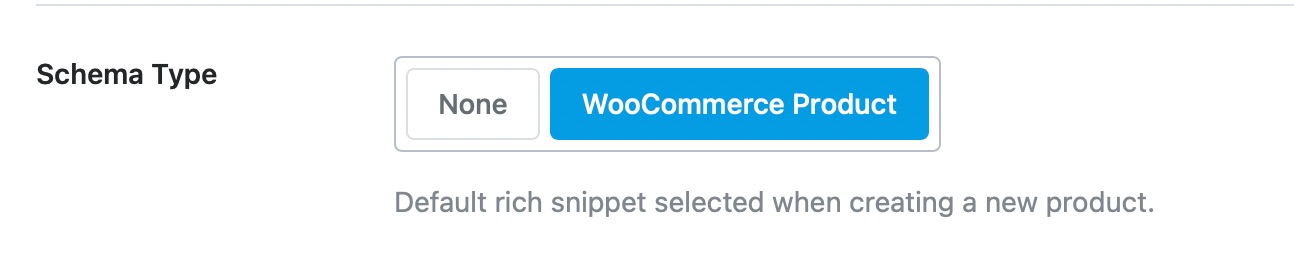
Meanwhile, if you’re not using WooCommerce and you’re referring to the Product Schema type, then you may need to fill it up individually.
However, with Rank Math PRO, you can easily set a Schema template to add the schema to all of your products or use the bulk edit feature:
https://rankmath.com/kb/schema-templates/
https://rankmath.com/kb/bulk-editing-in-rank-math/#set-schema-markup-to-default-type
Hope that helps.
Thank you.
Hello,
Since we did not hear back from you for 15 days, we are assuming that you found the solution. We are closing this support ticket.
If you still need assistance or any other help, please feel free to open a new support ticket, and we will be more than happy to assist.
Thank you.



