Hello,
We apologize for the issue you are facing with optimizing your local SEO settings using Rank Math. Thank you for raising this concern! Here are some steps and tips to help you improve your local SEO for your small business:
1. Set Up Google Business Profile
Before diving into Rank Math settings, ensure that you have claimed and set up your Google Business Profile. This is crucial as it helps Google recognize your business as a local entity. You can follow these instructions to set it up.
2. Configure Rank Math’s Local SEO Module
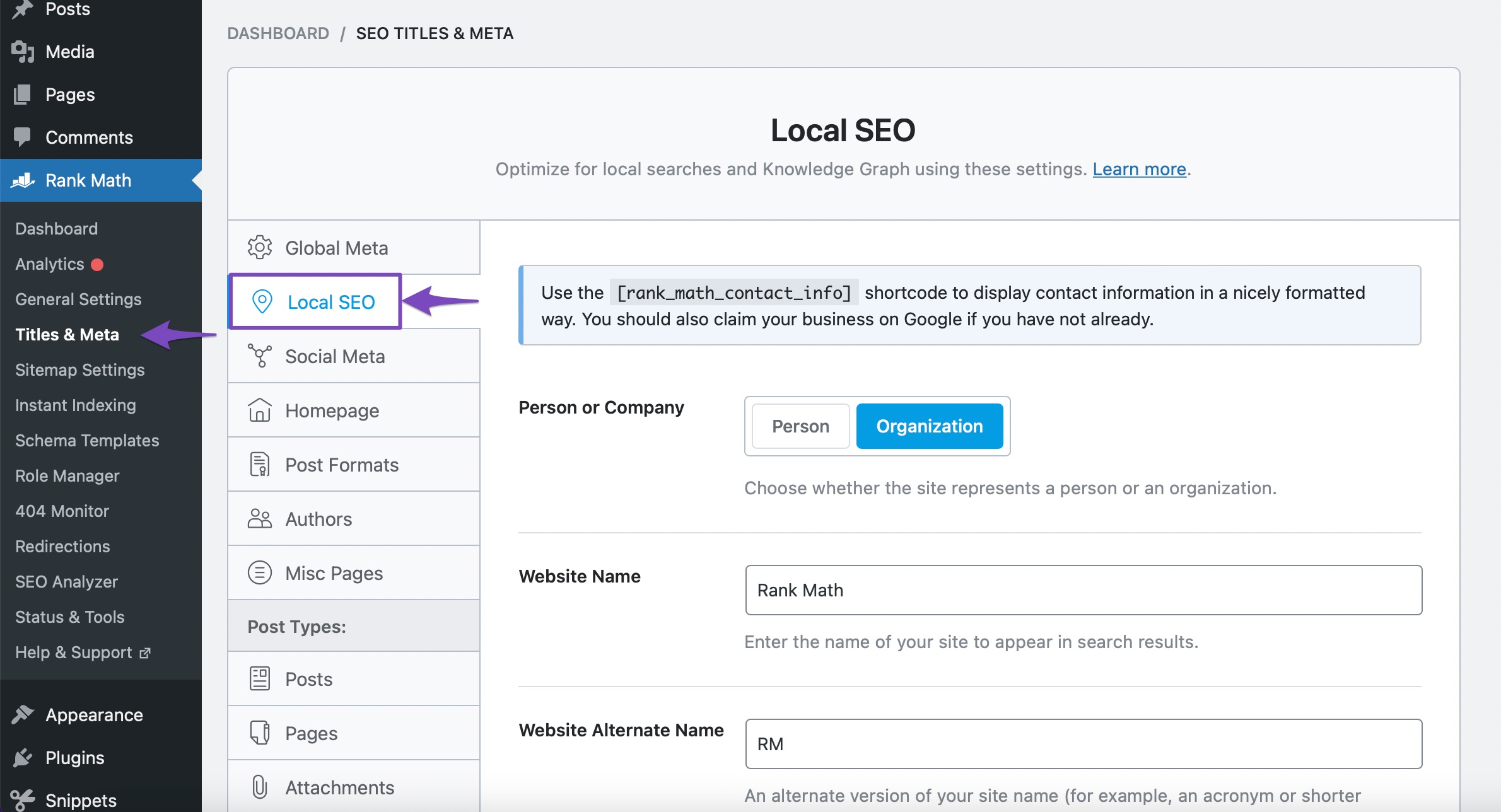
Once your Google Business Profile is set up, you can configure the Local SEO settings in Rank Math:
- Go to Rank Math > Dashboard and enable the Local SEO module.
- Navigate to Rank Math > Local SEO and fill in the necessary details such as:
- Business Type: Select the type of business you operate.
- Address: Enter your business address accurately.
- Opening Hours: Specify your business hours.
- Email and Phone Number: Ensure these are correct and visible.
3. Optimize Schema Markup
Using Rank Math, you can add schema markup to help search engines understand your business better. Make sure to:
- Use the Local Business Schema type in Rank Math. This will help Google display relevant information about your business in search results.
- Include specific details like your logo, business name, and description that includes keywords relevant to your location and services.
4. Keyword Optimization
To optimize keywords specific to your location:
- Research local keywords that potential customers might use to find your services (e.g., "best cellular trail camera in [Your City]").
- Use these keywords naturally in your website content, meta descriptions, and titles.
- Regularly update your content with fresh, relevant information that includes these keywords.
5. Regular Updates and Engagement
Keep your Google Business Profile updated with new photos, posts, and customer reviews. Engaging with customers through responses to reviews can also enhance your visibility.
6. Monitor Insights
Utilize the insights from your Google Business Profile to understand how customers find you and what actions they take. This data can guide further optimizations.
For more detailed guidance on using Rank Math’s Local SEO features, you can refer to our comprehensive guide on Using Rank Math’s Local SEO Module. If you have any further questions or need assistance with specific settings, please feel free to reply to this ticket, and a human agent from our support team will assist you further!
We hope this helps you effectively boost your local SEO efforts!
Sources:
Using Rank Math’s Local SEO Module » Rank Math
This is an automated reply from Rank Math Support Bot. If you need further assistance, please reply to this topic and a human support agent will reply to you shortly.
Hello,
Since we did not hear back from you for 15 days, we are assuming that you found the solution. We are closing this support ticket.
If you still need assistance or any other help, please feel free to open a new support ticket, and we will be more than happy to assist.
Thank you.


