Hello,
We apologize for the issue you are facing with the Instant Indexing feature in Rank Math. It seems that the new page you created is returning a 404 error, which indicates that the page may not exist or there might be an issue with the URL.
Here are some steps you can take to troubleshoot this issue:
-
Check the URL: Ensure that the URL of the new page is correct and that the page has been published. Sometimes, a typo in the URL can lead to a 404 error.
-
Verify Page Status: Go to your WordPress dashboard and check if the page is published and not in draft mode. If it’s still a draft, it won’t be accessible.
-
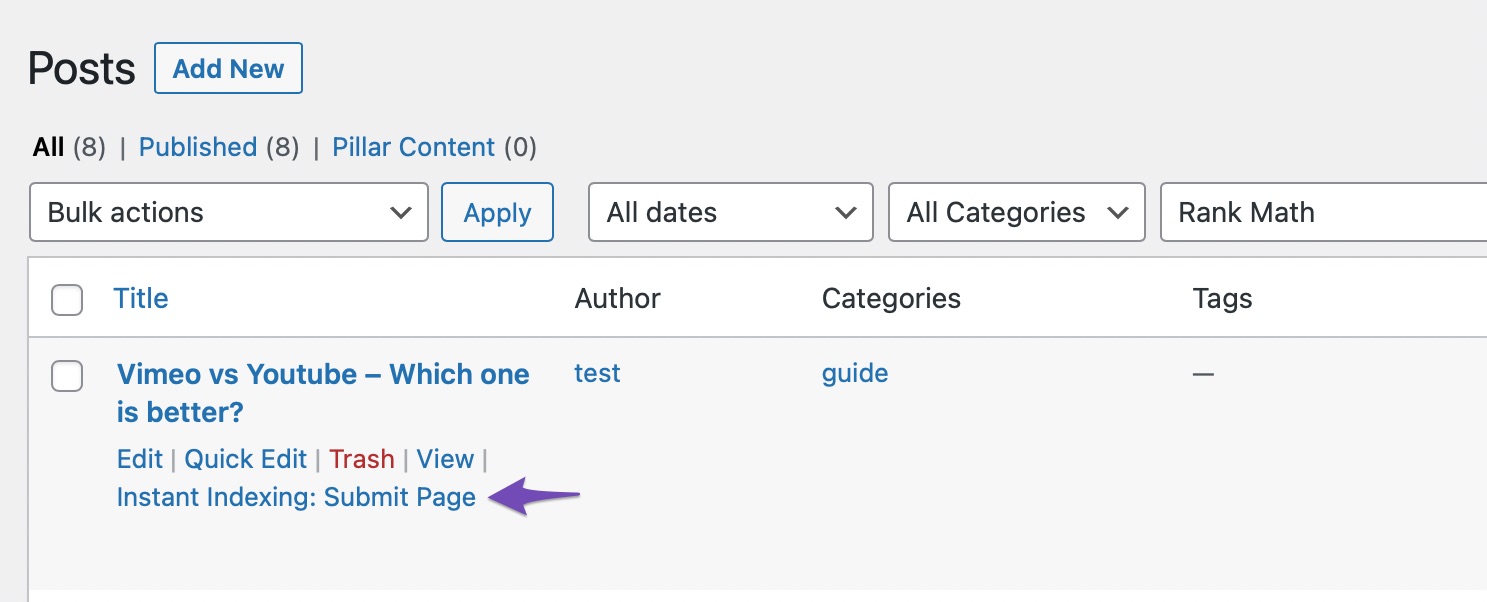
Use Instant Indexing: If the page is published and the URL is correct, try using the Instant Indexing feature again. You can do this by navigating to Rank Math SEO → Instant Indexing and submitting the page again.
-
Check for Redirects: If you have recently changed the URL structure or deleted any pages, ensure that there are no conflicting redirects that might be causing the 404 error.
-
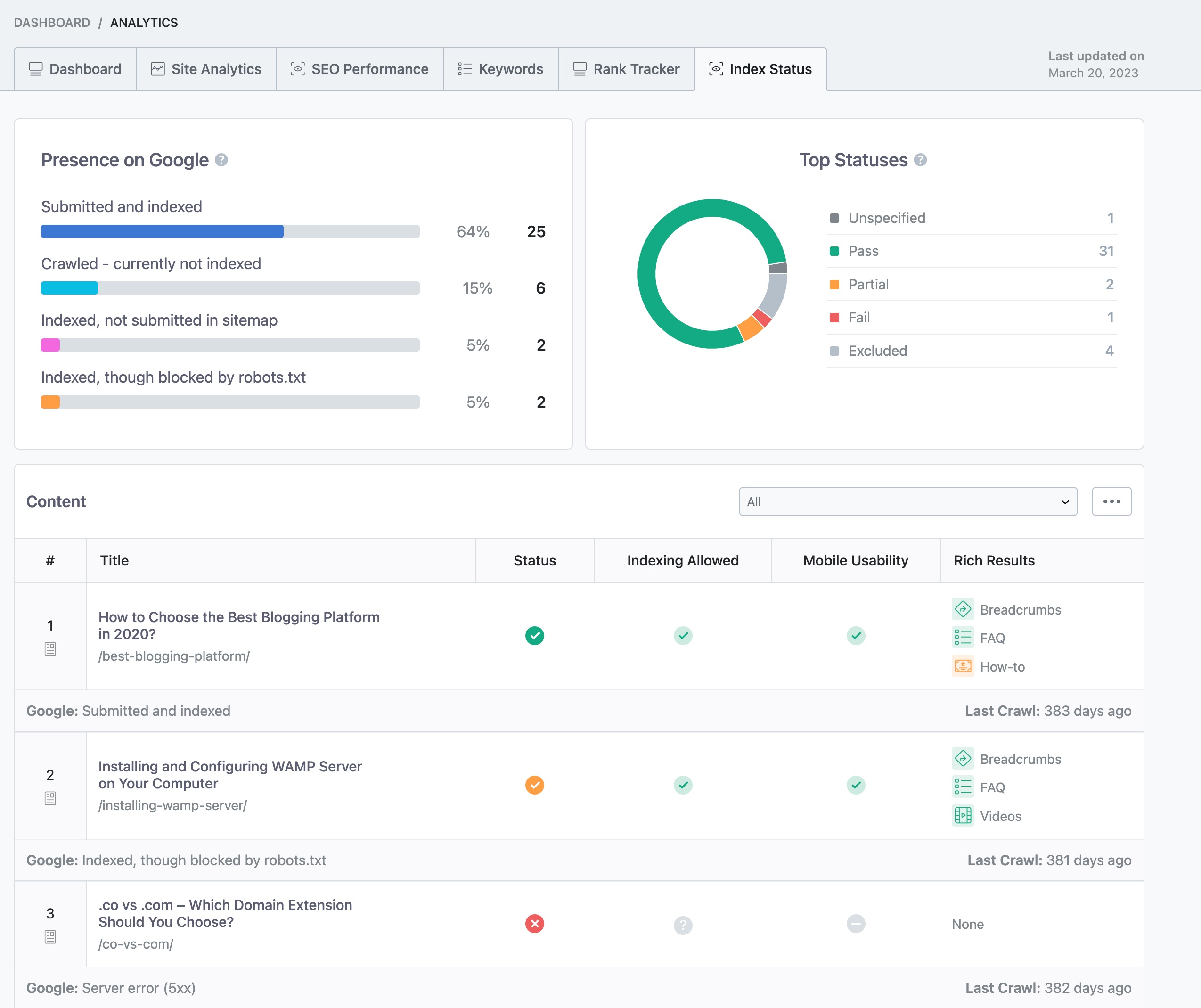
Monitor Index Status: You can also check the index status of your pages by going to Rank Math SEO → Analytics → Index Status to see if there are any other issues affecting your site.
If you continue to experience issues after following these steps, please reply to this ticket, and a human agent from the Rank Math Support team will assist you further. Thank you for raising this concern, and we appreciate your support for Rank Math!
Sources:
How to Fix "Crawled – Currently Not Indexed" Error in Google Search Console » Rank Math
Why Did My Website Disappear From Google Search? » Rank Math
Hello,
Thank you for contacting us and sorry for any inconvenience that might have been caused due to that.
Please share the URL that you’re submitting in Google Indexing API. Also, you can share a screenshot with us by using a tool like https://imgur.com/upload so that we can check the issue further for you.
Looking forward to helping you.
Thank you.
Hello,
Since we did not hear back from you for 15 days, we are assuming that you found the solution. We are closing this support ticket.
If you still need assistance or any other help, please feel free to open a new support ticket, and we will be more than happy to assist.
Thank you.



