Hello,
We apologize for the issue you are facing with the featured images not showing correctly in Google News search results. It can be frustrating when the intended images are replaced by ads or other content.
Here are a few things to consider that might help resolve this issue:
-
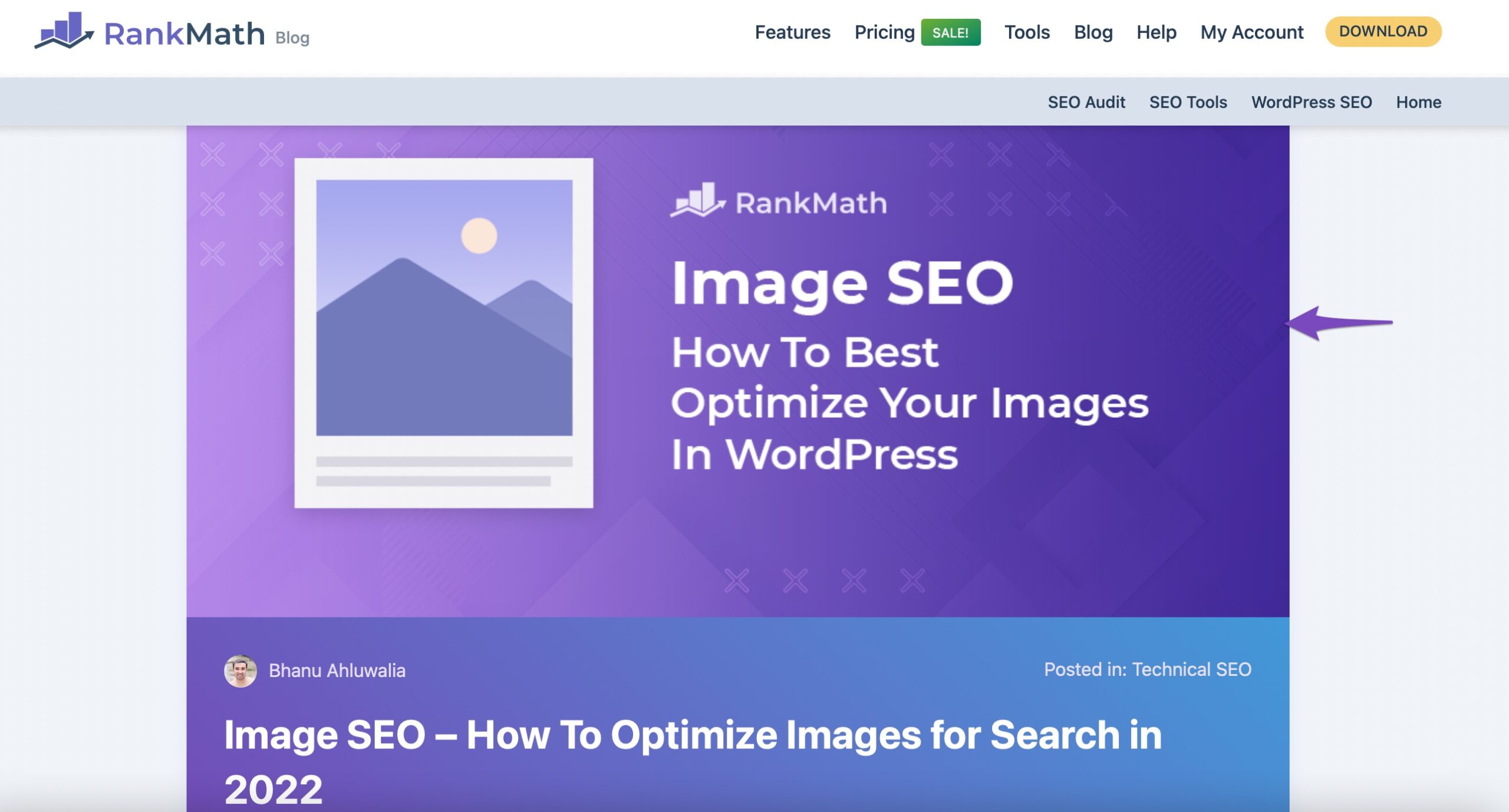
Ensure the Image is at the Top of the Page: Placing your featured images at the top of your articles can increase their prominence, making it easier for Google to identify them as relevant to the content.
-
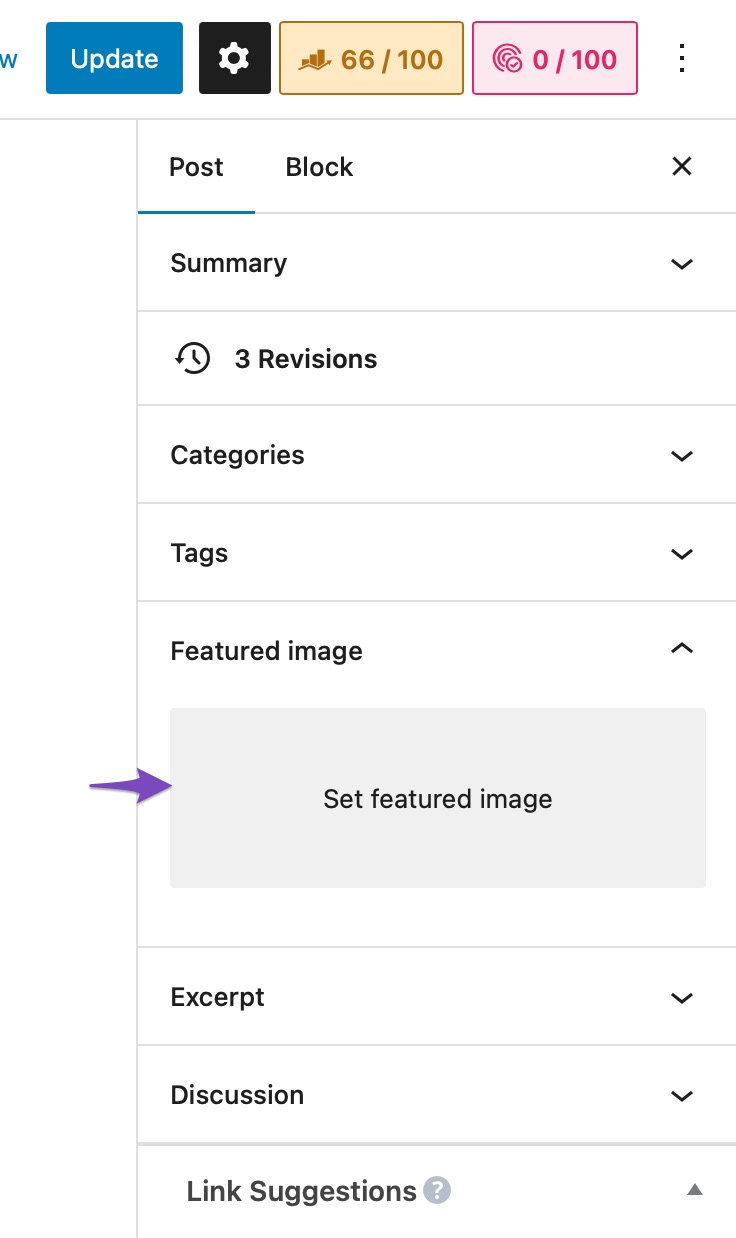
Set a Featured Image: Make sure that you have set a featured image for each post. You can do this by navigating to your post settings and clicking on the Featured image section to add an image.
-
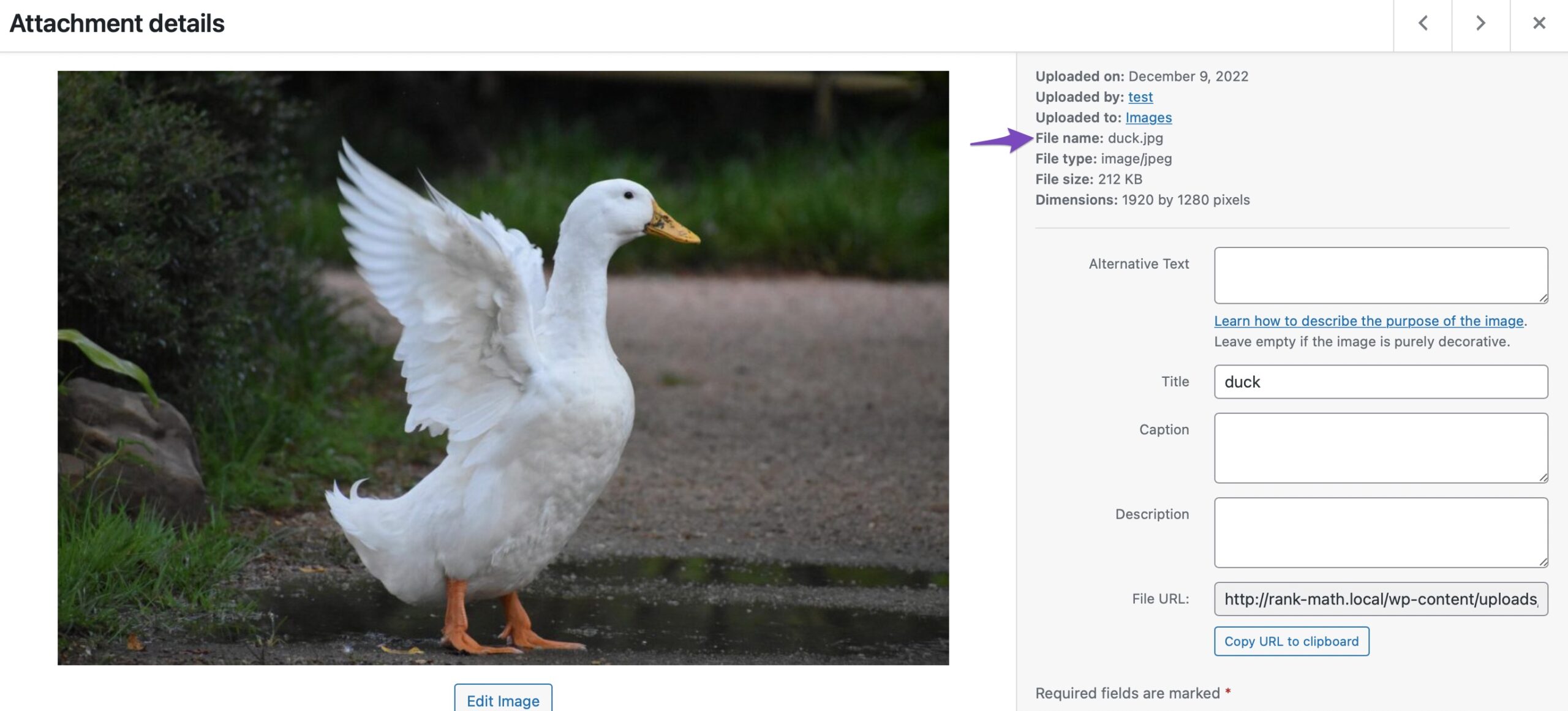
Use Descriptive File Names: Ensure that your images have descriptive file names that accurately describe their content. This helps search engines understand what the images represent.
-
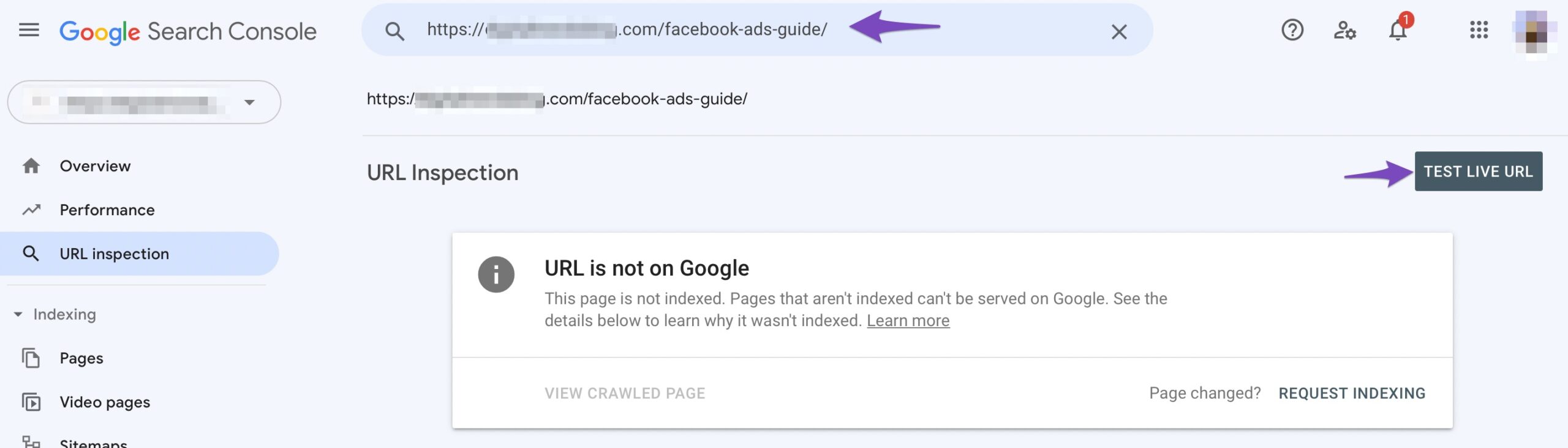
Submit the Page to Google: If you have made changes, consider submitting your page to Google via the Google Search Console to request indexing. This can help ensure that Google recognizes the updates you’ve made.
-
Check for Duplicate Images: If multiple instances of the same image exist across the internet, Google may choose to display only one version. Ensure your images are unique and not duplicates.
If these suggestions do not resolve the issue, please reply to this ticket with your site URL and any additional details or screenshots you have. A human agent from our support team will take over and assist you further.
Thank you for raising this concern!
Hello,
Thank you for contacting Rank Math support, and sorry for any inconvenience that might have been caused due to that.
Google ultimately decides which images appear in search results based on its algorithms. While Rank Math optimizes images to improve selection chances, the final choice is up to Google. You can review Google’s guidelines here and ensure your featured images are properly set with relevant alt text, structured data, and placement.
Don’t hesitate to get in touch with us if you have any other questions.
Hi,
I appreciate your response about this matter. I noticed that it does not affect all images of the articles; there are some that detect the featured images, but mostly the issue occurs. All featured images were set to specific image sizes; we also have a plugin that auto placement for the alt text. I have sent a google recrawl so still waiting and monitoring this issue. Hope that this can be solved by this week.
But any suggestion from your team will be a great help for us.
Hello,
It is ultimately Google’s decision whether they want to include them with your website or not and when they think the image is relevant to the search term used.
It depends on a lot of factors, authority and backlinks being just 2 of them.
Here’s a guide you can follow:
https://rankmath.com/kb/how-to-show-images-in-search-results/
Looking forward to helping you.
Hello,
Since we did not hear back from you for 15 days, we are assuming that you found the solution. We are closing this support ticket.
If you still need assistance or any other help, please feel free to open a new support ticket, and we will be more than happy to assist.
Thank you.




