Hello,
We apologize for the issue you are facing with the Google Instant Indexing API. It sounds like you’ve followed the setup guide correctly, but there may be a few things to check:
-
URL Validity: Ensure that the URL you are trying to submit is valid and accessible. A 404 error indicates that the URL might not exist or is not reachable by Google.
-
Instant Indexing Module: Double-check that the Instant Indexing module is enabled in Rank Math. You can do this by navigating to WordPress Dashboard → Rank Math SEO → Dashboard and ensuring the Instant Indexing module is active.
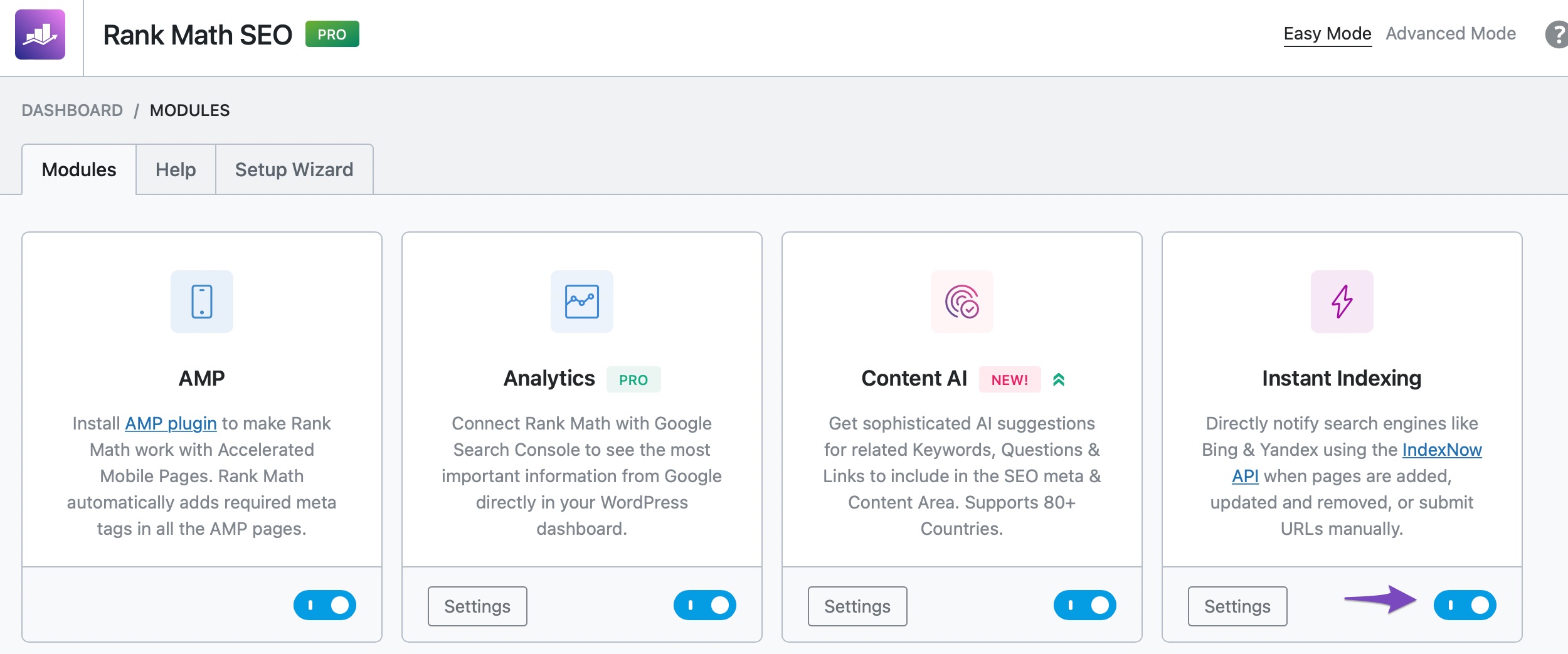
-
Correct Action: Make sure you are selecting the correct action for the URL you are submitting. If it’s a new post, use “Google: Publish/update URL.” If it’s an existing post that has been updated, ensure that it reflects those changes.
-
Server Response: Check your server logs to see if there are any issues when Googlebot tries to access your URL. Sometimes server configurations can block requests from Google.
-
Re-authentication: If everything seems correct, try disconnecting and reconnecting your Google account in Rank Math to refresh the connection.
If you continue to experience issues after checking these points, please reply to this ticket, and a human agent from the Rank Math Support team will assist you further.
Thank you for raising this concern, and we hope to resolve it soon!
Hello,
Thank you for contacting us. We apologize for any inconvenience this issue may have caused.
We were also able to replicate this issue on our end.
However, we already shared this with our developers and they are investigating it. As soon as we get some updates, we’ll make sure to let you know here.
We would really appreciate your kind patience regarding this issue.
Please don’t hesitate to let us know if you have any other questions.
Thank you.
Hello,
We released an update for the Instant Indexing plugin (v1.1.21) where the issue has been fixed. Please make sure you’re using the latest version of the plugin on your website: https://wordpress.org/plugins/fast-indexing-api/
Once done, please clear your website cache and check again.
Hope that helps and please don’t hesitate to let us know if you have any other questions.
Thank you.
Hello,
Since we did not hear back from you for 15 days, we are assuming that you found the solution. We are closing this support ticket.
If you still need assistance or any other help, please feel free to open a new support ticket, and we will be more than happy to assist.
Thank you.



