Hello,
Thank you for contacting Rank Math and bringing your concern to our attention. I’m sorry for any inconvenience this issue may have caused you.
It seems that you have already marked this ticket as already resolved. However, I’ve reopened it so we can assist you further.
The image you have set using Rank Math is in a .webp format.
Please note that the image you’re using has the recommended image size for social sharing image, which is as close as 1200 x 630 pixels, and the image file format you are using is only between jpeg, gif, or png as per Opengraph Standards:
https://developers.facebook.com/docs/sharing/webmasters/#images
Once you have updated the image, clear your website’s cache and verify the URL using Facebook Debugger Tool.
Let us know how this goes.
Thank you.
Hi, Thank you so much Reinelle.
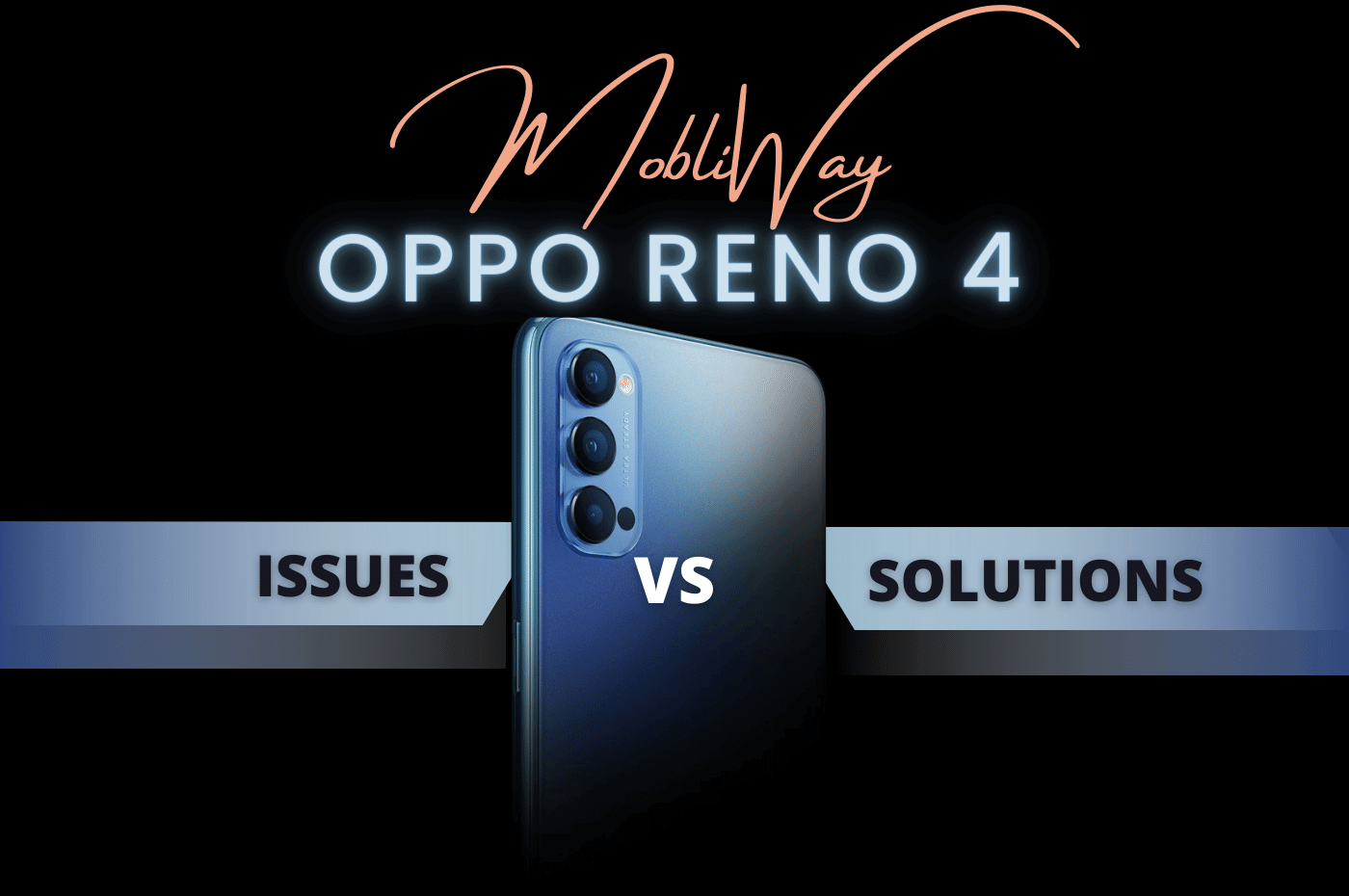
The issue is solved now. Yeah, you are right the .webp image format caused the issue. Now I changed the image to .png format. Now RankMath is taking the image that I selected. 🙂
Post: https://mobliway.com/oppo-reno-4-issues-and-solutions-2022/
Image: https://mobliway.com/wp-content/uploads/2022/08/Oppo-reno-4-issues-and-solutions-2022-MobliWay.png
Thanks,
MobliWay
Hello,
Thank you for the update.
We are super happy that this issue is already resolved. If you have any other questions in the future, know that we are here to help you.
If you don’t mind us asking, could you please leave us a review (if you haven’t already) on https://wordpress.org/support/plugin/seo-by-rank-math/reviews/#new-post about your overall experience with Rank Math? We appreciate your time and patience.
If you have another question in the future, please feel free to create a new forum topic, and it will be our pleasure to assist you again.
Thank you.