Hello,
We apologize for the issue you are facing with the 404 error when trying to index a new page. It seems that the page you are trying to access is not found, which can happen for several reasons. Here are some steps you can take to troubleshoot this issue:
-
Check the URL: Ensure that the URL you are trying to access is correct and that the page has not been deleted or moved.
-
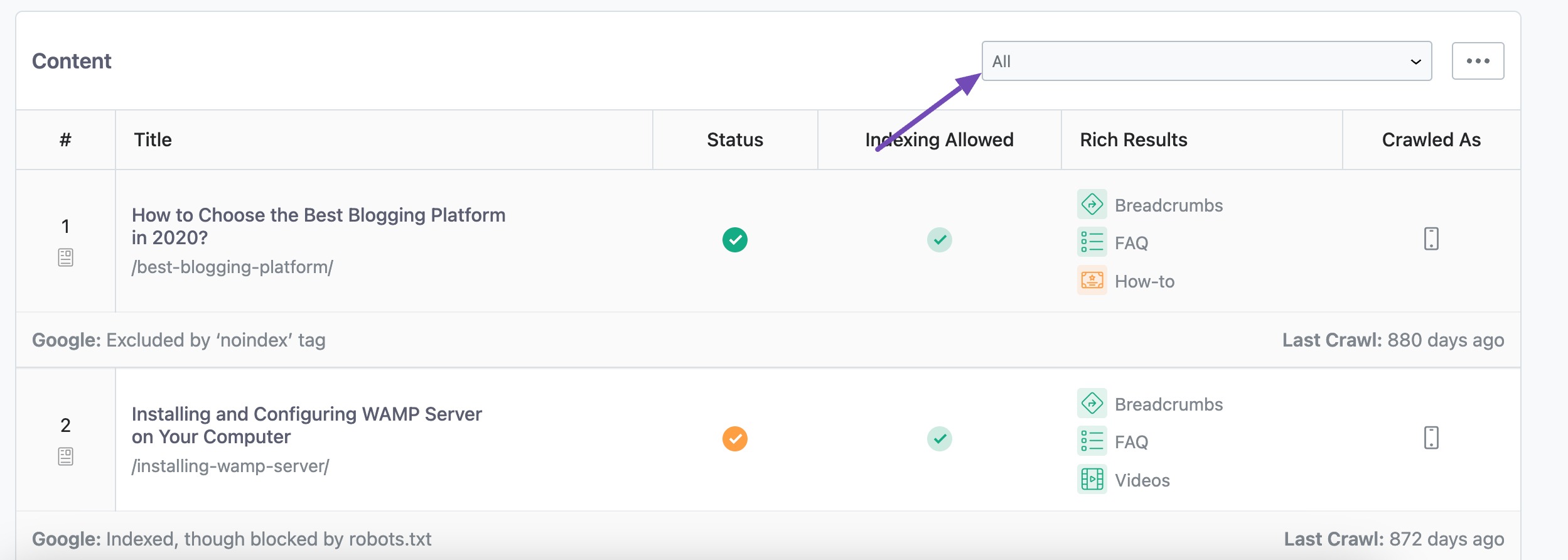
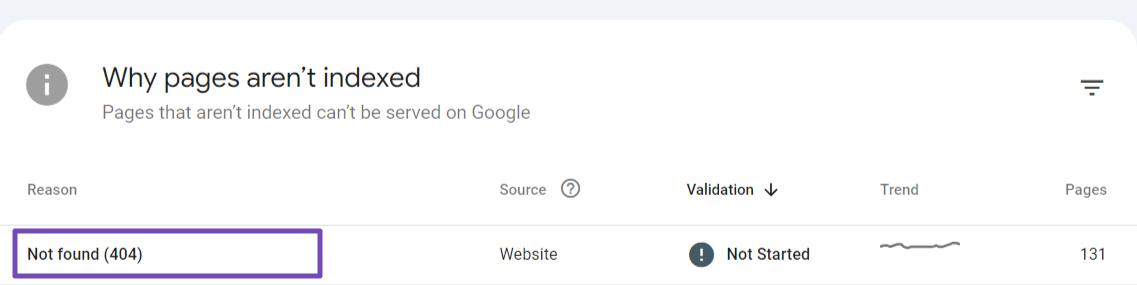
Review Google Search Console: In Google Search Console, check the Pages section to see if there are any errors listed for the URL you are trying to index. You can find more information about 404 errors here.
-
Redirect Removed Pages: If the page has been moved, create a 301 redirect from the old URL to the new one. This helps preserve any link equity from the old URL.
-
Check Server Settings: Ensure that your web server is configured correctly to return a 404 error for missing pages. If it’s returning a 200 status code instead, contact your web hosting provider to fix this.
-
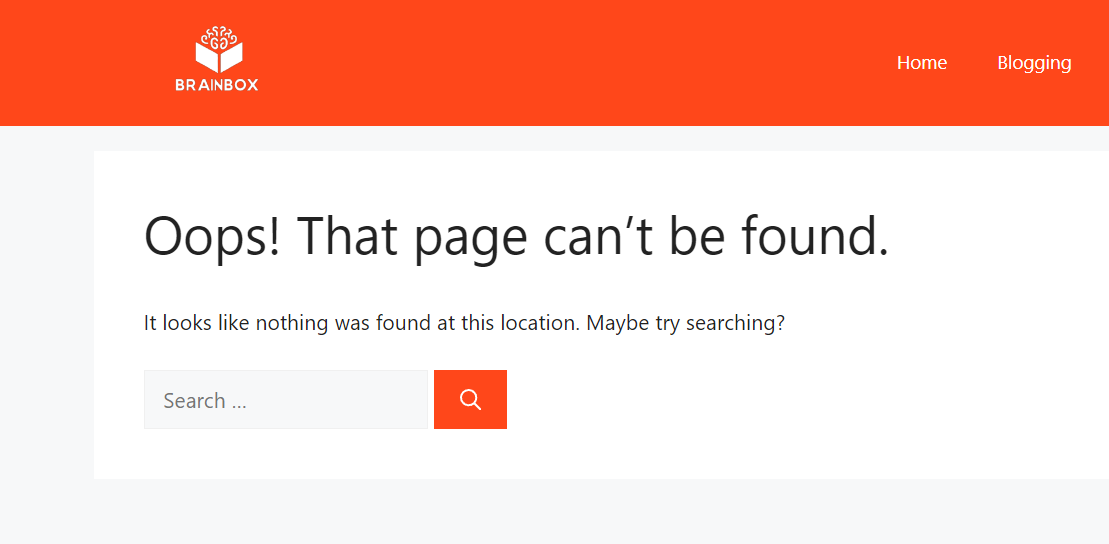
Custom 404 Page: Consider creating a user-friendly custom 404 page that guides visitors to helpful content on your site.
If these steps do not resolve the issue, please reply to this ticket, and a human agent from the Rank Math Support team will take over and assist you further. Thank you for raising this concern!
Hello,
Thank you for contacting us and sorry for any inconvenience that might have been caused due to that.
Please try to submit the URL in Publish/Update URL first as Google isn’t aware of the URL. Once done, please check the URL again with Get URL Status.
If the issue persists, then this has something to do with Google not accepting the URL since the API is only for two types of websites (job posting and live streams) and goes through rigorous spam detection due to recent changes in Google, it’s much more difficult to get URLs into the API.
So, unless you have one of the website types we mentioned and the content is unique, you won’t be able to use this feature consistently and you shouldn’t as the API was never intended for it as mentioned in our own documentation.
The bottom line is that our submissions to the API are working fine, but if the pages are not accepted into it because of guidelines issues, there’s nothing we can do.
The Instant Indexing plugin was put through rigorous testing and we can see the submissions are working, but we cannot force Google to accept them as mentioned multiple times before.
Please don’t hesitate to let us know if you have any other questions.
Ciao Jeremy, grazie per la tua risposta.
Ho capito molto bene qual’è il problema, ma noi da poco abbiamo cambiato il servizio di hosting del nostro sito web e prima di questo potevo indicizzare le pagine dei miei prodotti semplicemente aggiornando il permalink di un prodotto e inviavo tramite API.
Per questo mi chiedo se il problema non è collegato al fatto che abbiamo cambiato servizio hosting.
Attendo una tua risposta
Grazie
Hello,
Can you please re-configure the Instant Indexing plugin again by following all the steps from this guide? https://rankmath.com/blog/google-indexing-api/
Let us know how that goes.
Looking forward to helping you.
Hello,
Since we did not hear back from you for 15 days, we are assuming that you found the solution. We are closing this support ticket.
If you still need assistance or any other help, please feel free to open a new support ticket, and we will be more than happy to assist.
Thank you.