Hello,
We apologize for the issue you are facing with adding SEO controls to your Elementor templates. It seems that you have already created the rank-math.php file and added the necessary code snippet. However, if the Add SEO Controls option is not appearing, please ensure that you have followed these steps:
-
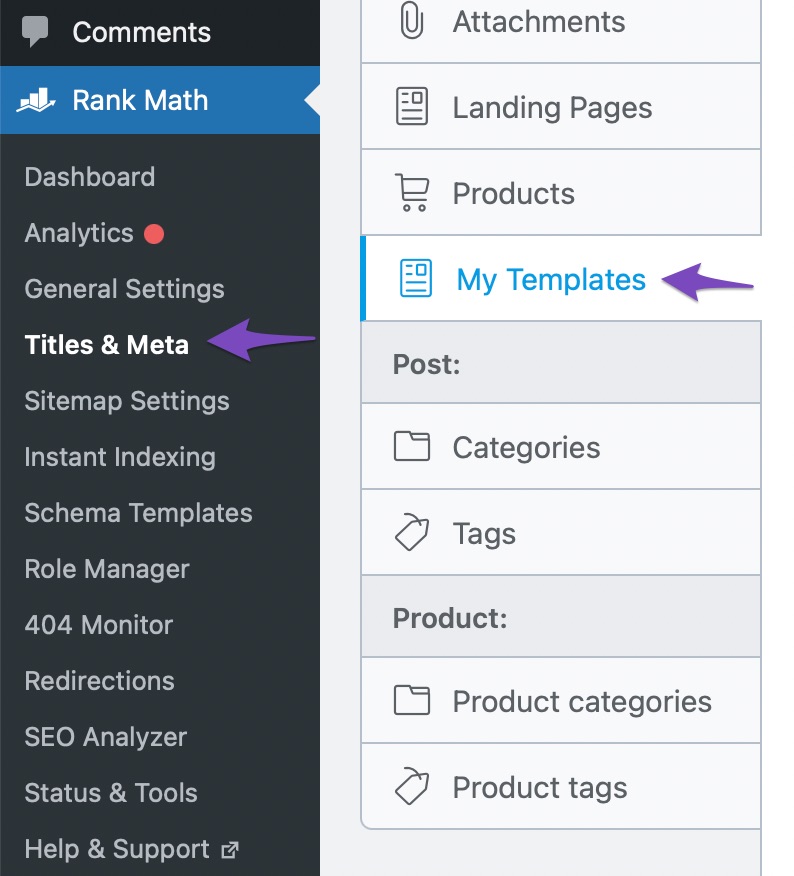
Navigate to Titles & Meta Settings: After adding the code snippet and saving the changes, go to Rank Math SEO → Titles & Meta in your WordPress Dashboard. You should see a new tab labeled My Templates.
-
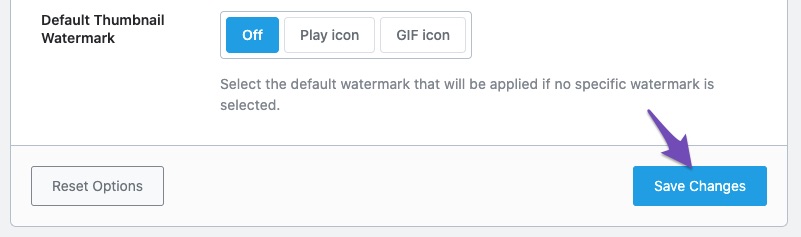
Enable SEO Controls for Elementor Templates: Scroll down to find the option Add SEO Controls. Make sure this option is enabled and then click the Save Changes button.

-
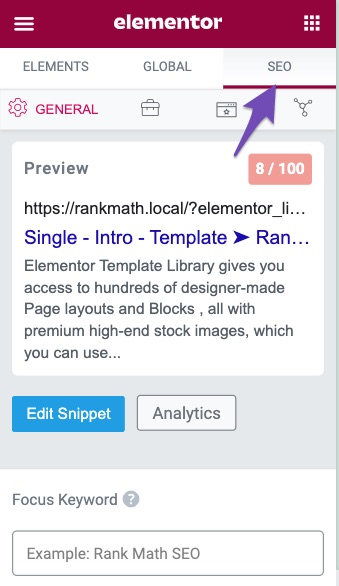
Check the SEO Tab: Once you have enabled this option, you should see the Rank Math SEO Meta box available on your Elementor templates under the SEO tab.
If you have followed these steps and still do not see the option, please reply to this ticket, and a human agent from the Rank Math Support team will assist you further. Thank you for raising this concern, and we hope to resolve it for you soon! Have a nice day!
I have followed all the steps in your guide. but nothing works
Hello,
Thank you for contacting Rank Math support.
Please share the code you have added to the site so we can check this further. Please also share more details and screenshots to explain the issue. You can use a tool like https://imgur.com/ to share screenshots.
Looking forward to helping you.
Hello,
Since we did not hear back from you for 15 days, we are assuming that you found the solution. We are closing this support ticket.
If you still need assistance or any other help, please feel free to open a new support ticket, and we will be more than happy to assist.
Thank you.



