edit default schema

#380262
  • Resolved Haim Schlesinger
    Rank Math free

    Hi,

    I did the wizard and accepted most default offered. So posts automatically have the “Article” as “Schema in use”.

    When I try testing a post with google, I get a “Missing field ‘url’ (optional)” warning.

    I have tried adding the url data and saving as template, and I see there is now an “Article” under Schema Templates, but existing posts and new posts still do not include the new ‘url’ property I have added and saved as template.

    I also tried chaning the Display Conditions of the saved Article schema template, so it is included with each post, but then I have two Article schemas for each post: the original one and the saved template one.

    How do I add a property (in my case, Author/url) to the default “Schema in use” schema for posts?

    Thanks,

    Haim

Viewing 3 replies - 1 through 3 (of 3 total)
  • Hello,

    Thank you for contacting Rank Math and bringing your concern to our attention. I’m sorry for any inconvenience this issue may have caused you.

    Could you please share a sample affected URL so we can check as well?

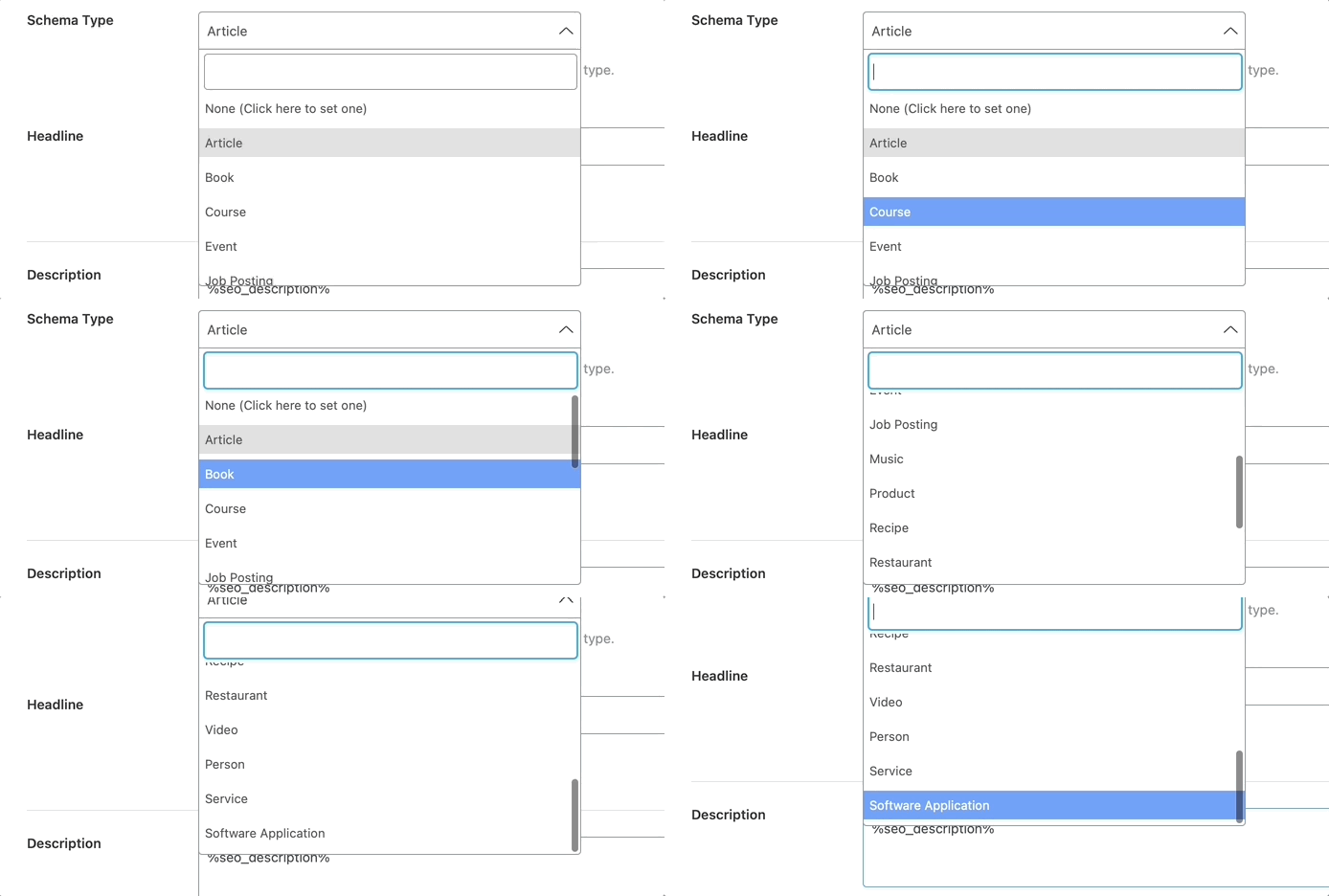
    Meanwhile, if you’re already using a schema template, please disable the default schema applied in Rank Math > Titles & Meta > [Post Type] and set it to None

    Schema none

    Looking forward to helping you.

    Thank you.

    Hi,

    Have you read my detailed problem?

    What URL would you like me to share?

    Your request makes no sense, since (as I wrote) I tried a whole sequence of things, each creating to a different version of the post.

    All I want to know is: how do I make the default article schema include an author url automatically for each post?!

    Regards,

    Haim

    Nigel
    Rank Math business

    Hello,

    Schema implementations vary between sites, so we’d like URL of a sample article so we can check how the article schema is applied to verify that the method we gave you is correct.

    To activate author URLs in schema please try enabling author archives. To do so, navigate to Rank Math > Titles & Meta > Authors and next to “Author Archives” click enabled, then click “Save Changes”.

    Hope that helps. Please let us know if you have questions.

    Hello,

    Since we did not hear back from you for 15 days, we are assuming that you found the solution. We are closing this support ticket.

    If you still need assistance or any other help, please feel free to open a new support ticket, and we will be more than happy to assist.

    Thank you.

Viewing 3 replies - 1 through 3 (of 3 total)

The ticket ‘edit default schema’ is closed to new replies.