Hello,
We apologize for the issues you are facing with your Rank Math installation. It sounds like the misalignment of columns on your WooCommerce Products page is causing difficulties in managing your products.
To fix the misalignment, you can follow these steps:
- Open the Screen Options menu by clicking at the top right of the WooCommerce Products page in your WordPress admin area.
- From there, you can select only the columns you wish to appear and then click on Apply. This should help realign the columns and make it easier to view your products.
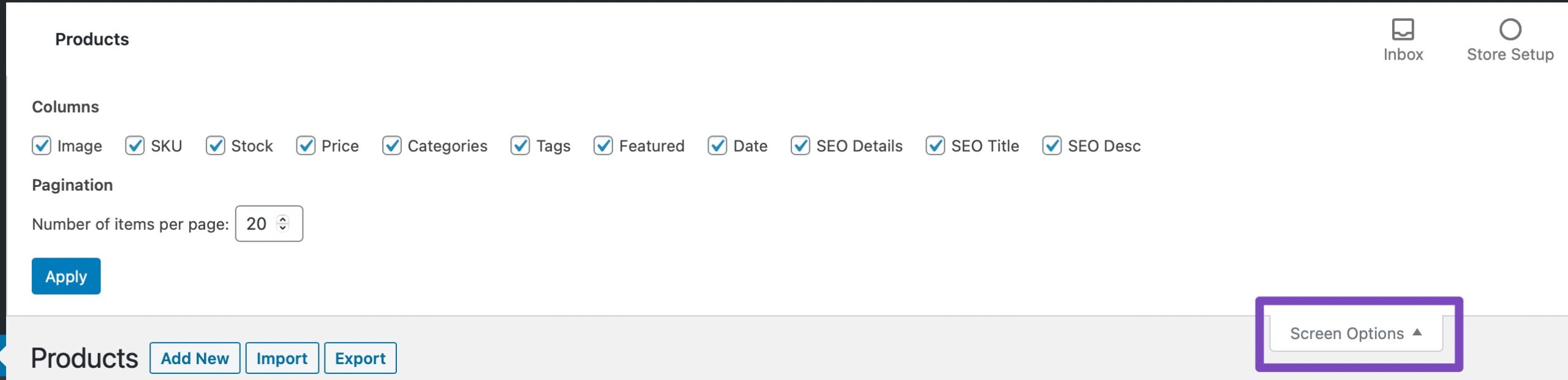
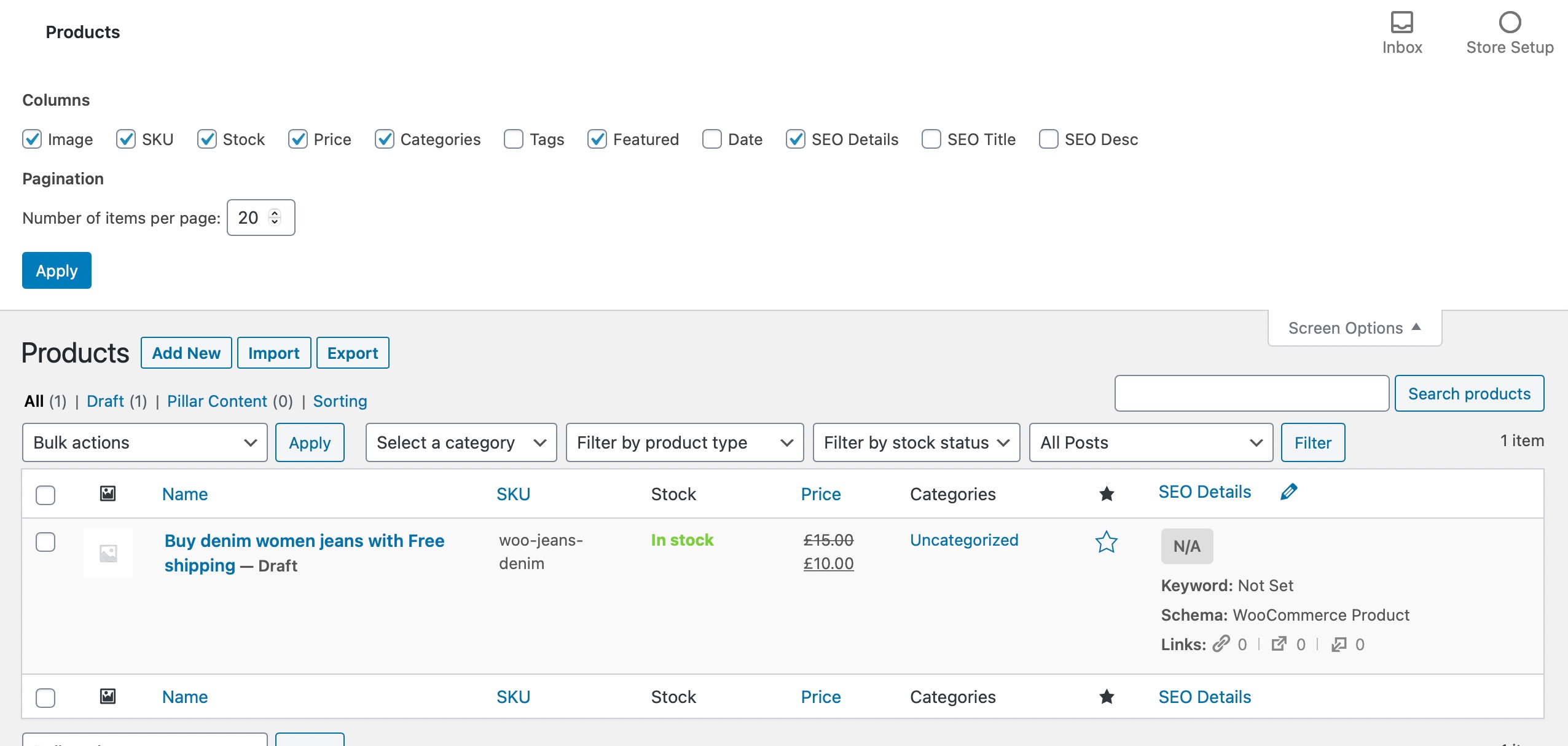
Regarding the issue with your products showing as ‘Test Products’ during merchant verification, this may be related to how the products are set up in your WooCommerce settings or possibly a configuration issue with your payment gateway. We recommend checking your product settings to ensure they are correctly configured for live transactions.
If you continue to experience these issues, please reply to this ticket, and a human agent from the Rank Math Support team will assist you further. Thank you for bringing this to our attention!
Sources:
WooCommerce Products Page is Misaligned When Using Rank Math
Hello,
I have updated the sensitive data as requested. Can you please check further?
Thank you.
Hello,
Thank you for your query and we are so sorry about the trouble this must have caused.
We checked a couple of product pages in your shop and there don’t seem to be any layout issues. Can you please share some screenshots of what you are seeing from your end?
Also, please share the affected product page URL here so we can take a closer look at them.
Looking forward to helping you.
Hello,
Since we did not hear back from you for 15 days, we are assuming that you found the solution. We are closing this support ticket.
If you still need assistance or any other help, please feel free to open a new support ticket, and we will be more than happy to assist.
Thank you.



