Hello, we apologize for the issue you are facing with activating Rank Math on your WordPress site.
To activate Rank Math, please follow these steps:
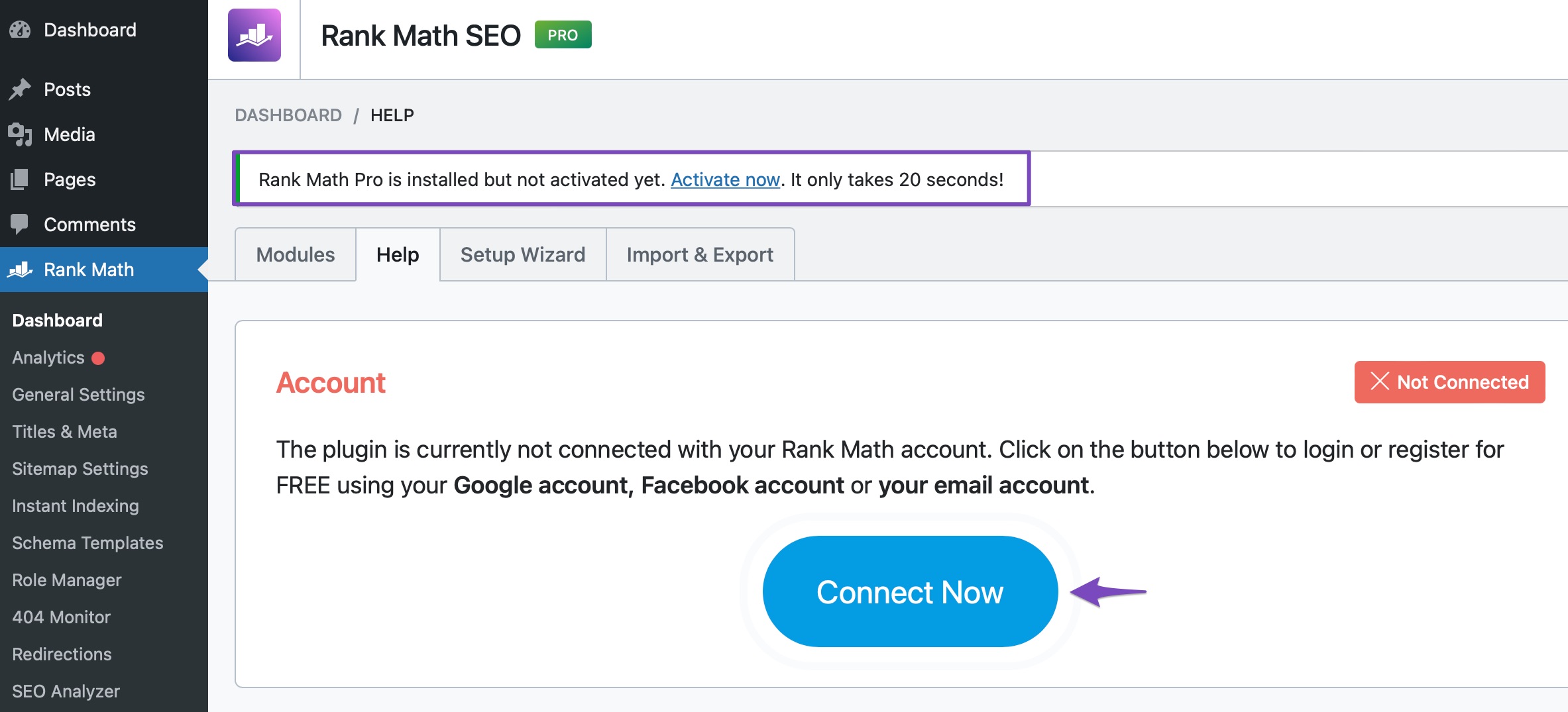
- Navigate to the Dashboard: Go to your WordPress Dashboard.
- Access Rank Math: Click on Rank Math SEO in the sidebar.
- Go to Help: Select Dashboard and then click on Help.
- Connect Now: Click on the Connect Now button as shown below:
- Select Your Account: You will be redirected to rankmath.com, where you can connect your account. Make sure to use the same Rank Math account you used to subscribe to a Rank Math PRO plan.
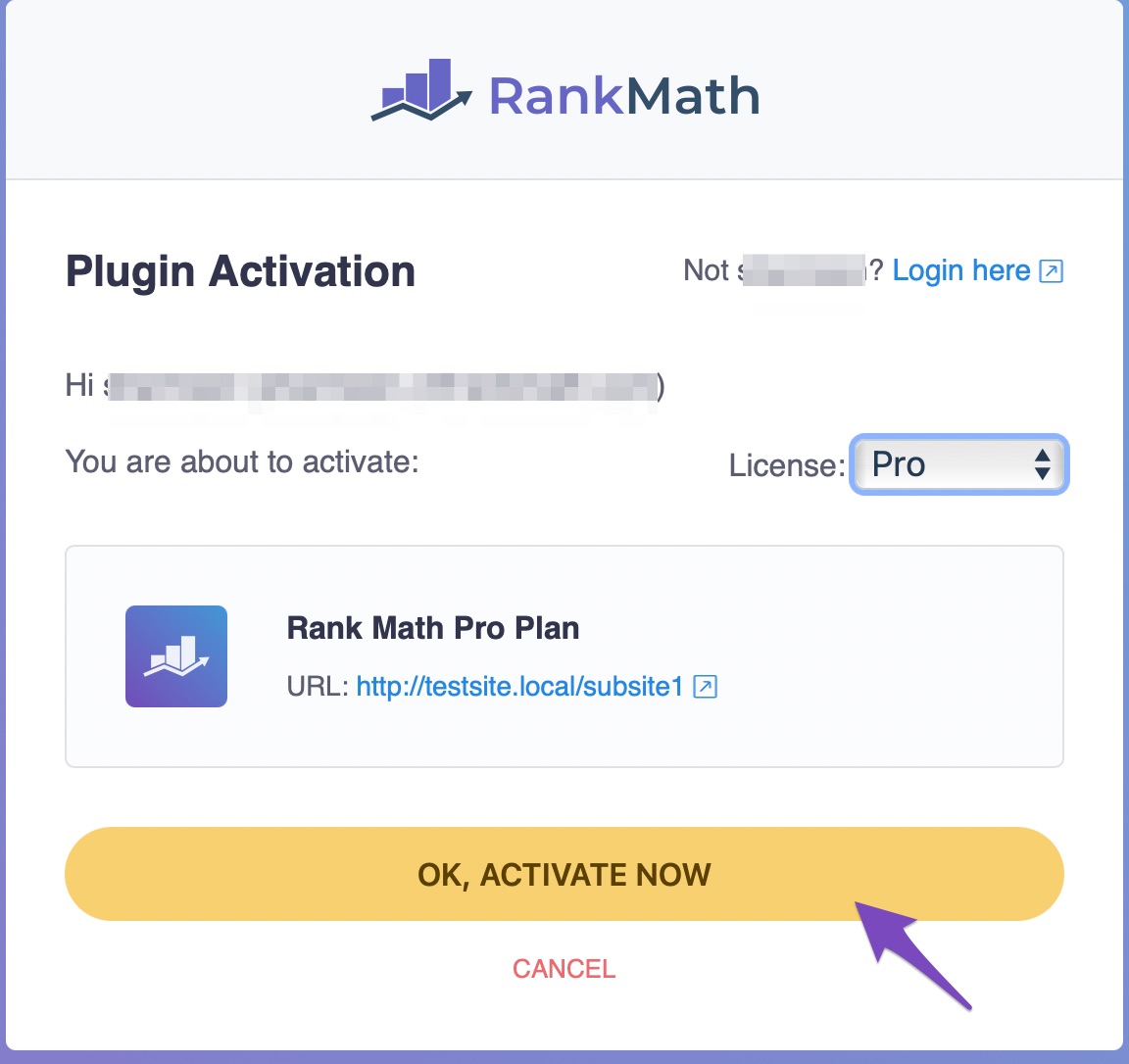
- Activate: After clicking OK, then ACTIVATE NOW, Rank Math should be activated successfully on your site.
If you continue to experience issues, please reply to this ticket, and a human agent from the Rank Math Support team will assist you further. Thank you for raising this concern!
Sources:
Installing Rank Math on a Multisite Environment » Rank Math
Hello,
Thank you for contacting Rank Math support.
Please let us know if there are errors shown when connecting to your Rank Math account.
You can share a screenshot of the error using https://imgur.com/upload.
We really look forward to helping you.
Hello,
Since we did not hear back from you for 15 days, we are assuming that you found the solution. We are closing this support ticket.
If you still need assistance or any other help, please feel free to open a new support ticket, and we will be more than happy to assist.
Thank you.



