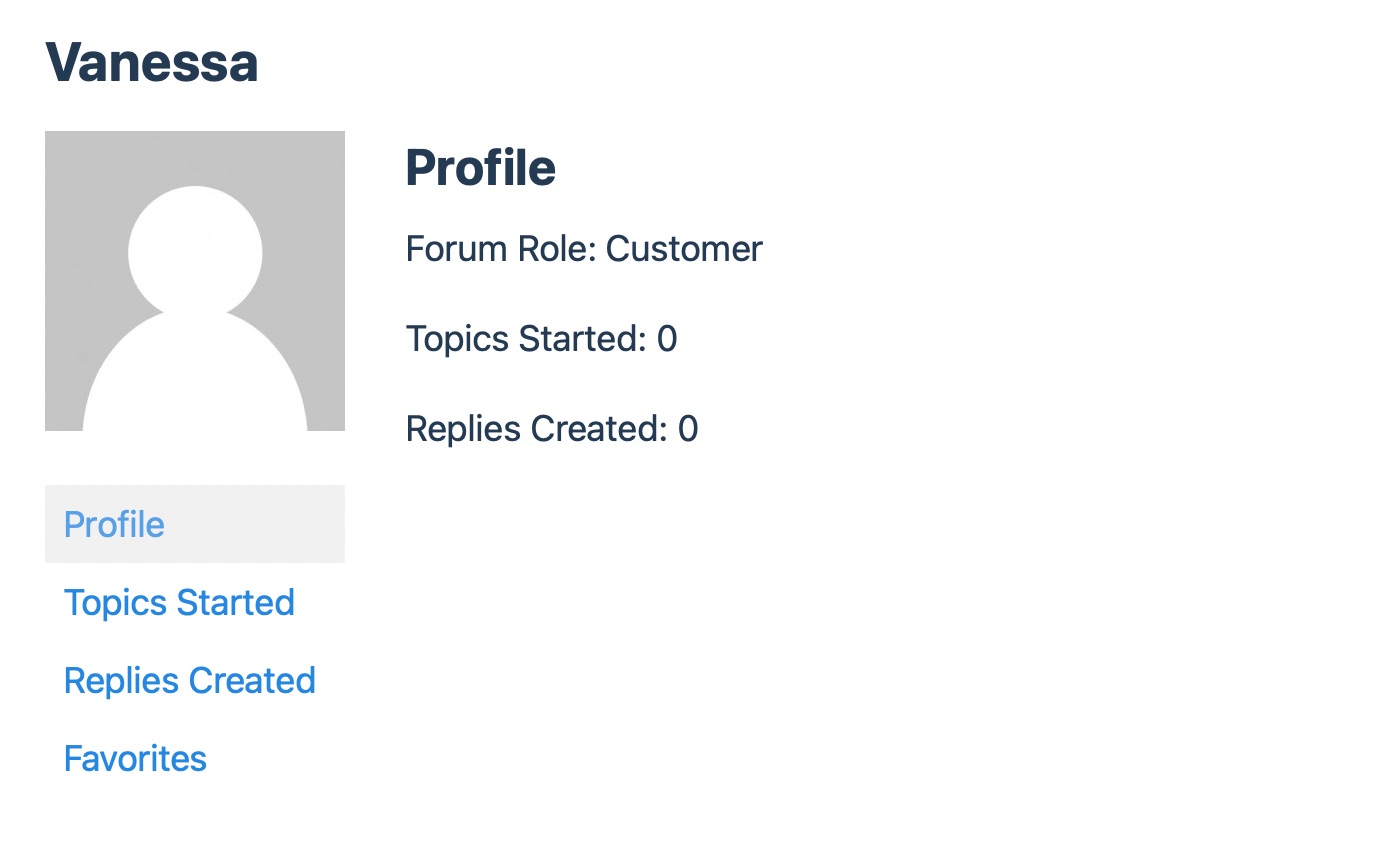
Hello, we’re sorry to hear that you’re having an issue with changing your username. To change your username in Rank Math, you will need to check if the desired username is available. You can do this by copying the following URL into your browser and replacing username with frokotool:
`https://rankmath.com/wp-content/uploads/2023/03/profile-page-1.jpg
If the page returns an "Oops! That page can’t be found" error, it means the username is available. If it returns a profile page, then the username is already taken.
Once you confirm that the username is available, please reply to this ticket, and a human agent from the Rank Math Support team will assist you in changing your username. Thank you for raising this concern!
Sources:
How to Change Your Username in Rank Math » Rank Math
This is an automated reply from Rank Math Support Bot. If you need further assistance, please reply to this topic and a human support agent will reply to you shortly.
Hello,
Since we did not hear back from you for 15 days, we are assuming that you found the solution. We are closing this support ticket.
If you still need assistance or any other help, please feel free to open a new support ticket, and we will be more than happy to assist.
Thank you.