Hello,
We apologize for the issue you are facing in finding the settings. To change the "worksFor" and "headline" settings, as well as the "Article" and "name" settings, you will need to access the Schema settings in Rank Math.
-
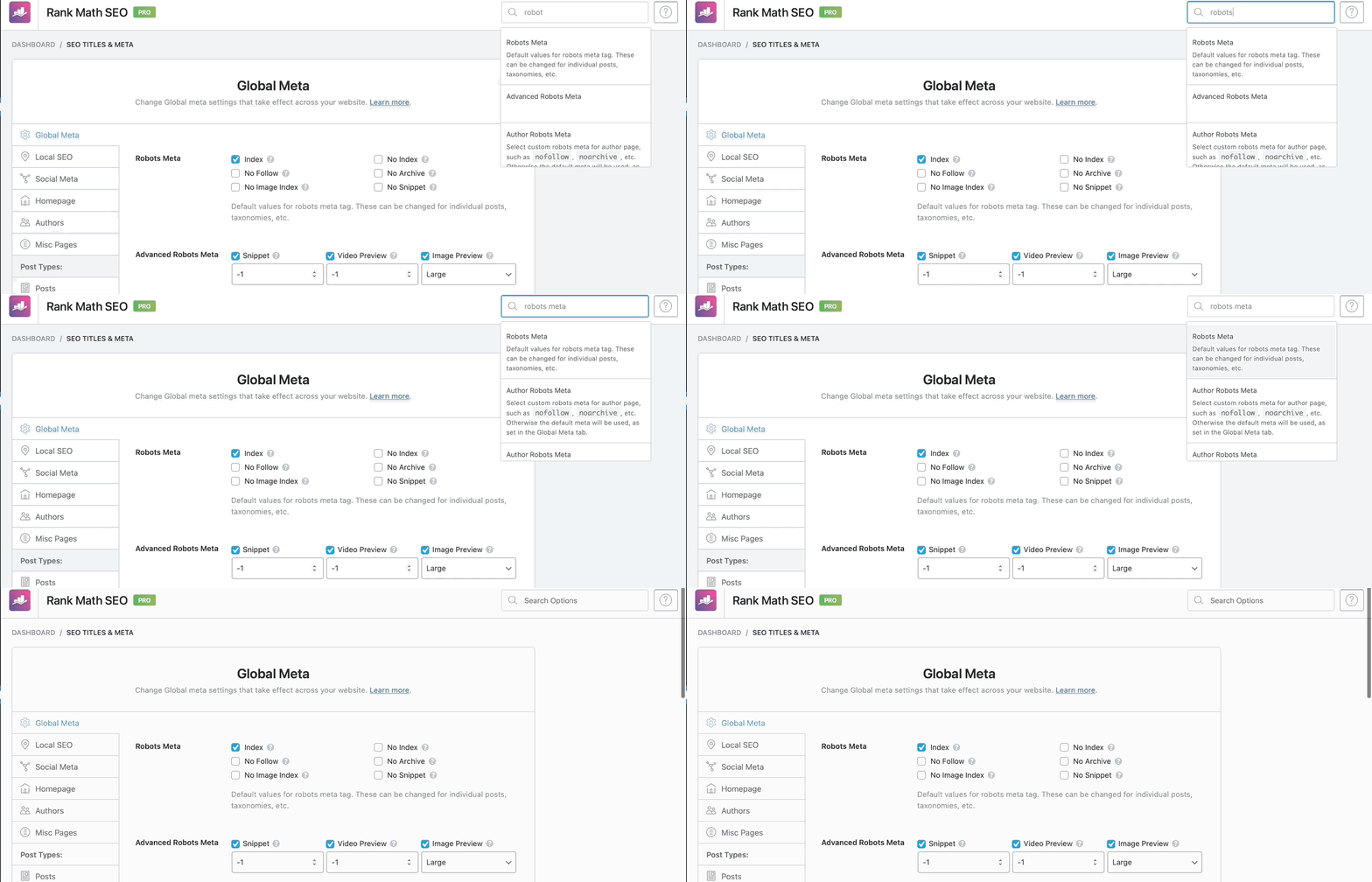
Accessing the Settings: You can find the settings by navigating to the appropriate section in Rank Math or using the search box at the top of the page to quickly locate the settings you need. Here’s a visual guide on how to use the search option:
-
Schema Type: Once you are in the Schema settings, select the appropriate Schema type that corresponds to your content. This will allow you to access fields like "headline" and "Article".
-
Editing Fields: After selecting the Schema type, you should see options to edit the "headline" and other relevant fields. Make your changes and ensure to save them afterward.
-
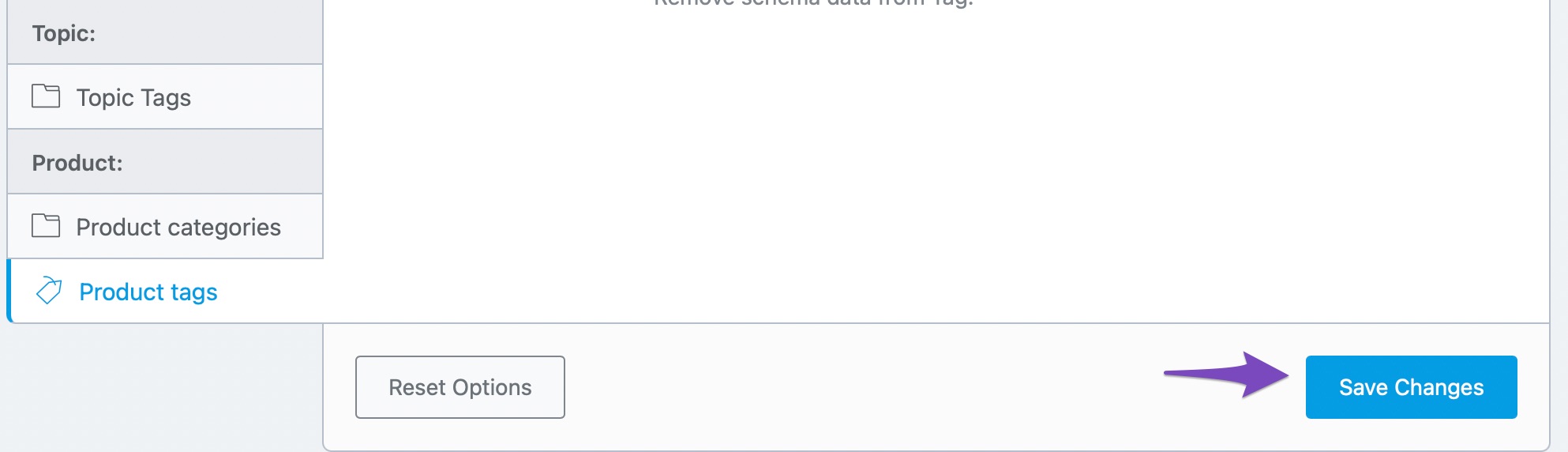
Saving Your Settings: Remember that changes do not save automatically. You need to click the “Save Changes” button at the bottom of the settings page to apply your modifications.
If you still have trouble finding these settings, please reply to this ticket with your site URL, and a human agent from our support team will assist you further. Thank you for raising this concern!
Sources:
Rank Math ‘Titles and Meta’ Options and Settings


