Hello,
We apologize for the issue you are facing with your CDN images not being included in your sitemap. To include CDN images in your sitemap using Rank Math, you can utilize custom fields to add the image URLs. Here’s how you can do it:
-
Add Custom Fields: You can include custom fields in your pages with the URLs of your CDN images. Make sure to enter only one entry per line so that Rank Math can understand them better.
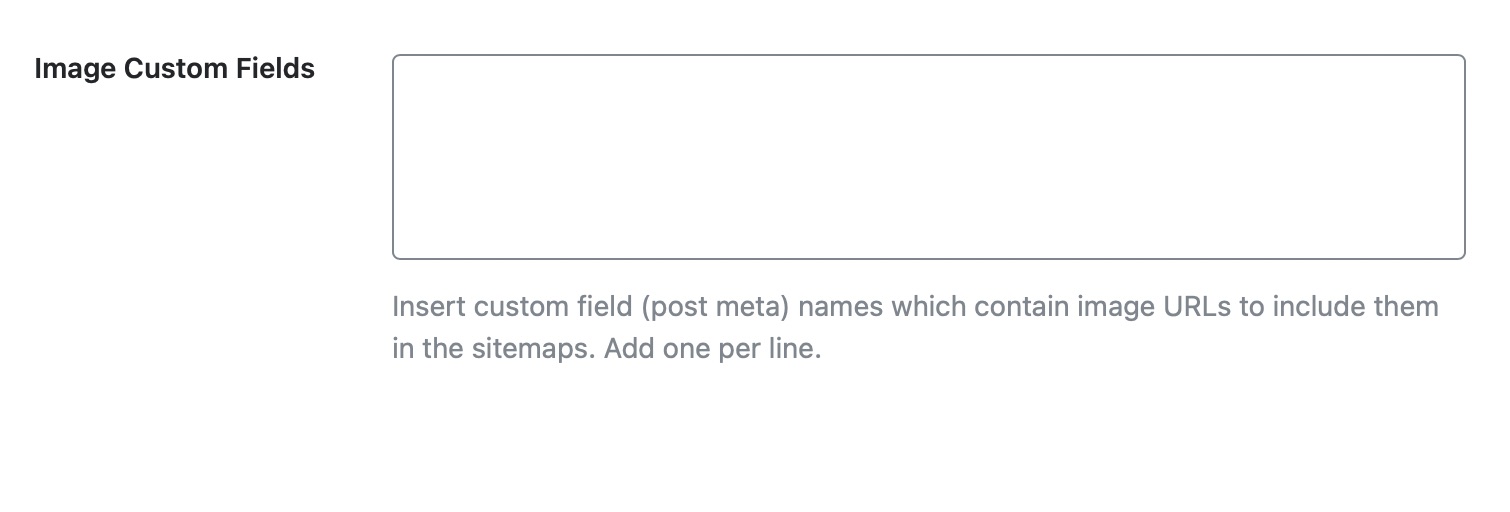
-
Finding Your Pages Sitemap: After you’ve made your changes, you can find the URL of your Pages Sitemap right at the top of the page. Copy it and save it for submission to Google.

-
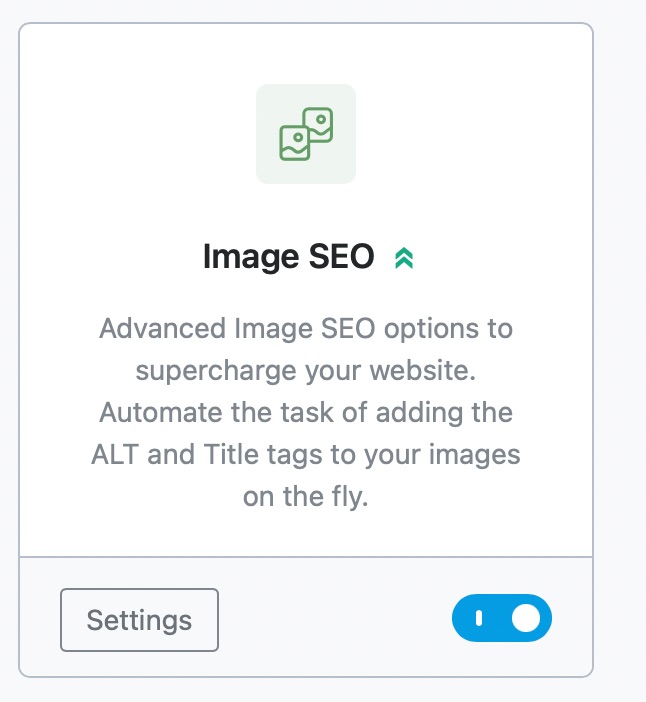
Enable Image SEO Module: Since you mentioned you like the ALT and title functions for images, ensure that the Image SEO module is enabled in Rank Math. This will help automate the process of adding ALT text and titles to your images.
-
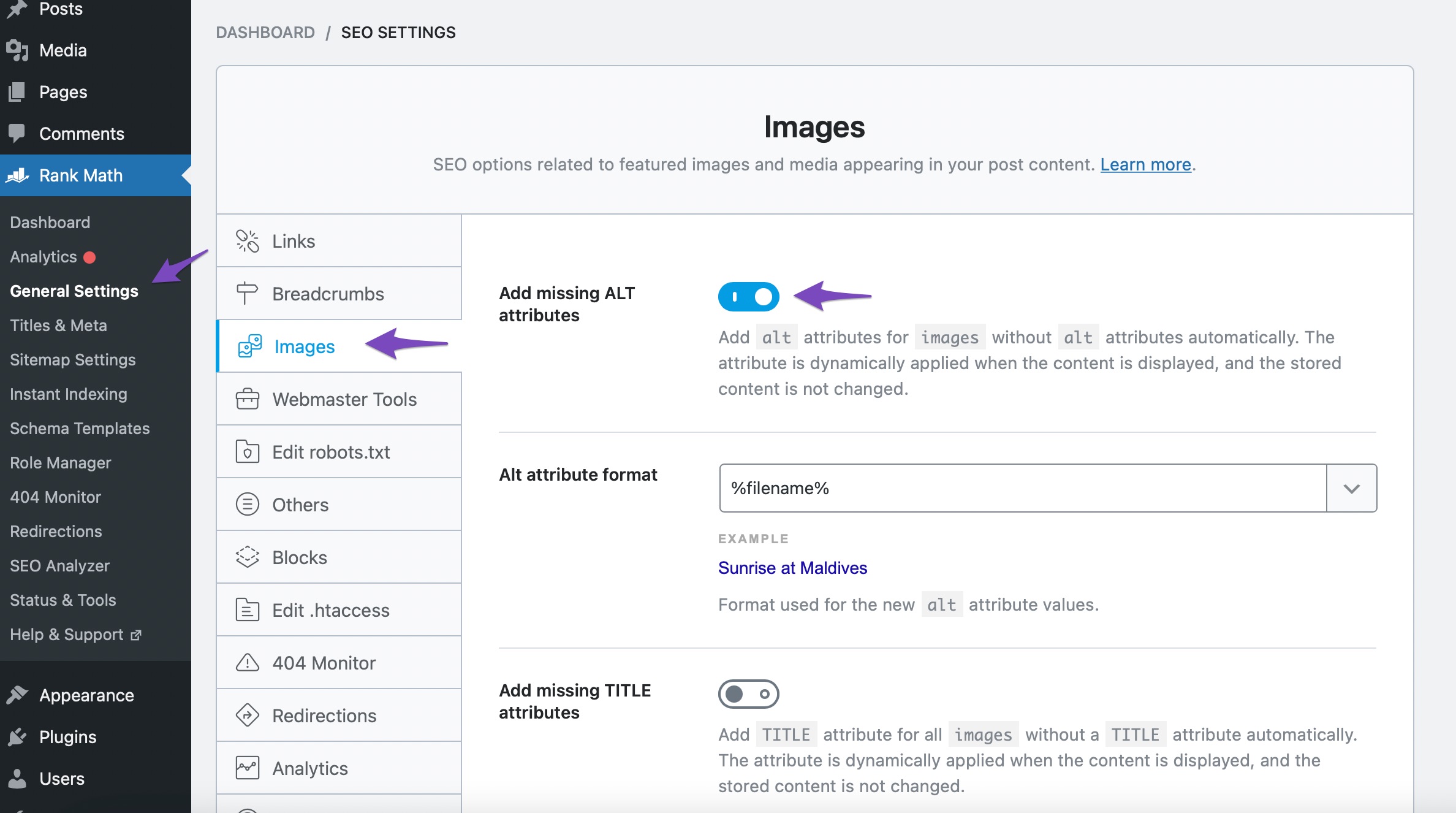
Add Missing ALT Attributes: Navigate to Rank Math SEO → General Settings → Images, and toggle the Add missing ALT attributes option to automatically add the filename of your images as the ALT attribute.
If you have any further questions or need assistance with this process, please reply to this ticket, and a human agent from the Rank Math Support team will be happy to help you further!
Hello,
Thank you so much for getting in touch.
We’ve shared a code in the sensitive data section so you can replace image src with CDN src in your sitemap.
You may refer to this guide on how to add filters to your website: https://rankmath.com/kb/wordpress-hooks-actions-filters/
Hope that helps.
Hello,
Since we did not hear back from you for 15 days, we are assuming that you found the solution. We are closing this support ticket.
If you still need assistance or any other help, please feel free to open a new support ticket, and we will be more than happy to assist.
Thank you.



