Hello,
We apologize for the issue you are facing with locating the Image SEO module in the dashboard. To access and enable the Image SEO module in Rank Math, please follow these steps:
-
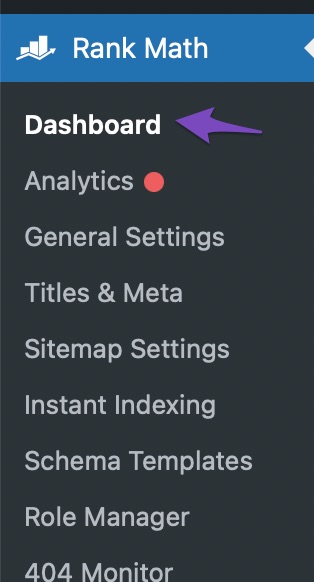
Navigate to the Rank Math Dashboard: Go to your WordPress admin area and click on Rank Math SEO → Dashboard.
-
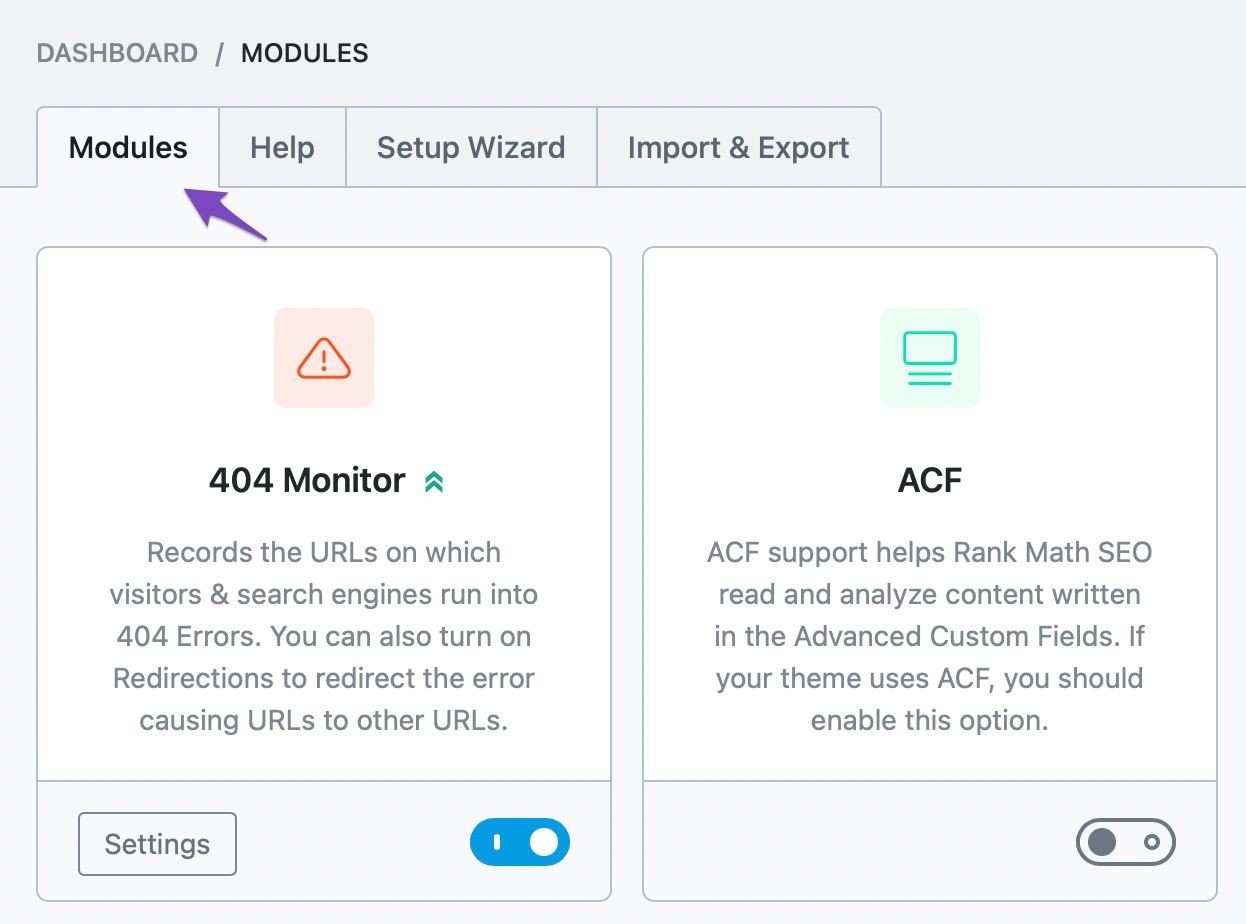
Find the Modules Section: In the dashboard, look for the Modules section.
-
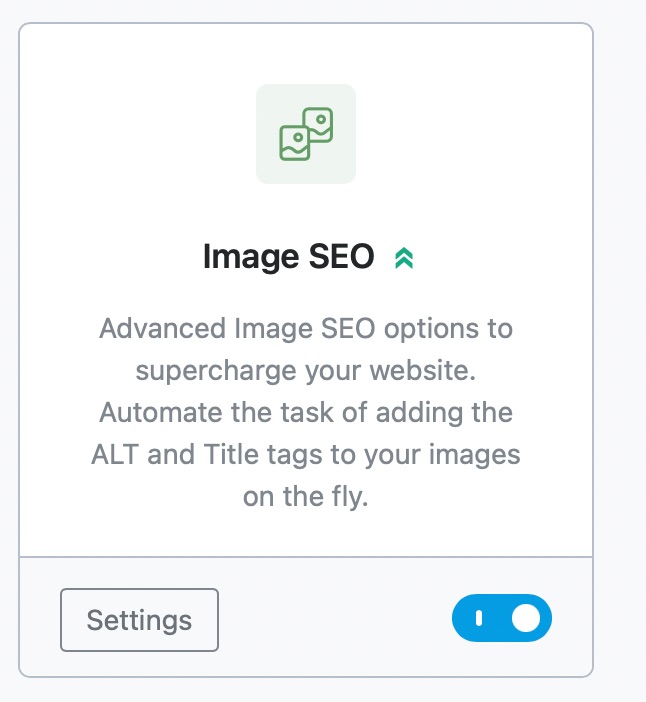
Enable the Image SEO Module: Locate the Image SEO module and click the button to enable it.
If you still cannot find the module after following these steps, it may be due to a plugin conflict or an issue with your installation. In that case, please reply to this ticket, and a human agent from the Rank Math Support team will assist you further.
Thank you for raising this concern!
Sources:
Image SEO Options in Rank Math
How To Enable & Disable Modules in Rank Math » Rank Math
I found… and then turned on “advanced mode” which then displayed the option. Done.
Hello,
We are glad that you’re able to sort it out.
If you have another question in the future, please feel free to create a new forum topic, and it will be our pleasure to assist you.
Thank you.



