Hello,
We apologize for the issue you are facing with your H1 tag. Since your homepage is set to display the latest posts, the H1 tag will automatically use the title of your latest post. If you want to change the H1 tag, you will need to change the title of that post.
Here’s how you can do it:
- Navigate to Your Posts: Go to your WordPress Dashboard and click on Posts.
- Edit the Latest Post: Find the latest post that is currently being displayed on your homepage and click on Edit.

- Change the Title: In the post editor, change the title of the post to whatever you want your H1 tag to be.
- Update the Post: After changing the title, make sure to click on Update to save your changes.
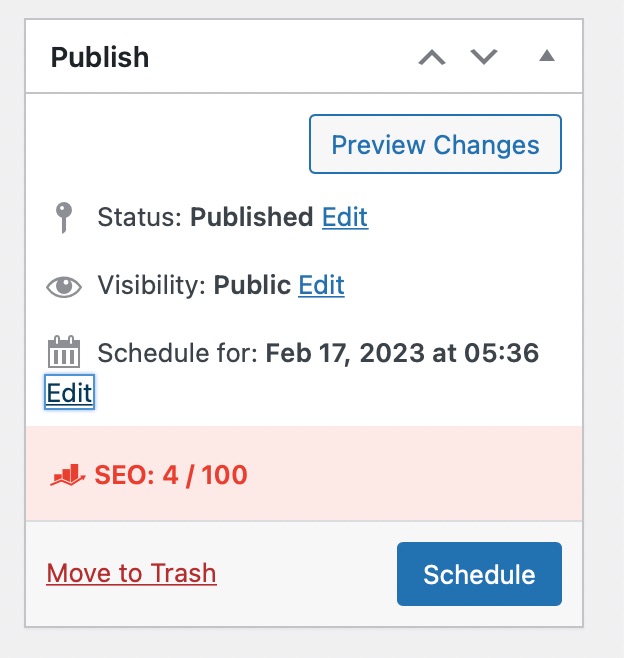
Once you have updated the title of your latest post, it should reflect as the H1 tag on your homepage.
If you have any further questions or need additional assistance, please feel free to reply to this ticket, and a human agent from the Rank Math Support team will assist you further.
Thank you for raising this concern!
Hello,
Please note that the heading tags are controlled by the theme or page builder you’re using on your website, not by Rank Math.
If you’re facing any issues with the heading tags, we suggest you get in touch with your theme support as they are in a better position to assist you.
Hope that helps and please don’t hesitate to let us know if you have any other questions.
Thank you.
Hello,
Since we did not hear back from you for 15 days, we are assuming that you found the solution. We are closing this support ticket.
If you still need assistance or any other help, please feel free to open a new support ticket, and we will be more than happy to assist.
Thank you.



